







5 Free Procreate Tutorials by ‘Manero Brushes’
Draw and paint realistic portraits with the Procreate brushes by learning from these cool tutorials.

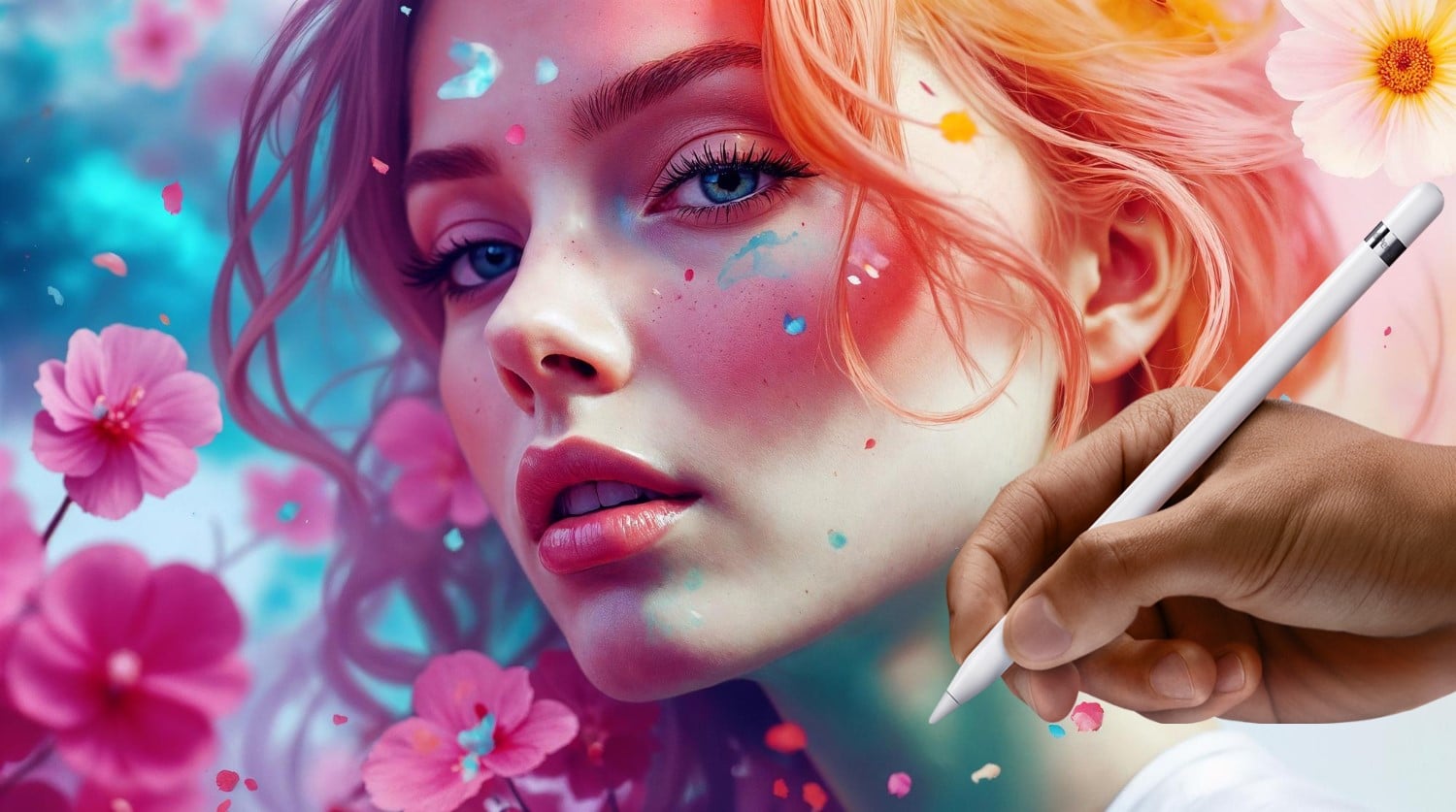
Amazing and detailed Procreate brushes tutorials if you want to learn to draw or paint these are the best and most useful tips from Manero Brushes. The author is currently working on a special video that requires a little more time to produce than usual. Instead of leaving you with no tutorial, he thought about sharing some of his past tutorials that you may have missed.
You may also like:
You can visit his Gumroad space of some well done Procreate brushes for your iPad.
Without further ado, let’s jump to the list of Procreate tutorials:
1. How to draw with realistic pencils in Procreate
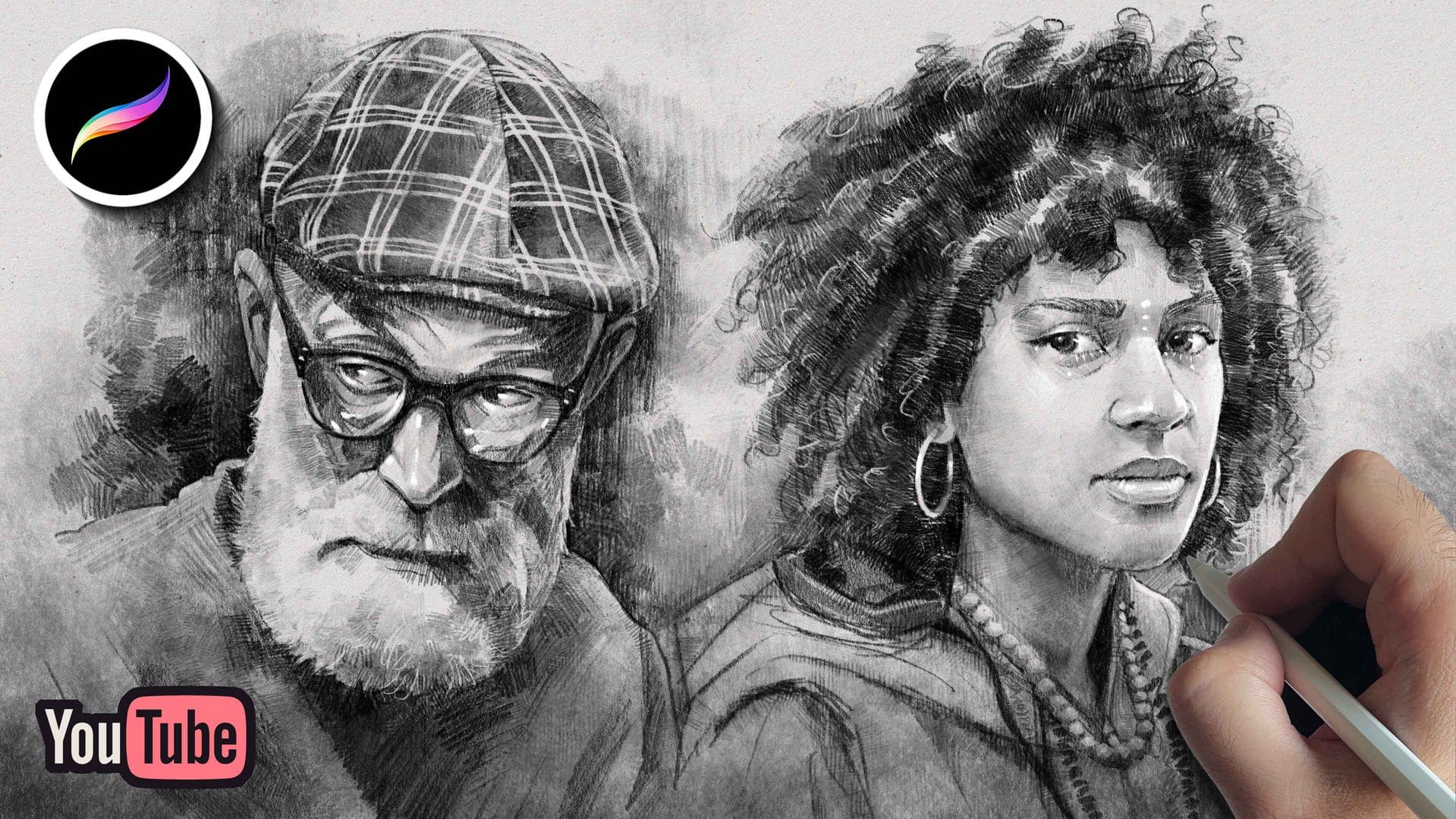
In this tutorial we walk you through the contents of these PENCILMANIA brush sets for Procreate. We will be swatching all the brushes and explain their uses. You can learn how to use these tools by drawing a full pencil portrait from start to finish, and explaining every step in the process.
2. How to paint a flower bouquet with pastels in Procreate
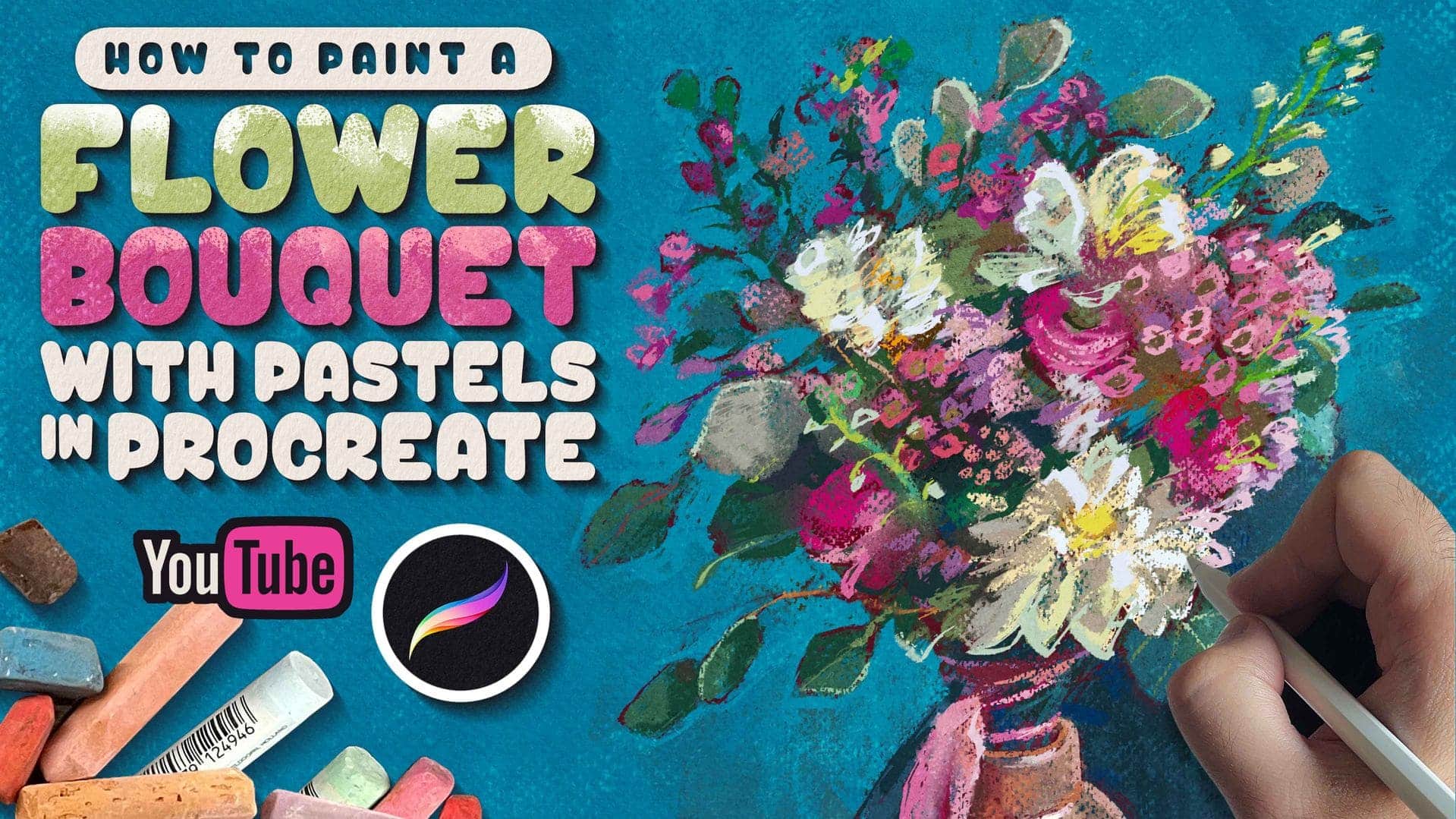
In this comprehensive tutorial we are going to show you how to paint a colorful flower bouquet using these EPIC PASTELS brush set for Procreate.
3. How to draw a fun animal portrait with crosshatching in Procreate
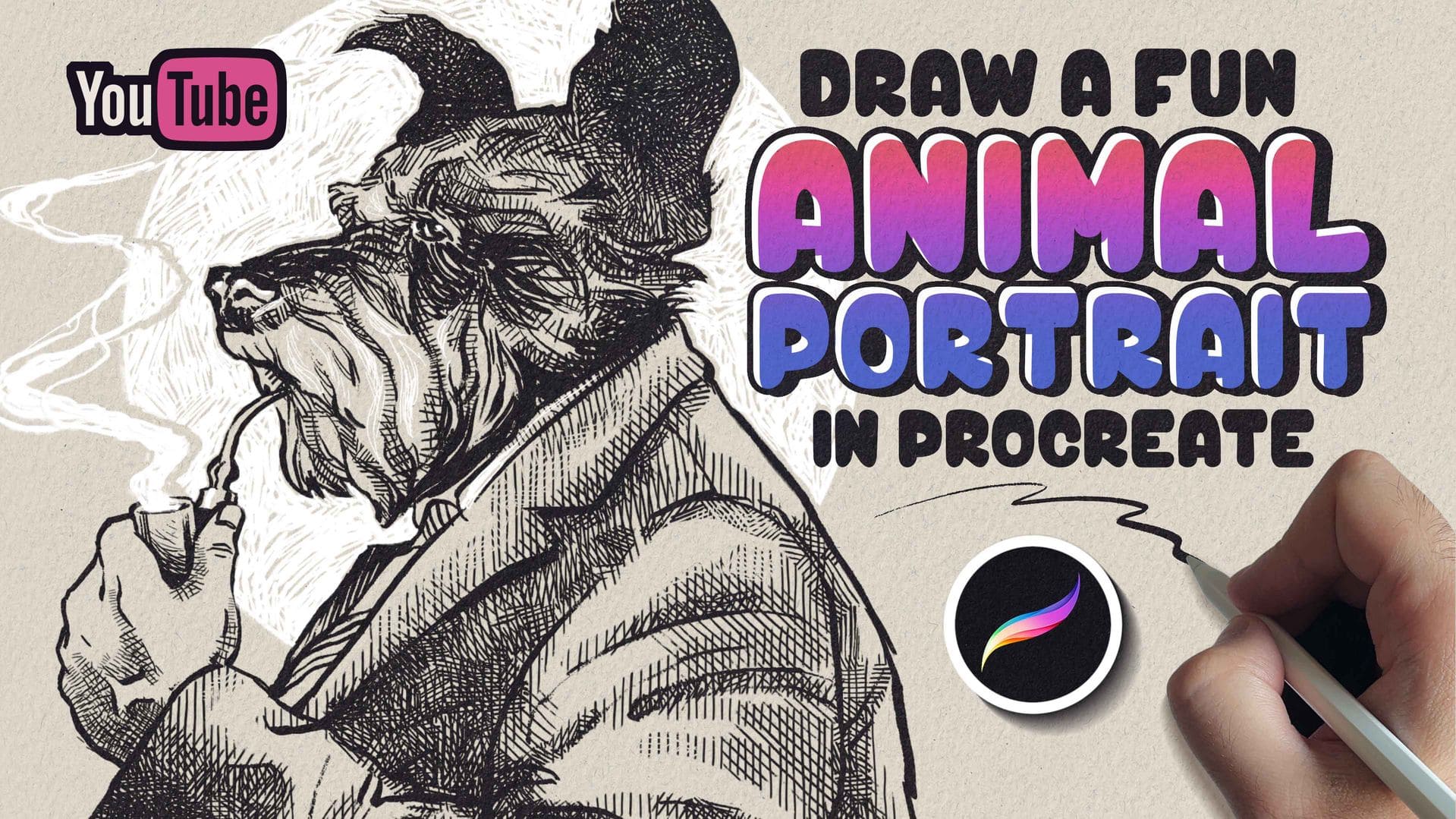
In this video we are going to show you how to draw a portrait of an anthropomorphic animal in Procreate using a crosshatching technique. This is a really fun and easy way of rendering your drawings that thanks to these crosshatching brushes for Procreate takes a really short time to execute.
4. How to paint a watercolor landscape in Procreate
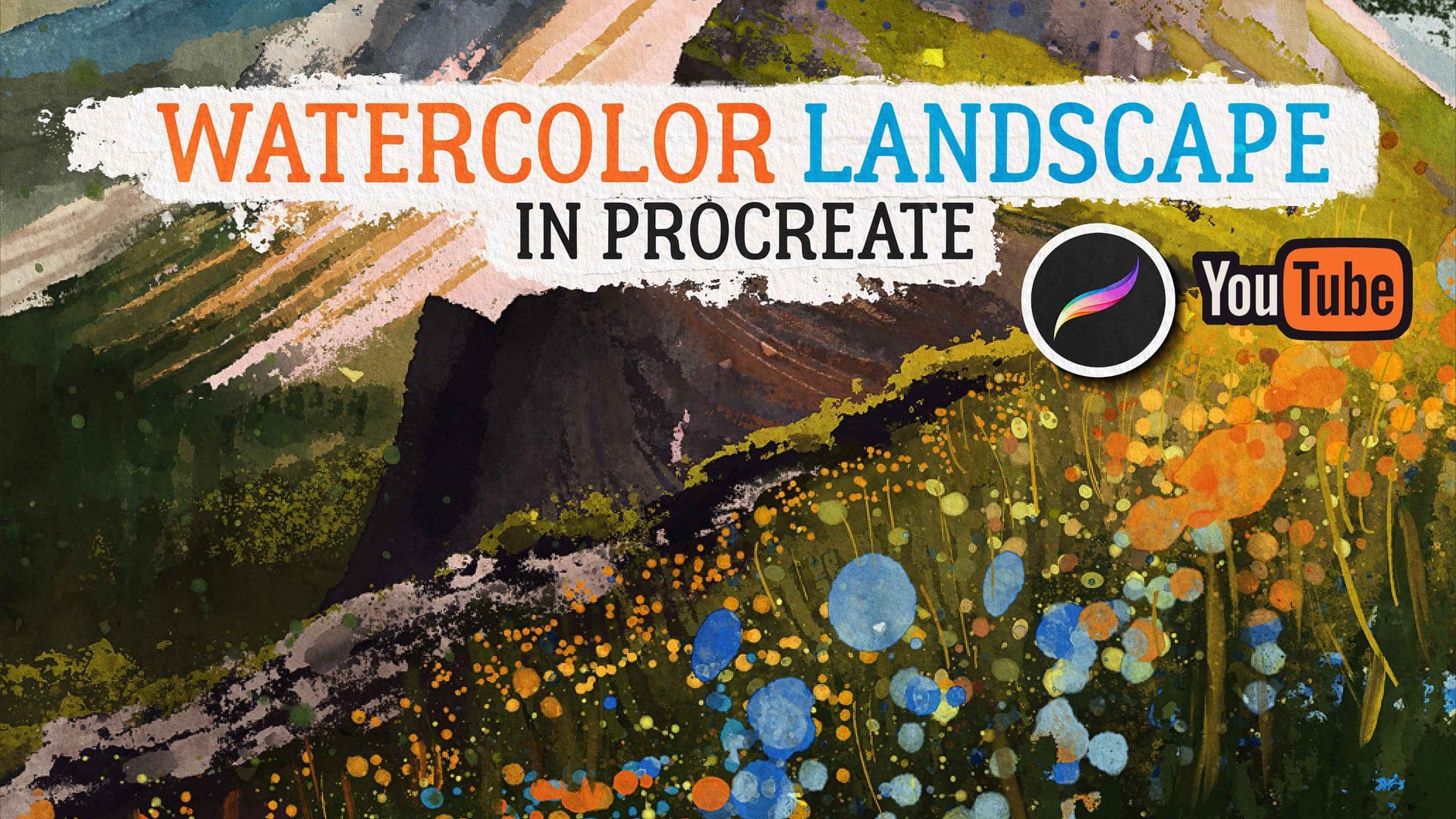
In this lesson, we will show you how to draw a landscape with mountains and flowers using watercolor brushes in Procreate.
5. How to generate randomized color palettes in Procreate
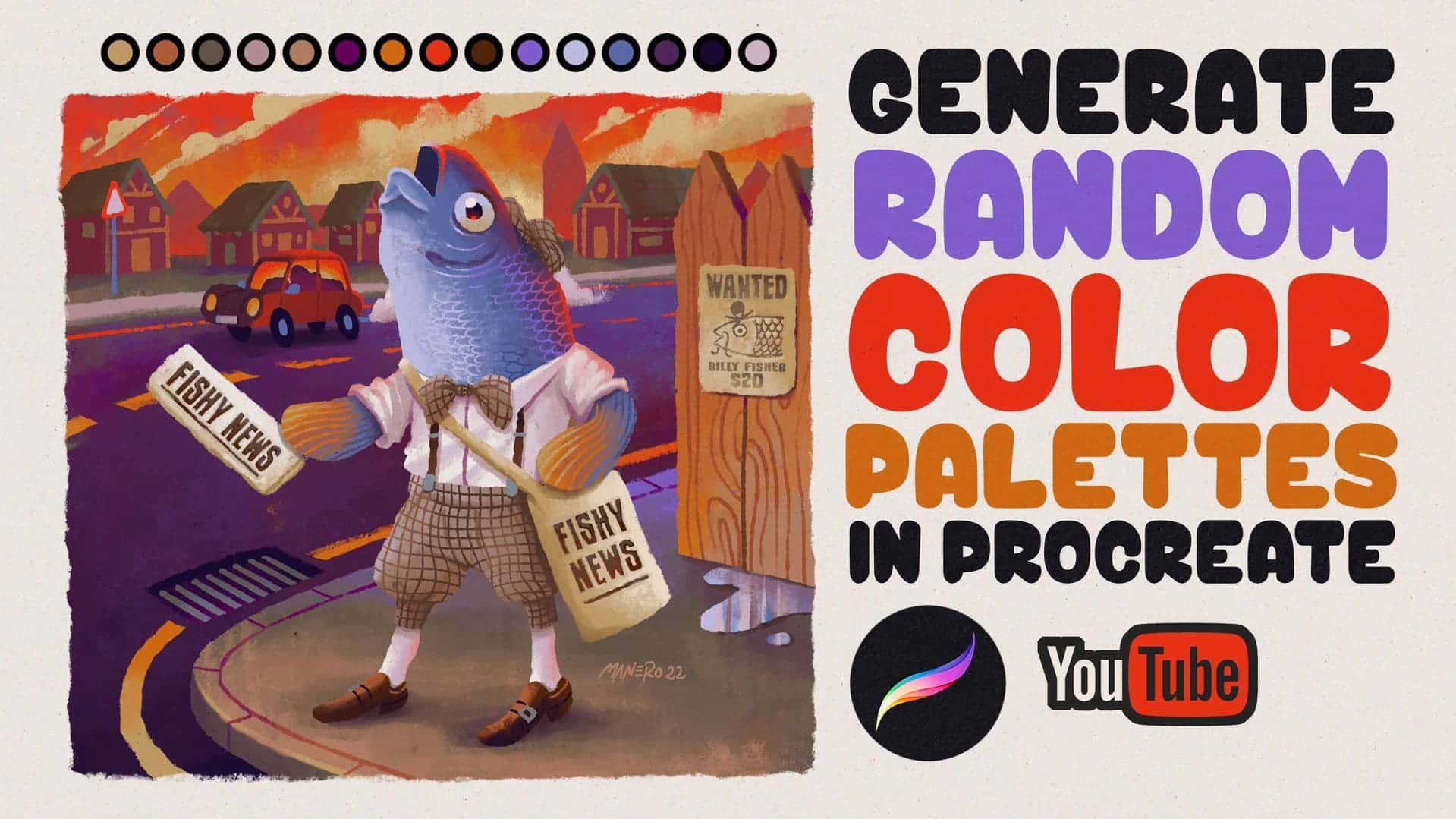
In this video tutorial we are presenting to you a new tool we recently launched on my Gumroad page. It is a brush set that will allow you to generate randomized color palettes based on different parameters right in Procreate that you can then use for your paintings and illustrations.
FAQ
What is a Procreate?
Procreate brushes are digital tools that simulate pens, pencils, paints, textures, with the help of your iPad and Pencil.
What are brushes in Procreate?
Each brush is made up of even parts:
- Shape (what the stroke looks like style)
- Grain (the texture within the stroke Style)
- Sketch (pencil style)
- Ink (ink and pen style)
- Paint (paint brush and watercolor style)
- Smudge (like realistic stain style)
- Erase (if you want to erase something style)
When you draw, Procreate repeats this shape and texture very quickly to create a continuous stroke. That’s why some brushes feel like soft pencils, while others mimic fabric or watercolor.
How to install Procreate brushes?
You can install into following steps:
- Ensure that iPad’OS is up-to-date (13.1 or higher). a. Instructions are for Safari only.
- Open the Download Your Files page (you’ll find a link in your order email) then tap the Download button to begin.
- Tap Download when prompted.
- Tap the Downloads Button, then tap the Magnify/Search Icon.
- This opens the Downloads folder. Wait for the .zip file to download.
- Tap the .zip file to extract the folder and it’s contents.
- To save storage space, swipe left to delete the .zip file, then open the extracted folder.
- Tap the Procreate Brushset file to install it into Procreate.
- Fire up Procreate and you’ll find your brushes ready and waiting
- in a new brush set at the top of the Brush Library.
Conclusion
Get to know more of Manero Brushes if you want to give your iPad more options. Manero Brushes has a large selection of premium quality Procreate brushes and all you need is an iPad and Pencil. The rest you can get by visiting Manero Brushes site here. Thanks and see you in another article. Good Luck!
Image credits: