










Spotify lets you share streaming content with friends in real time
Spotify is adding even more social features in an effort to keep users from leaving the app to share music.

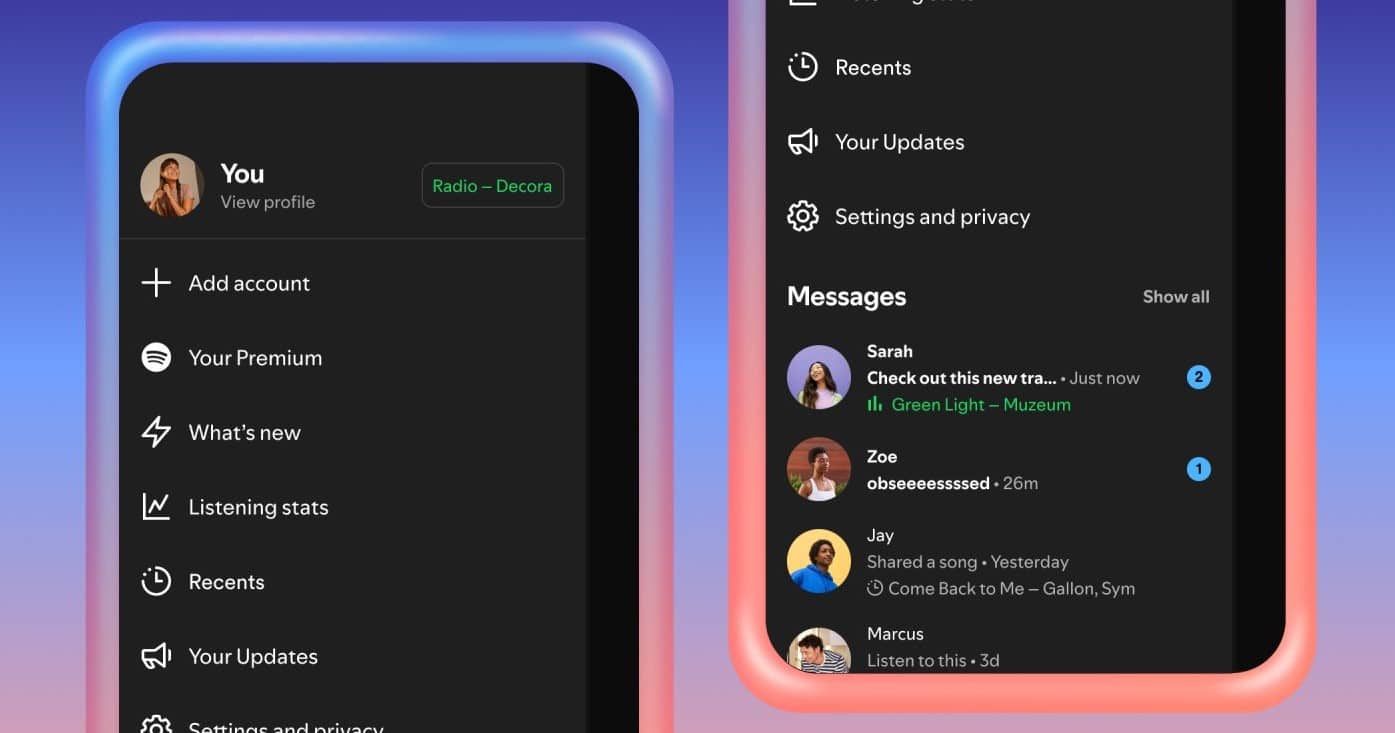
On Wednesday, Spotify is introducing a new Messages feature that will allow users to see what their friends are streaming in real time and send requests to start Jams, the app’s collaborative listening feature.

Users would first have to navigate to their Settings and turn on the “listening activity” feature in the “Privacy & Social” section. Once that’s done, your listening activity will appear at the top of Messages chats. You can tap a friend’s listening activity to play the track, save it, open the menu, or react with an emoji.
As for starting a Jam, Premium users can tap the Jam option in the top right corner to send a request to their friends. If the other user accepts, they will become the Jam host and both users will be able to add tracks to a shared queue and listen to music together.
Listening activities are available to all users with access to notifications, and free users can join a “Request to Jam” session when invited by a Premium user.
“Listening Activity” and “Request to Jam” will be rolling out to iOS and Android apps in markets where Messages is available, and will be widely available in those markets starting in early February.
Spotify notes that since both of these new features are available through Messages, they are only available to users 16 years of age and older.
Currently, Spotify messages can only be sent to individual users, and you can only communicate with people you’ve previously shared content with, such as playlist collaborators or Jam or Blend participants. Messages are encrypted both at rest and in transit, but they are not protected by end-to-end encryption.
Credits:
Image:


