






30 Customizable pin / badge mockup templates (PSD)
Impress your clients with the versatility and clarity of the pin badge mockup templates.

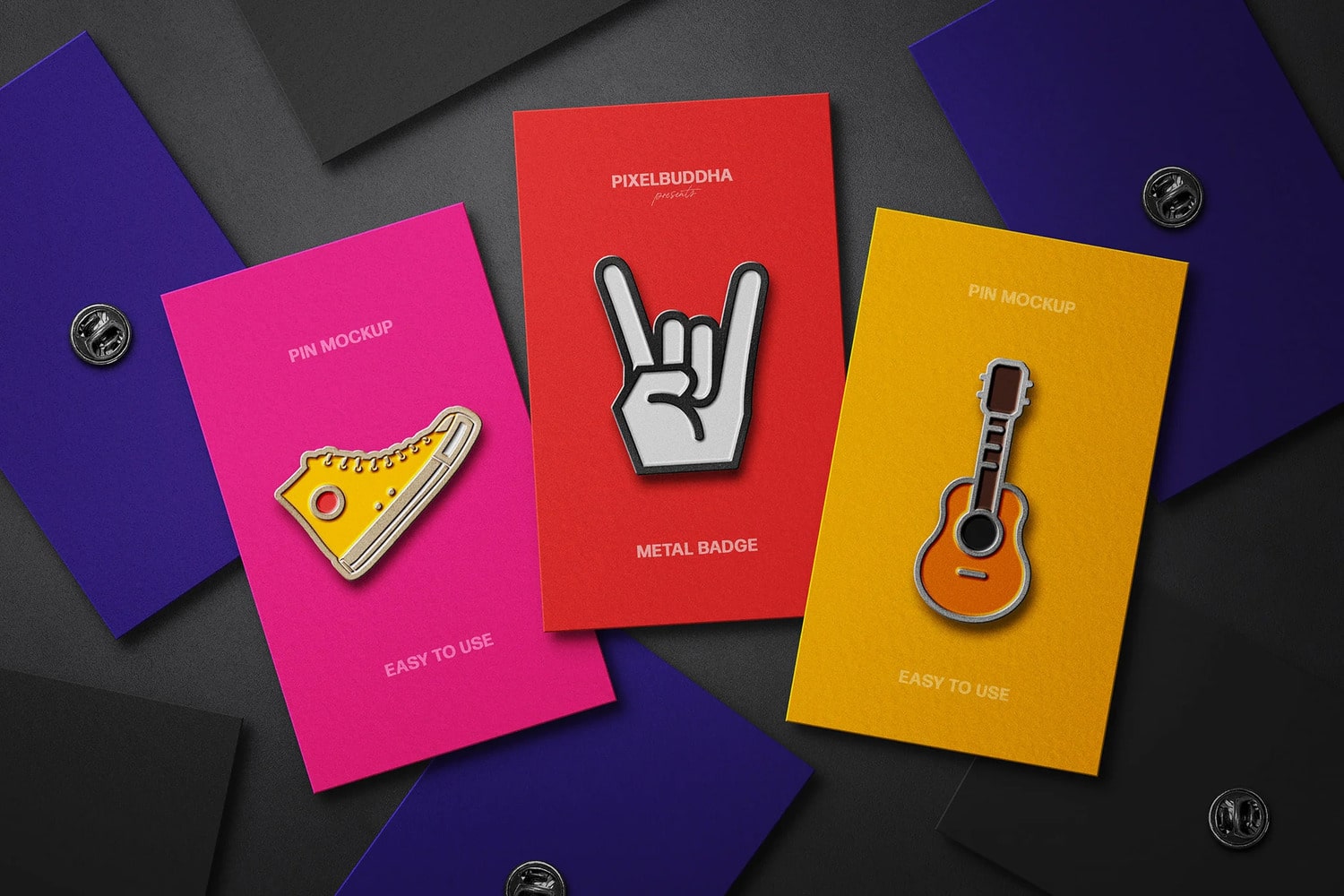
Showcase your pin/badge designs on these gorgeous-styled stock mockup templates. All of them are well-layered PSD files, and these great mockups also use the Smart-Object feature, which means that you can easily and quickly change the current design with your own in a few seconds.
You may also like:
- 28 Astonishing event ticket mockup templates (PSD)
- 30 Fabulous sticker mockup templates (PSD)
- 35 Stunning business card mockup templates (PSD)
Ideal for portfolios, e-commerce, and client projects, it ensures your pin badge designs stand out with a bold and attention-grabbing look.
Every mockup listed in this article was created by professional designers and is of the best quality. Just take a look at our list below and choose your favorite one to download. Keep a good mood and enjoy selected designs just for all your business needs.
Without further ado, let’s jump to the list of pin/badge mockup templates:
High Quality Pin Mockup Set
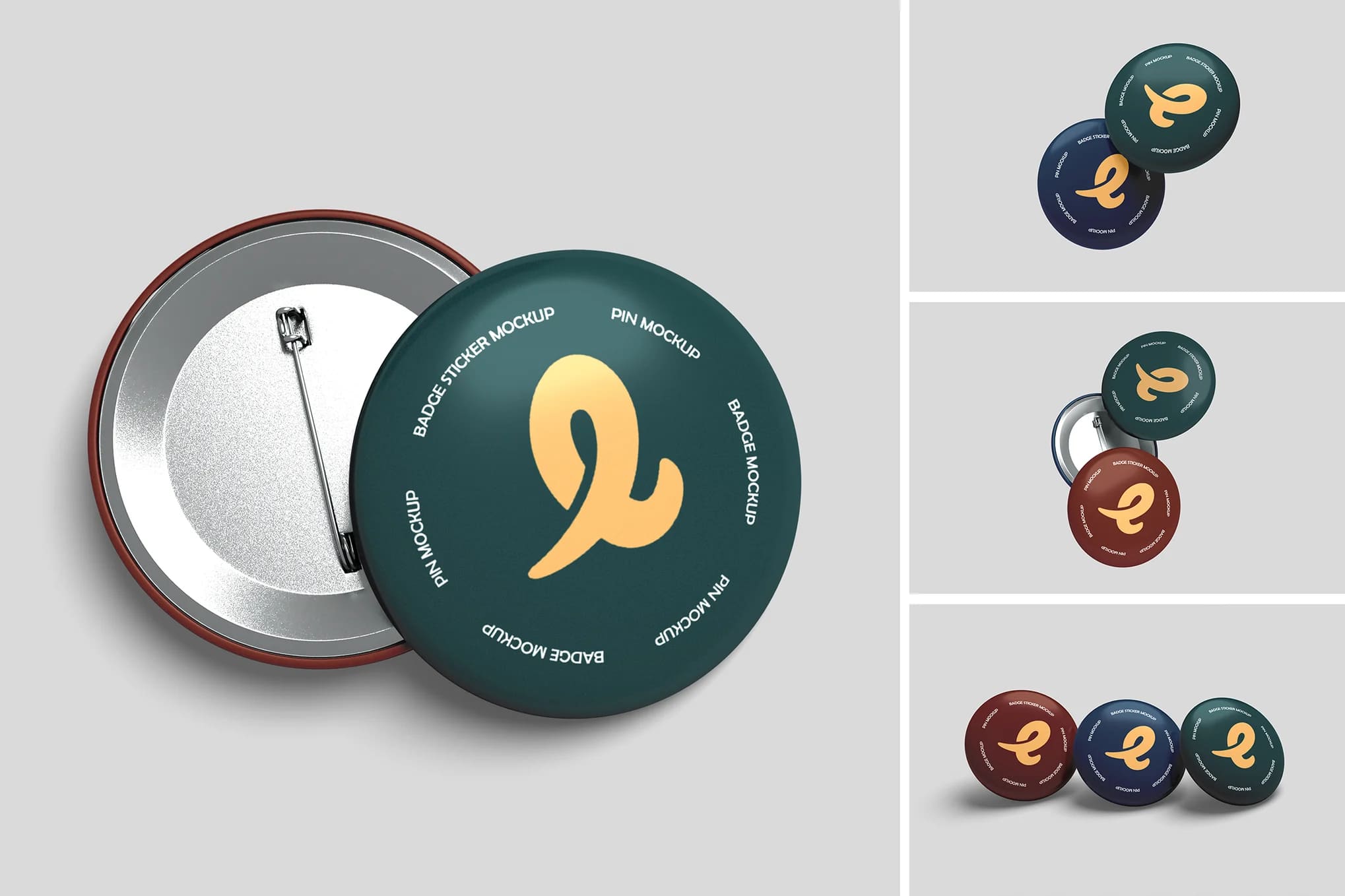
High Quality Pin Badge Mockup Set
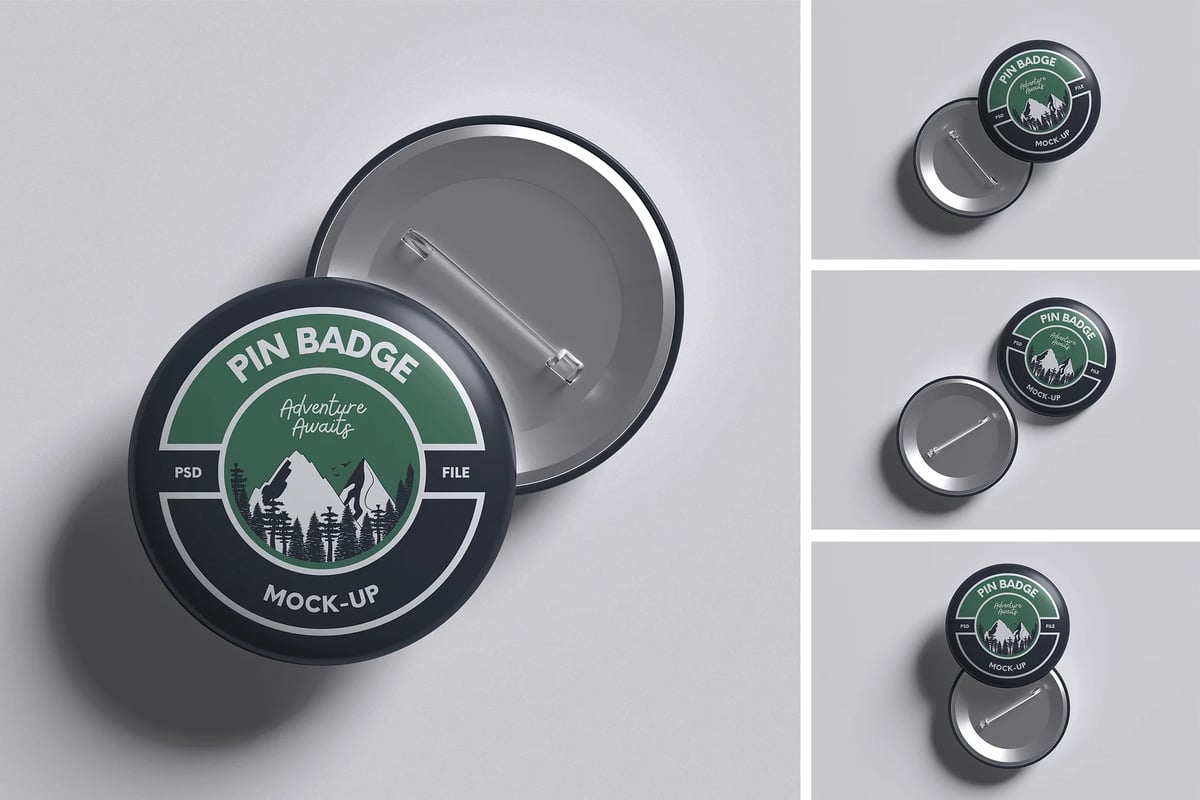
White Pin Badge Mockup Set
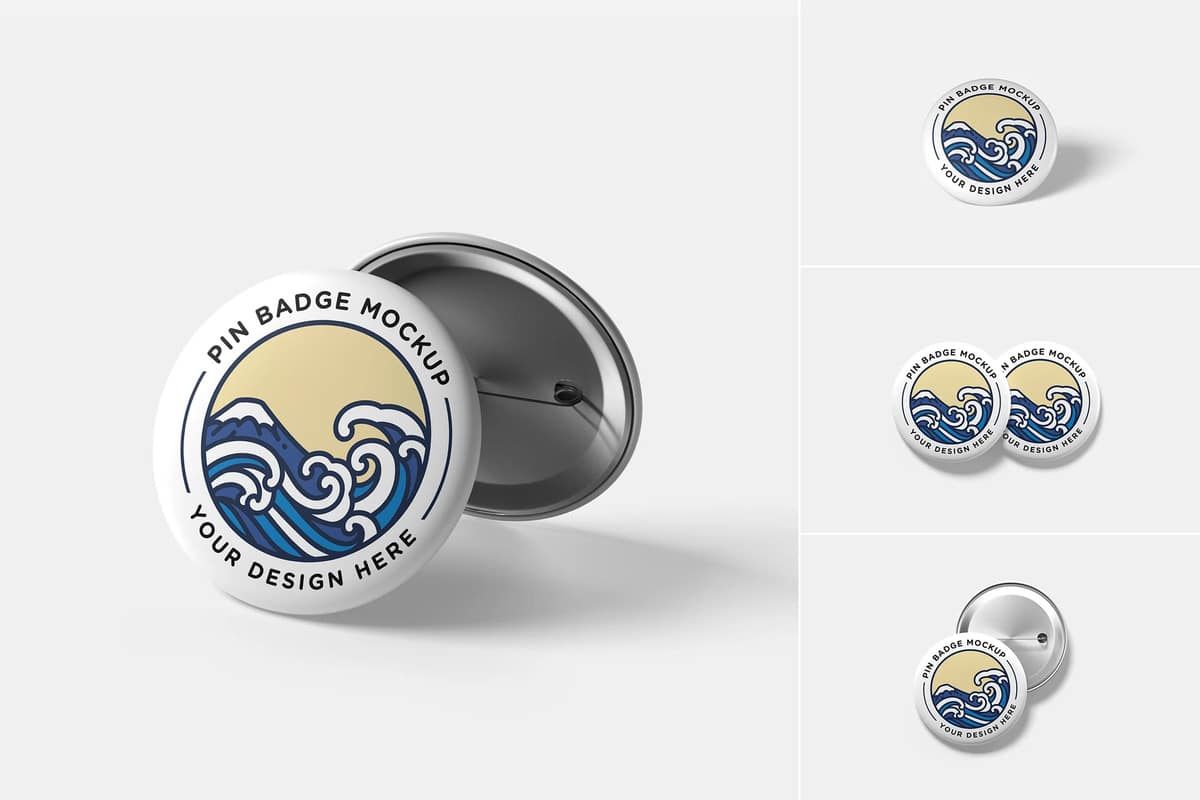
Pin Mockup Set
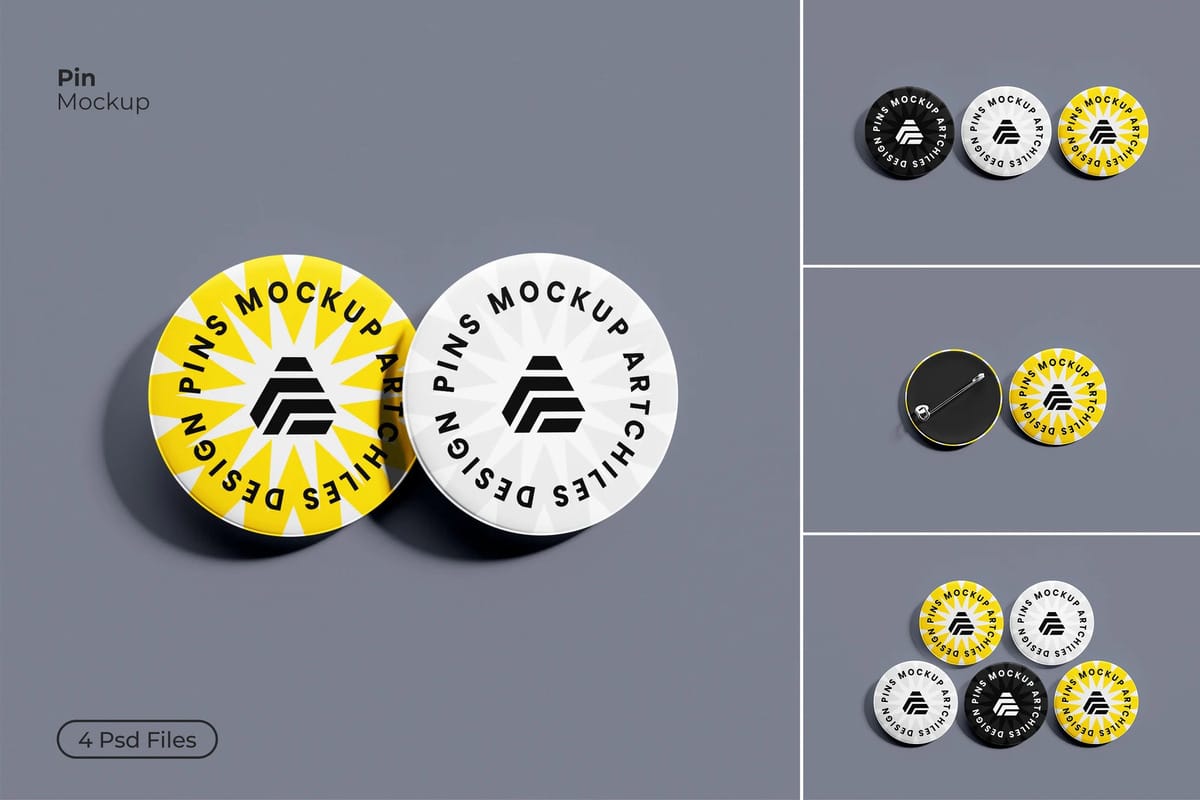
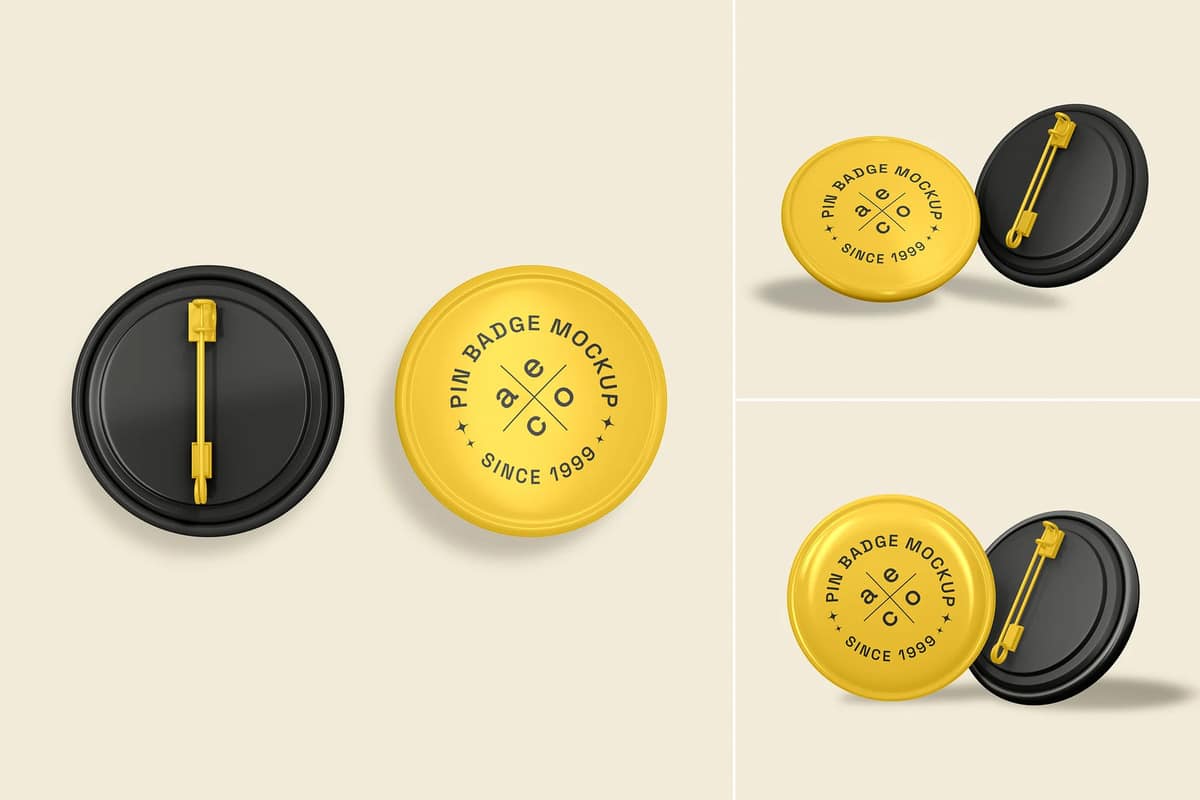
Pin Badge Mockup
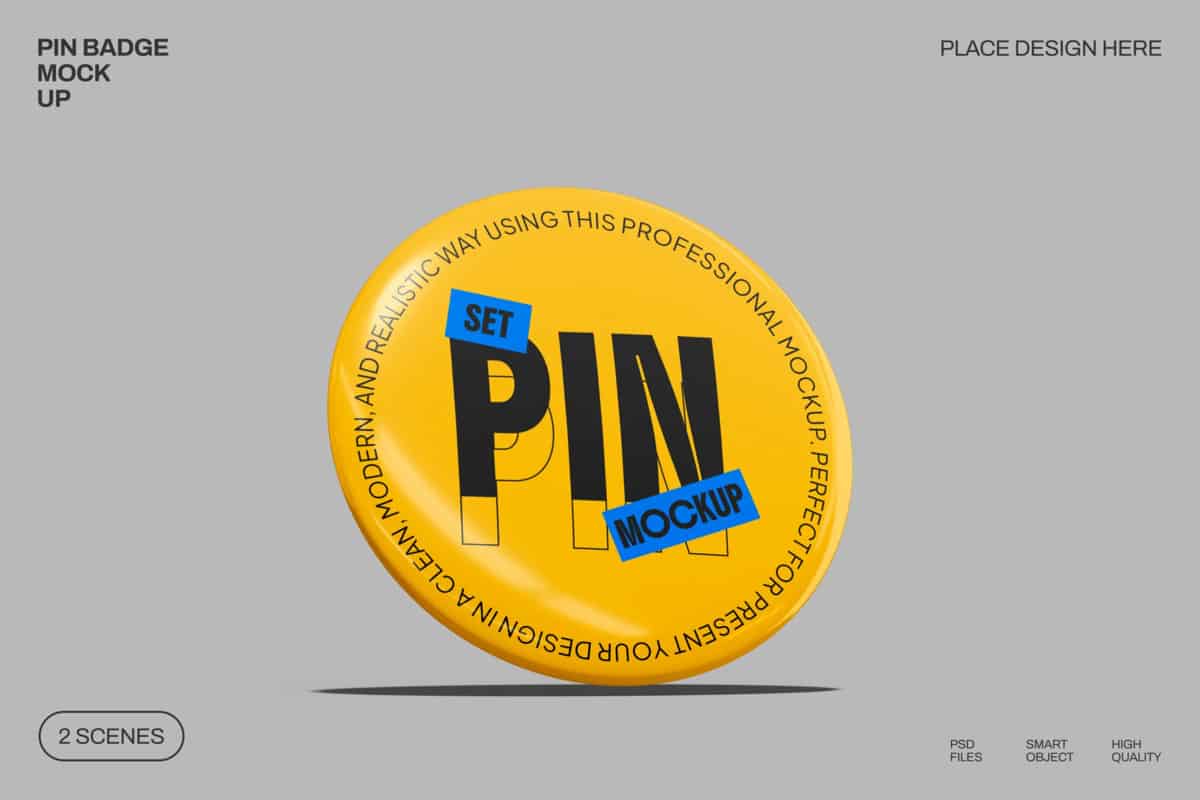
High Quality Pin Mockup
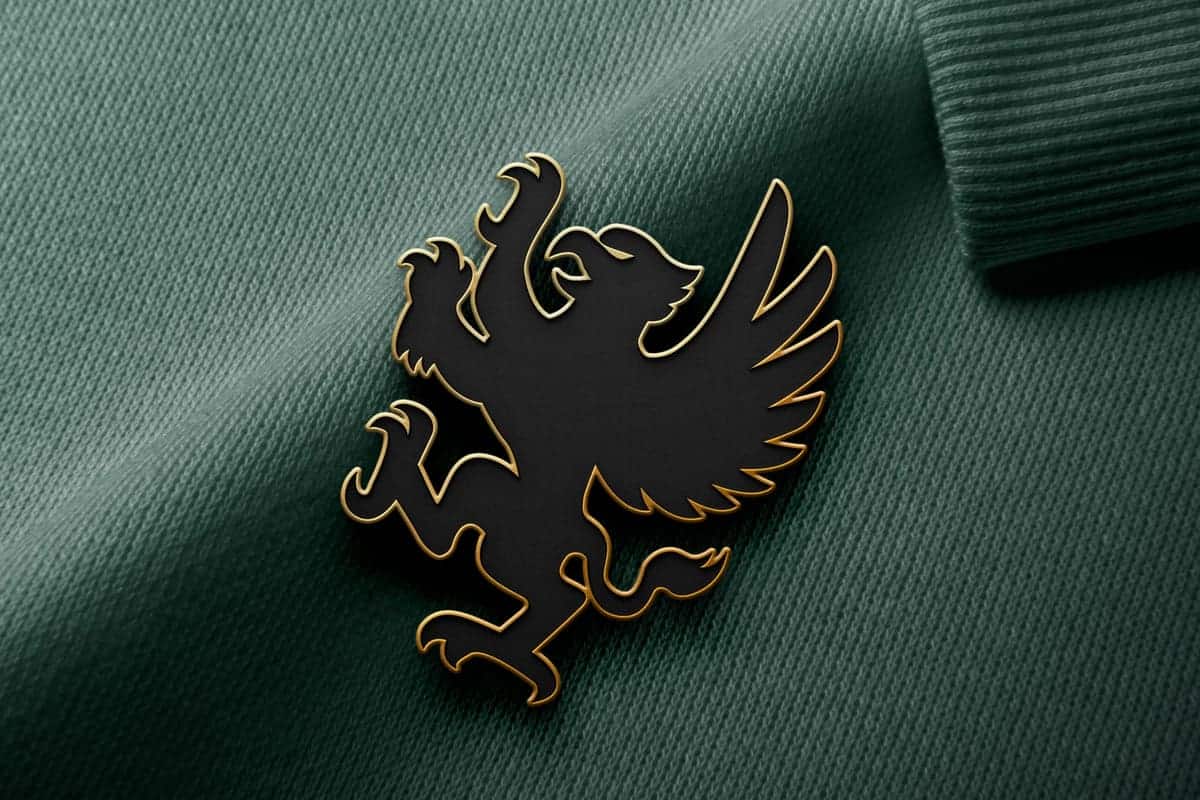
Pin Mockup Set
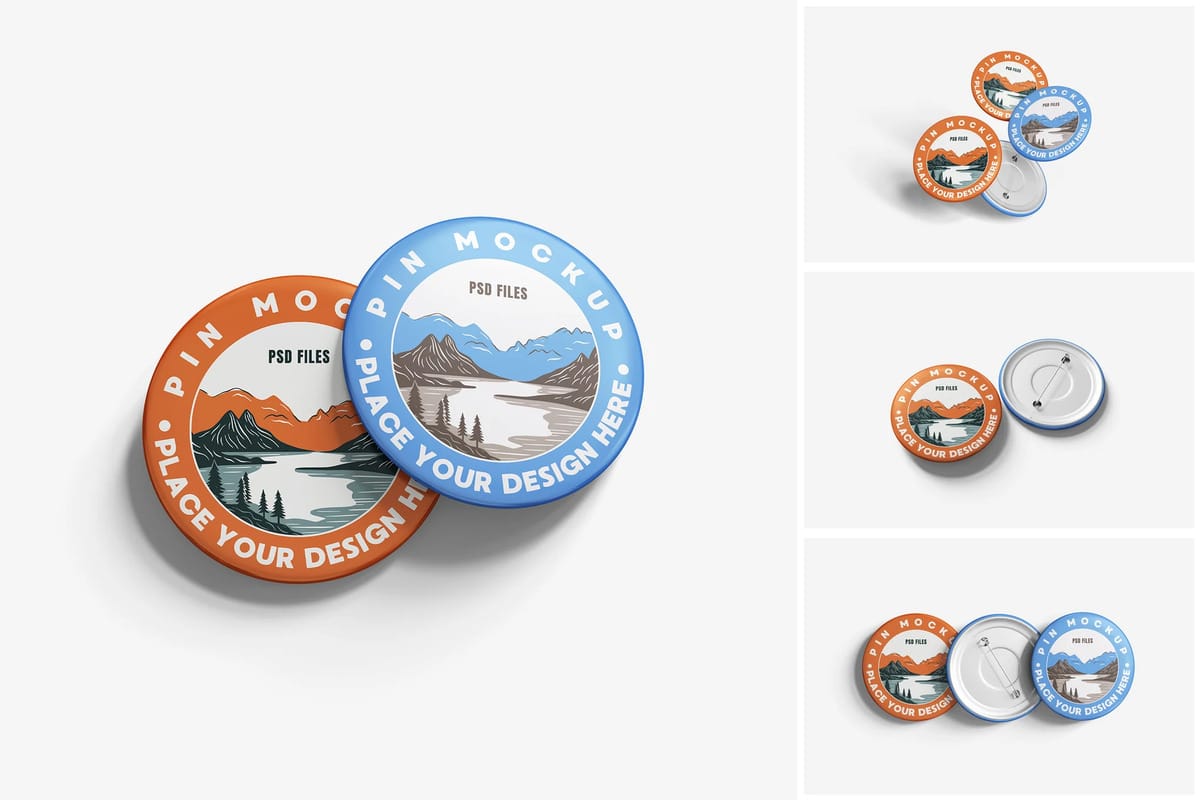
Rectangle Pin Badge Mockup Set
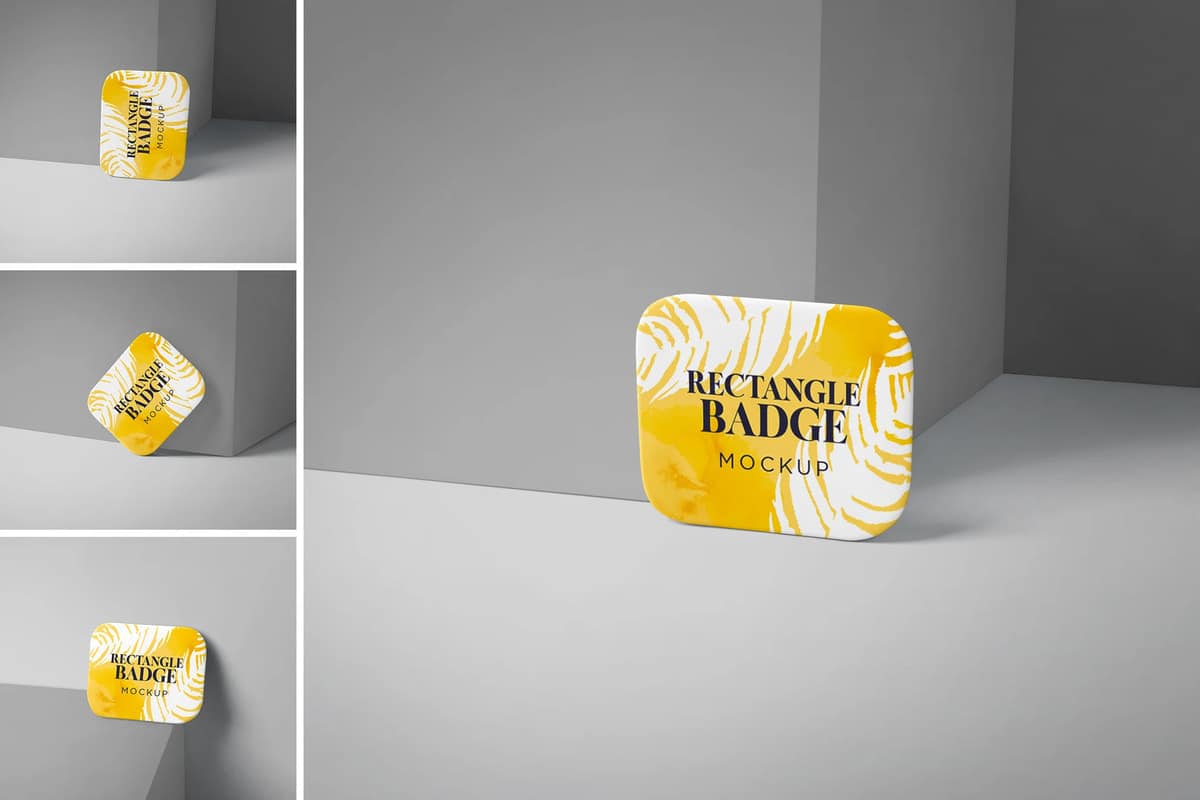
High Quality Pin Mockups
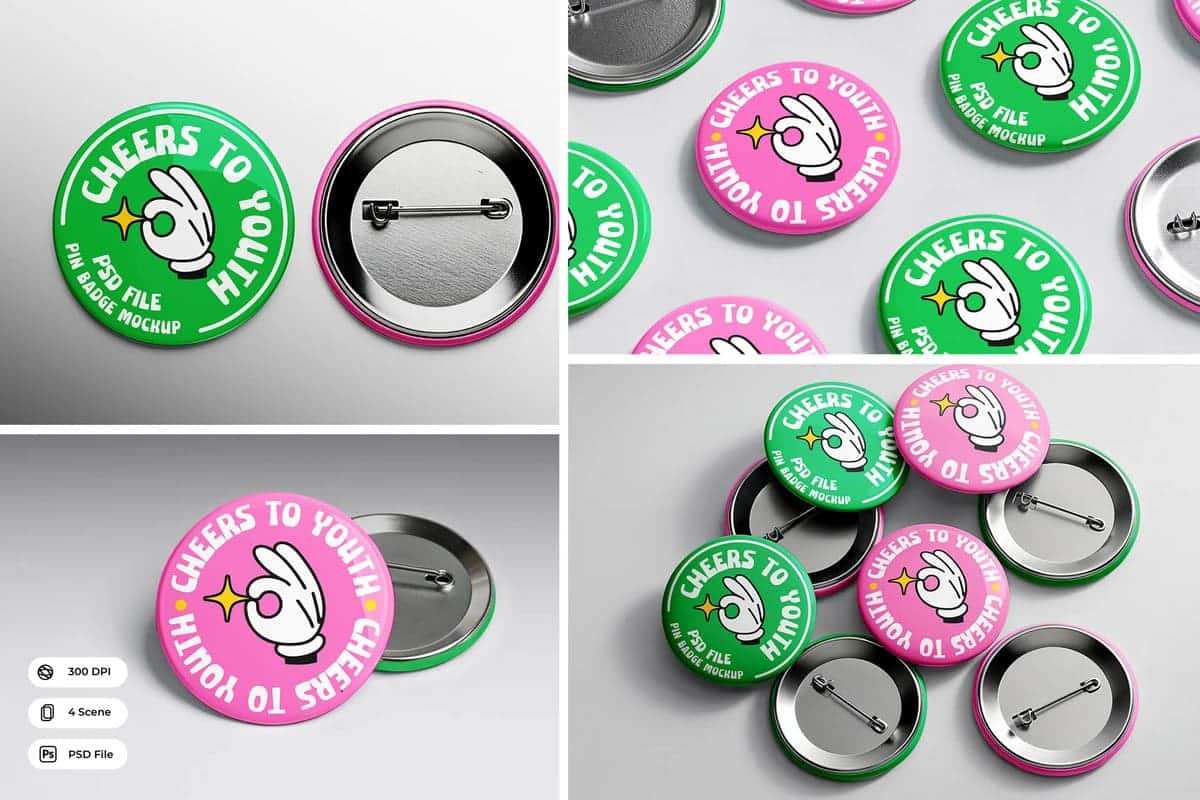
Pin Mockup Set
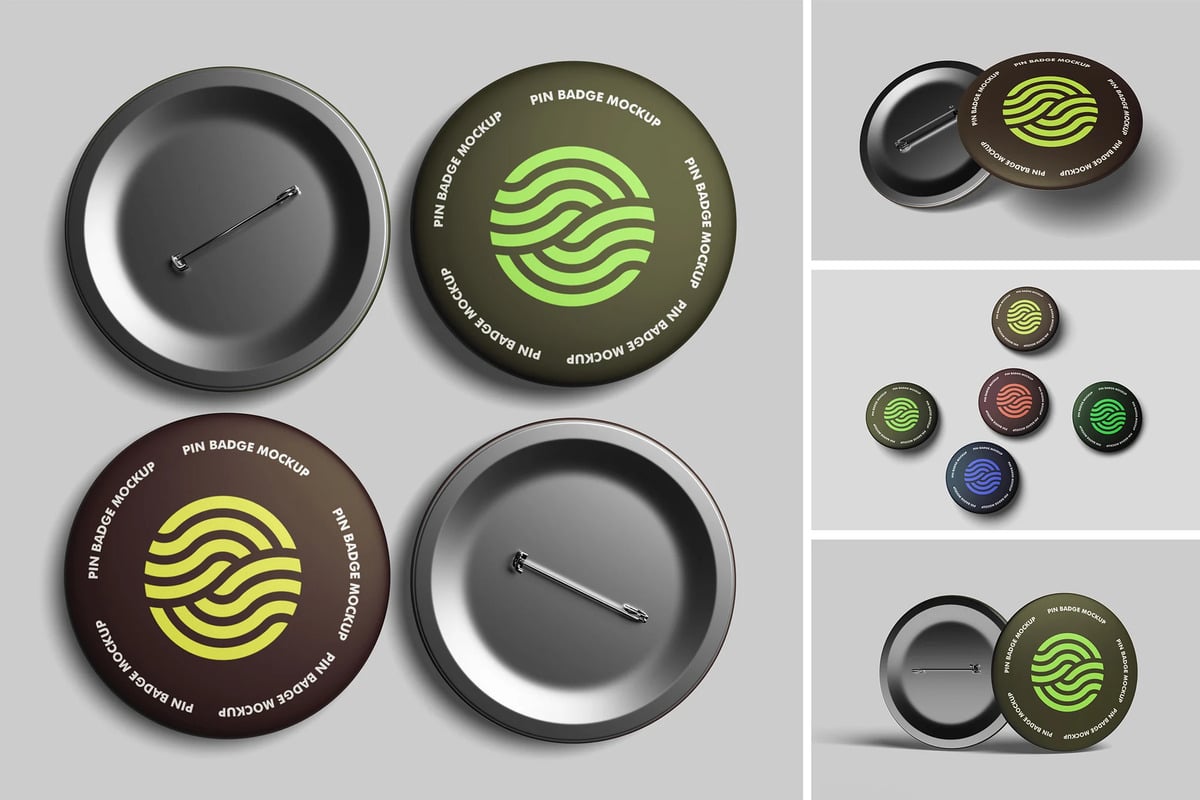
Free Pin Badge Mockup
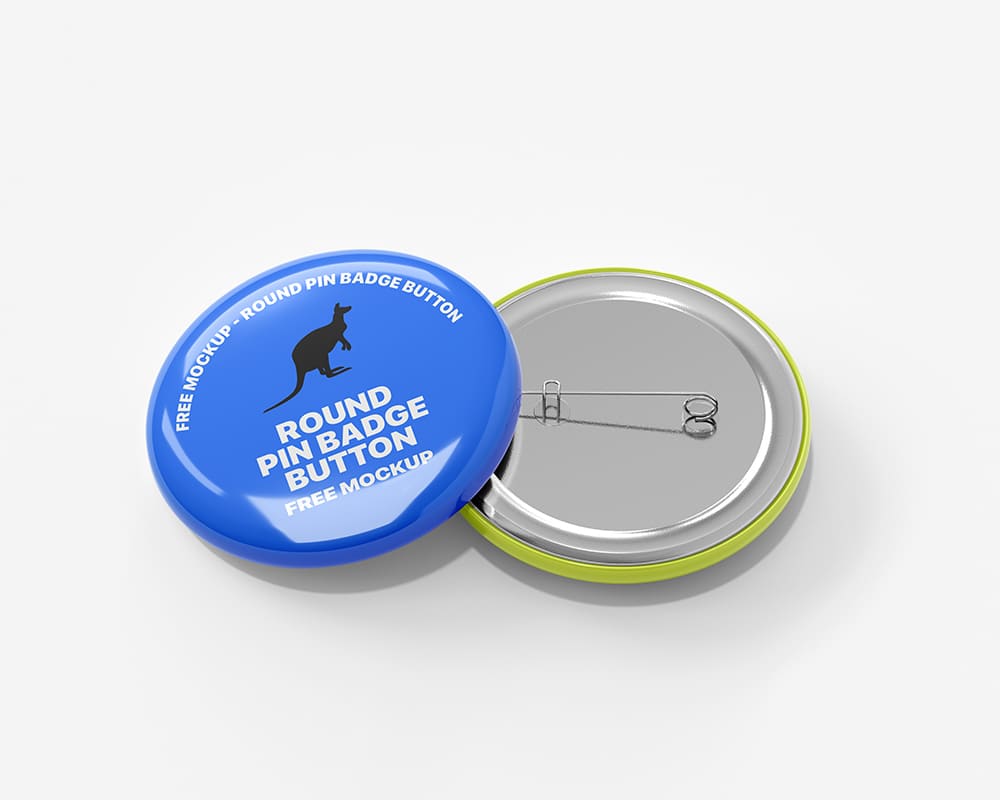
Free Pin Button Mockup Set
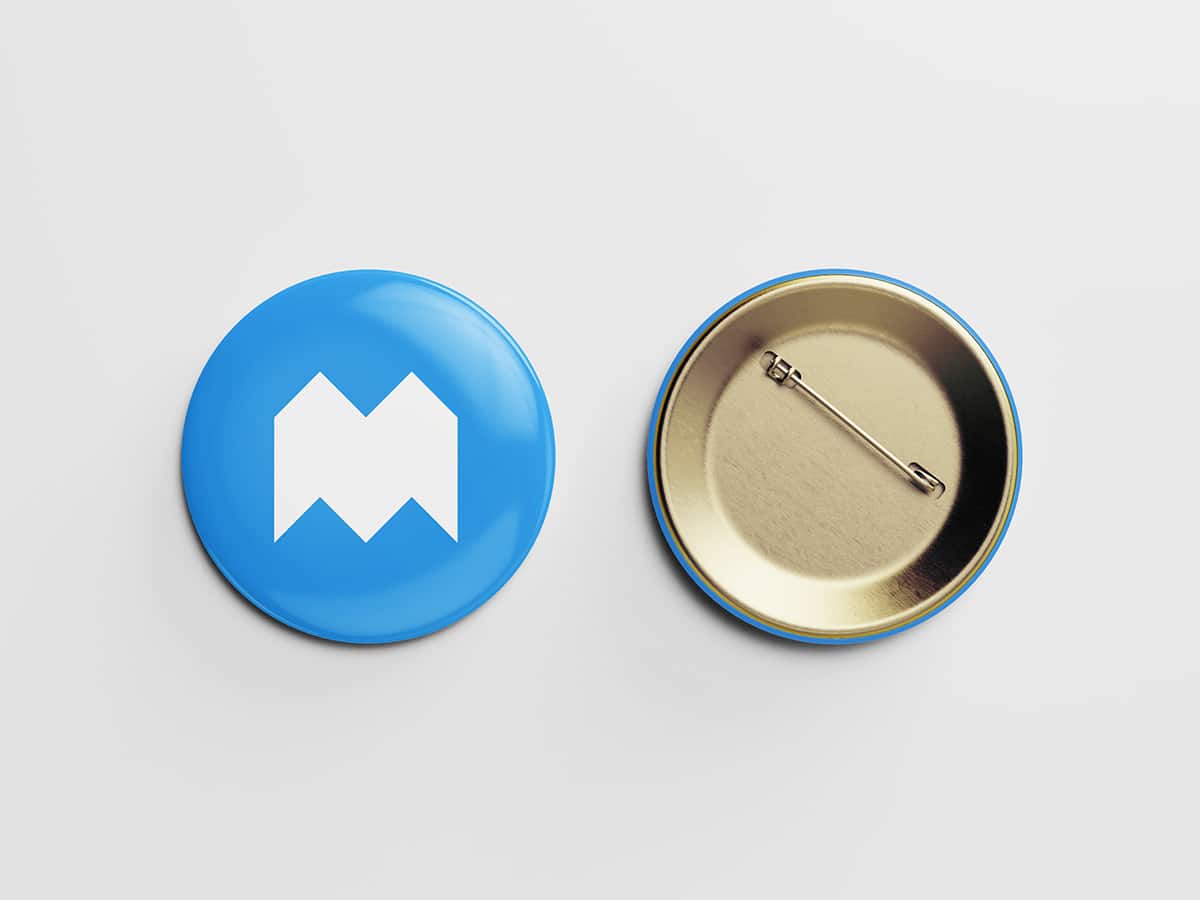
Free Realistic Pin Badge Mockup
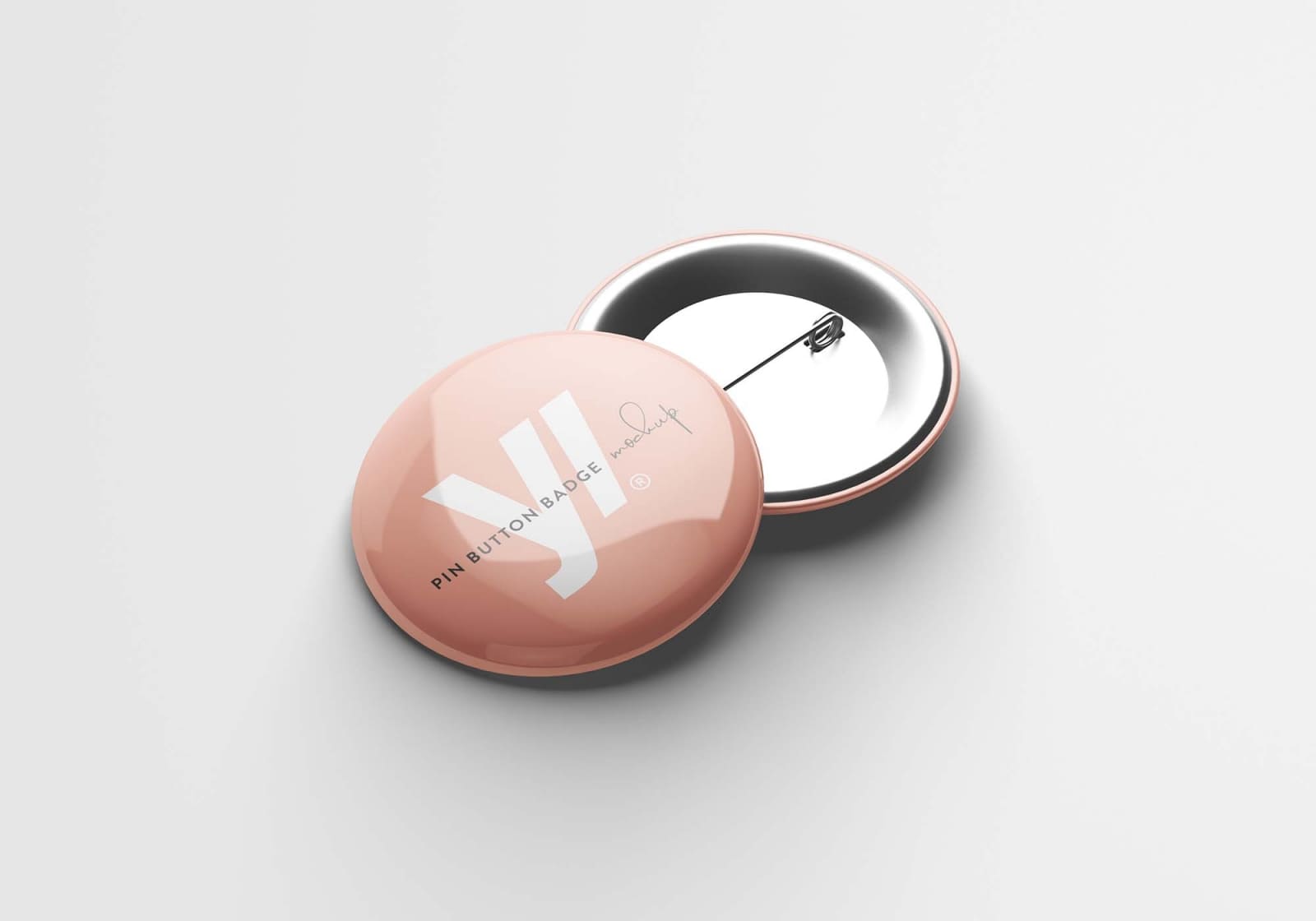
Free Pin Button Badge Mockup
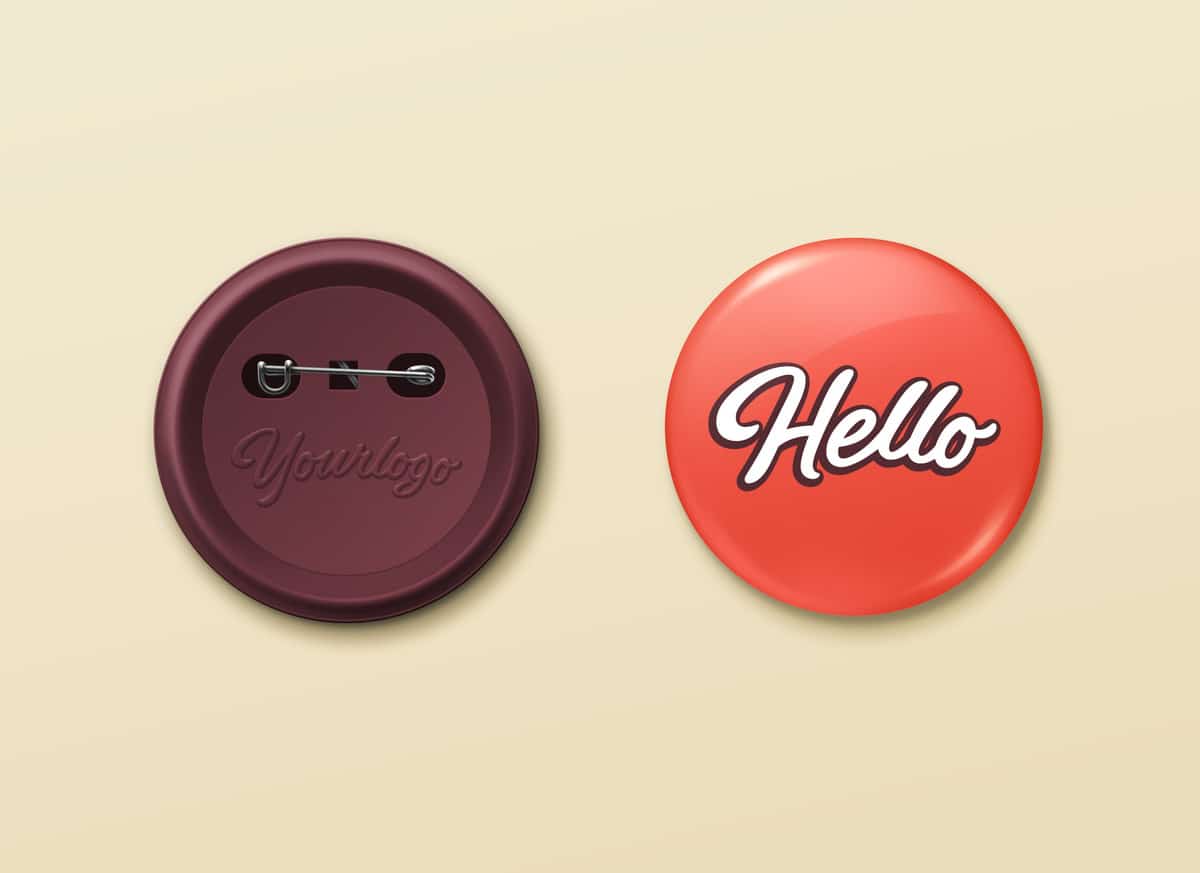
Free Pin Button Badge Mockup
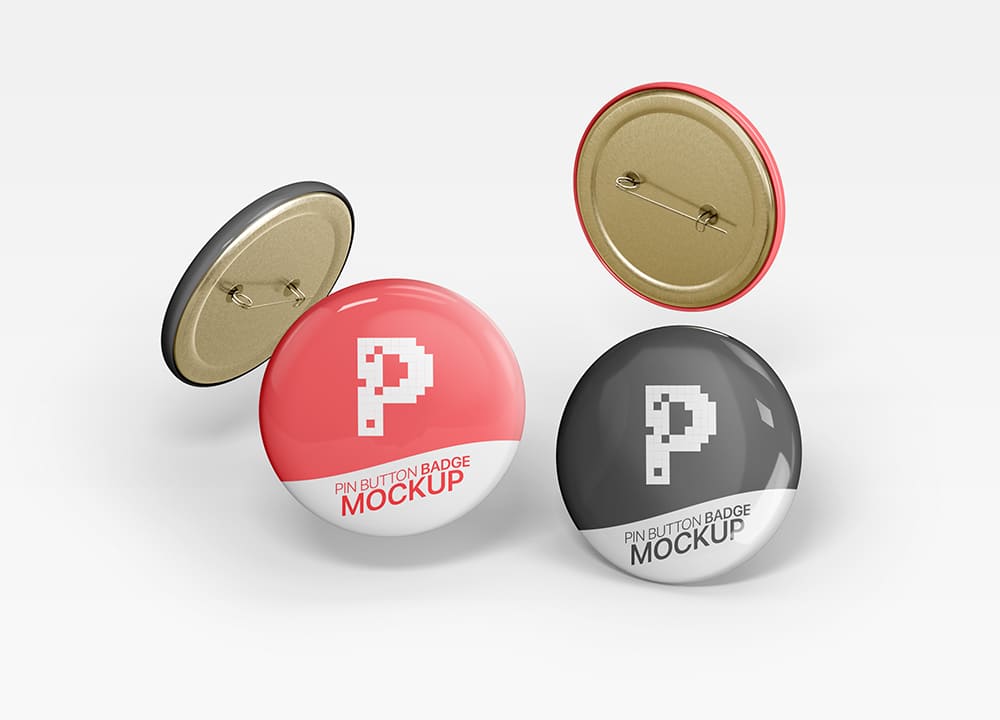
Free Round Pin Badge Mockups
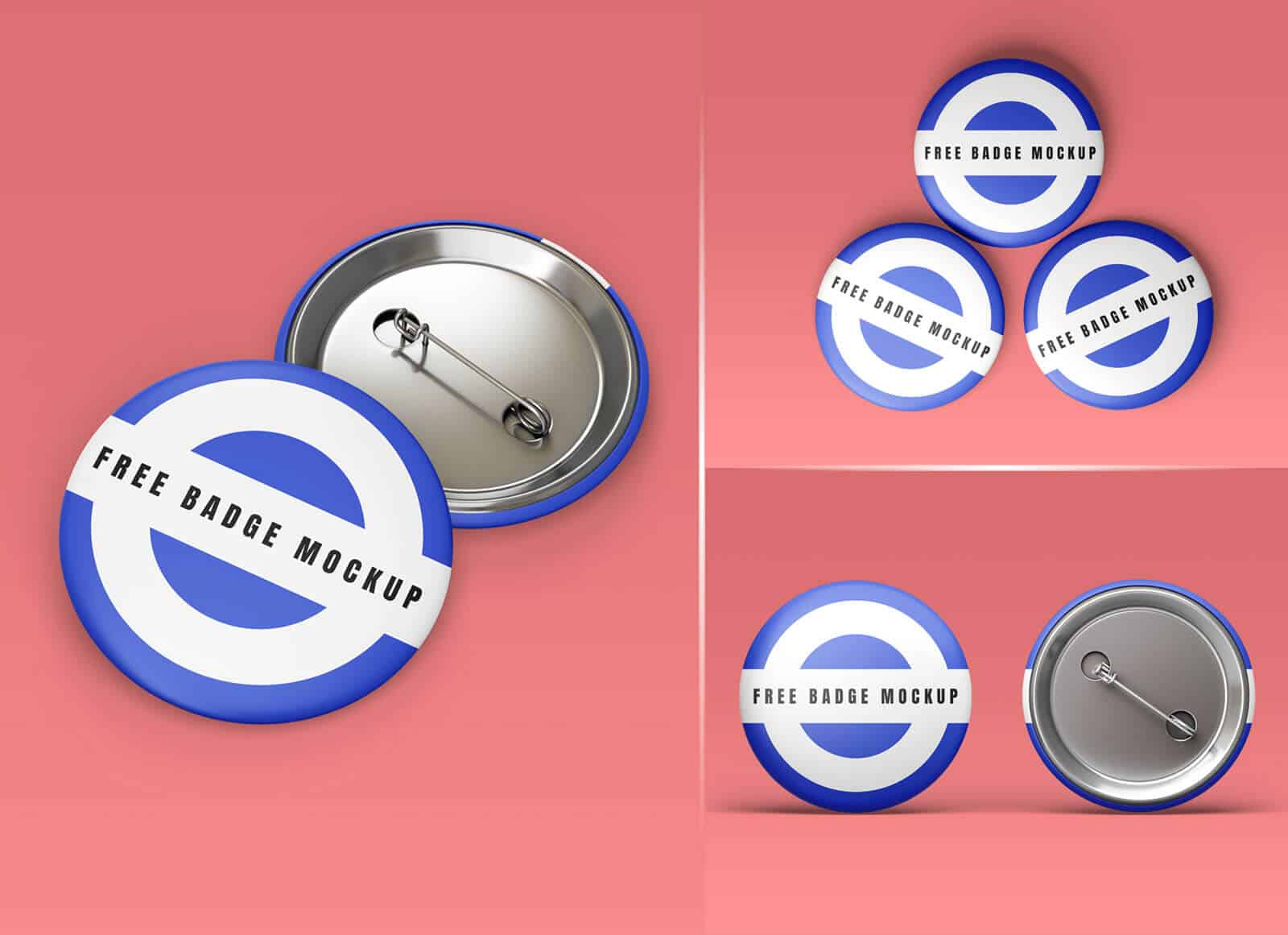
Free Round Badge Button Mockup
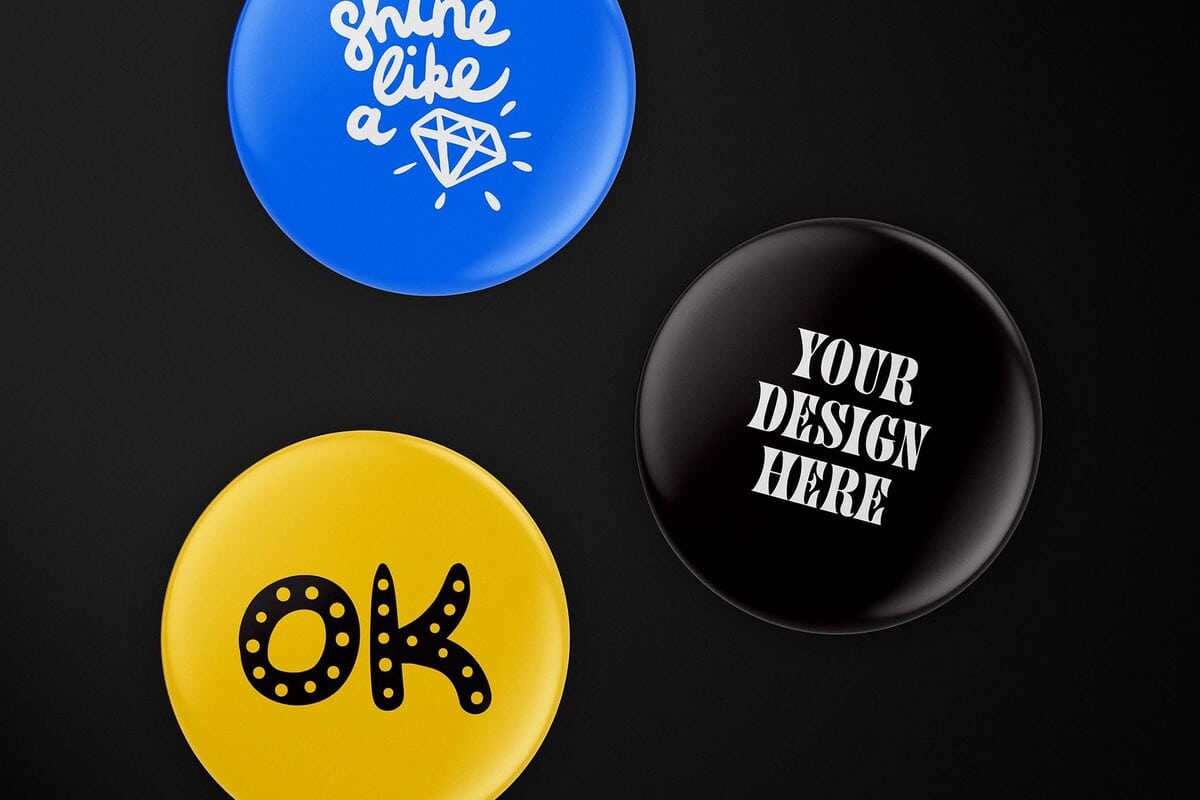
Free Round Pin Badge Mockup Set
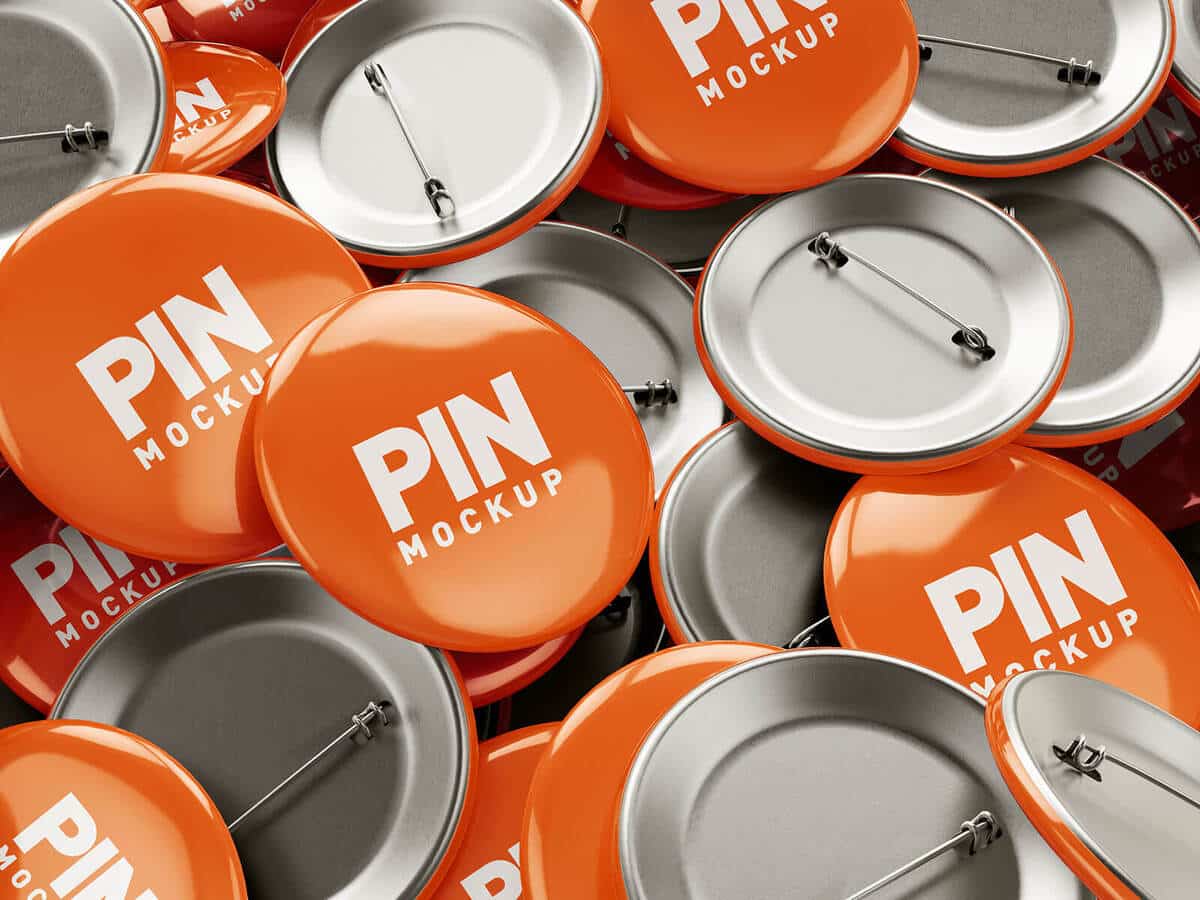
Free Round Pin Badge Mockup
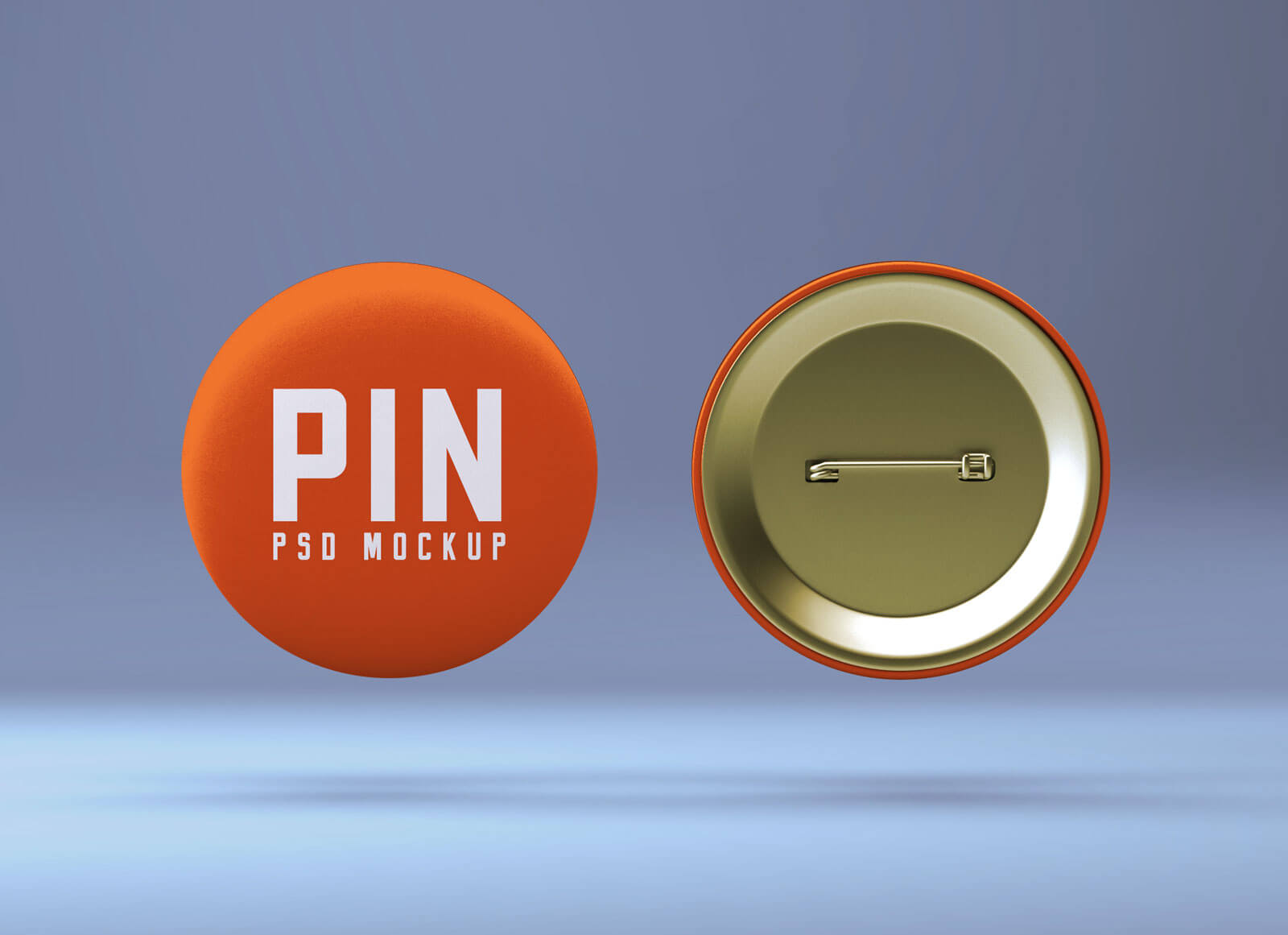
Free Realistic Pin Button Mockup
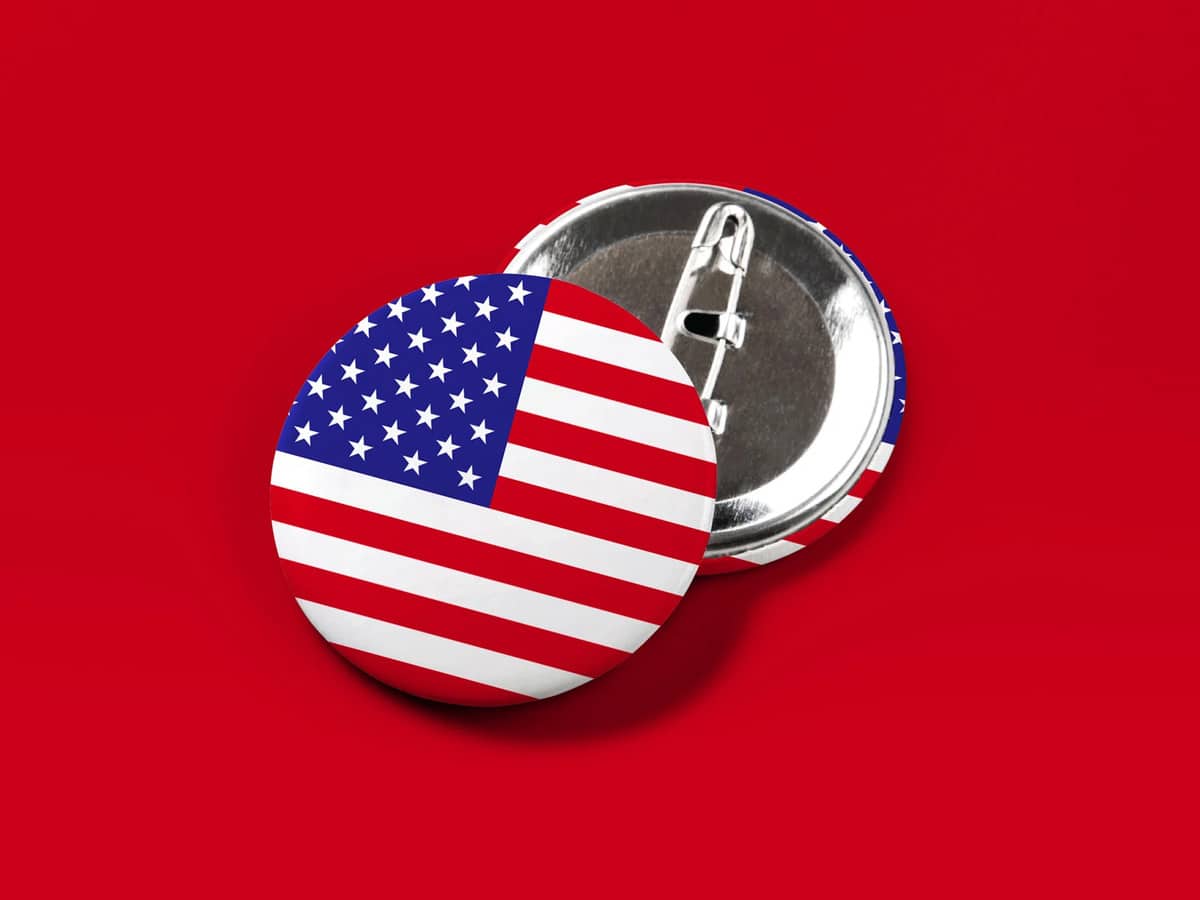
Pin Button Mockup Set
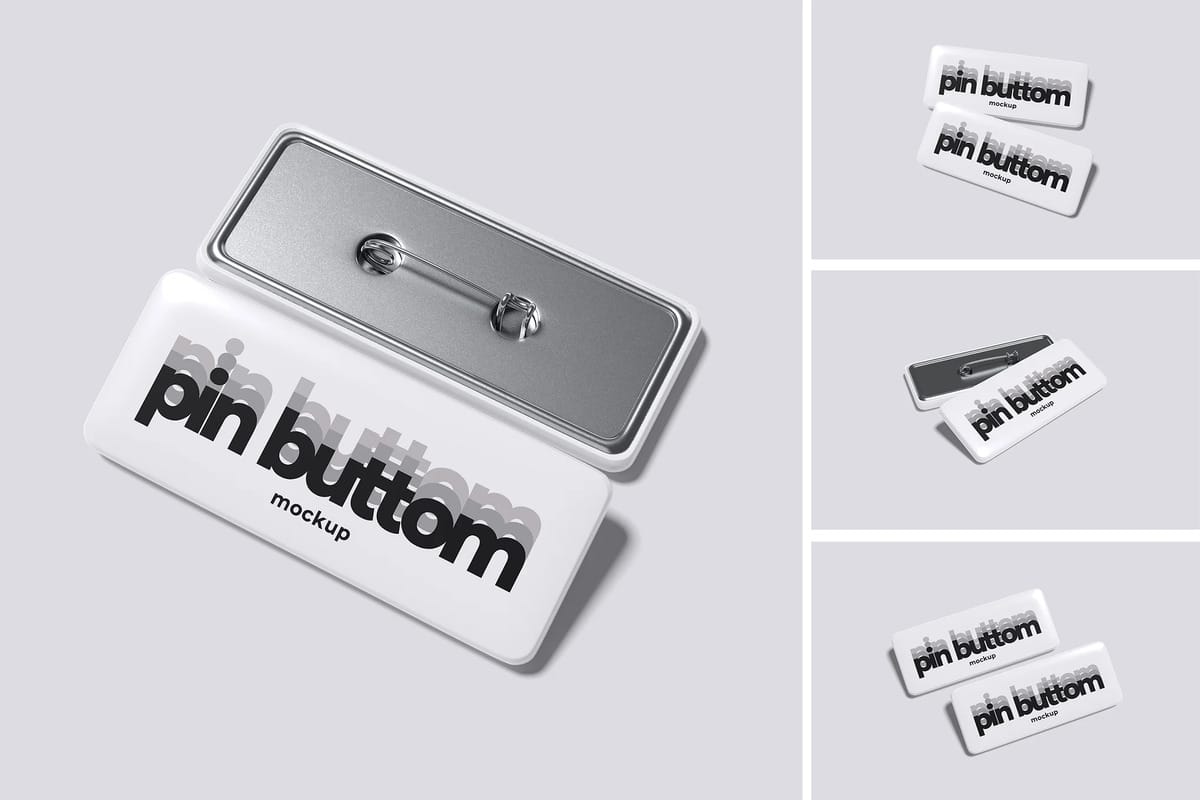
Pin Rectangle Button Badge Mockup
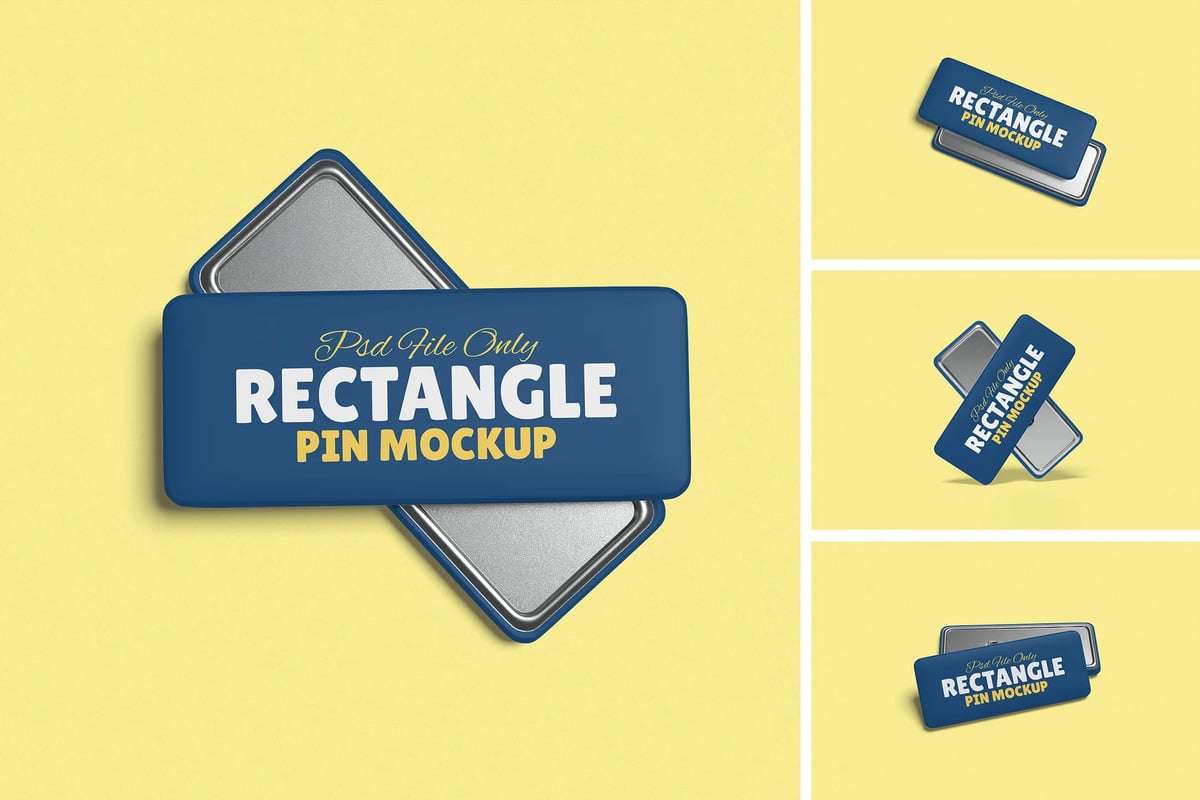
Metal Pin Enamel Mockup Scene #1
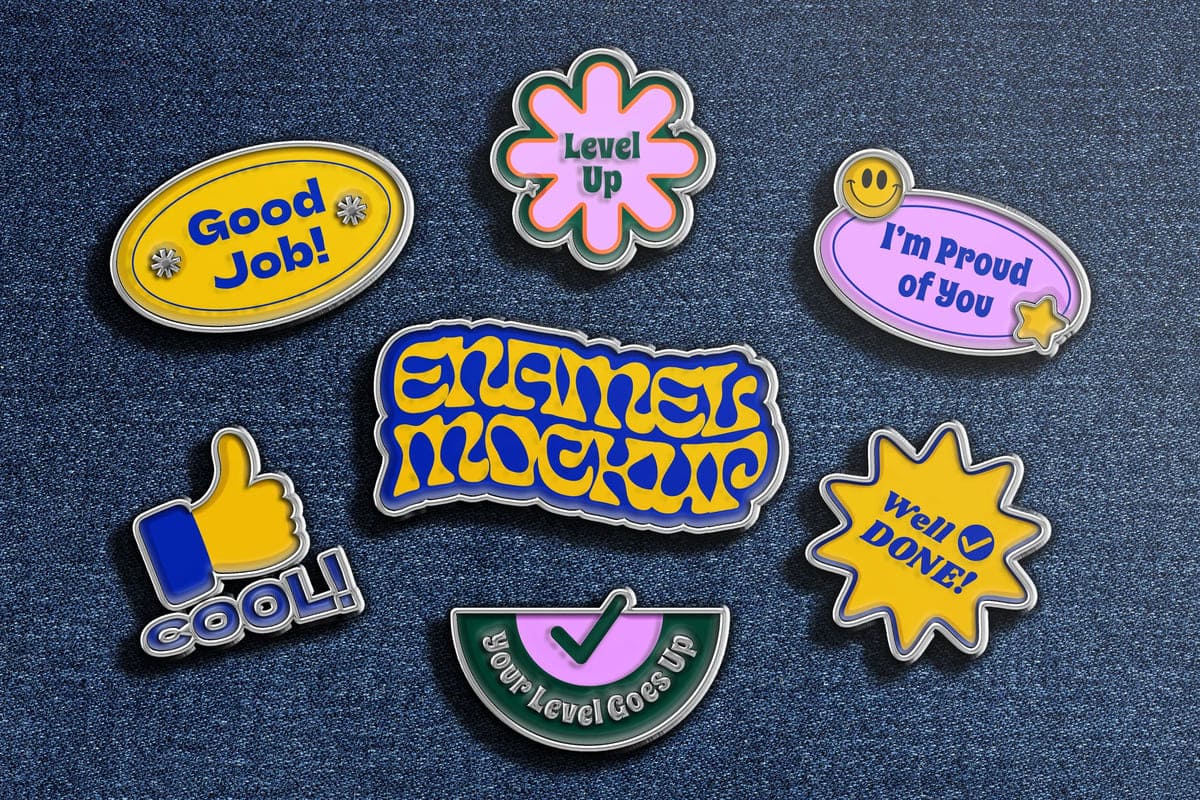
Pin Set Mockup
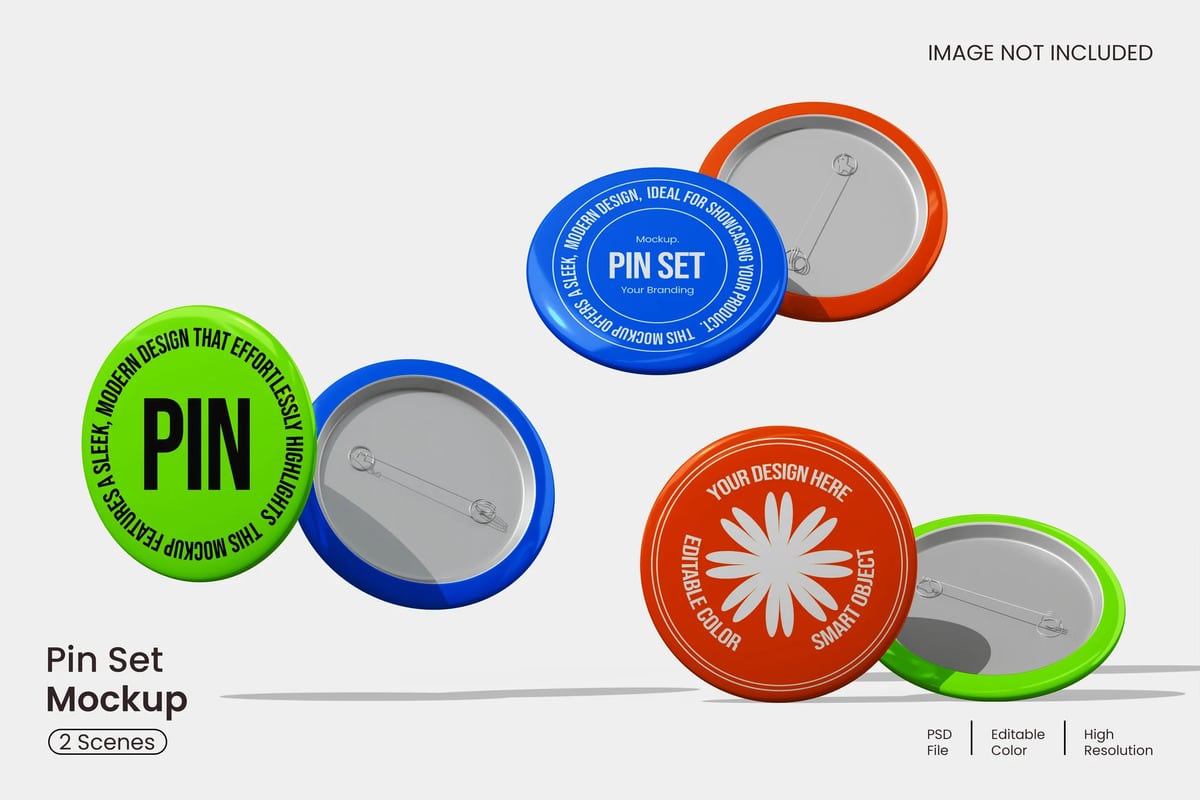
Pin Mockup
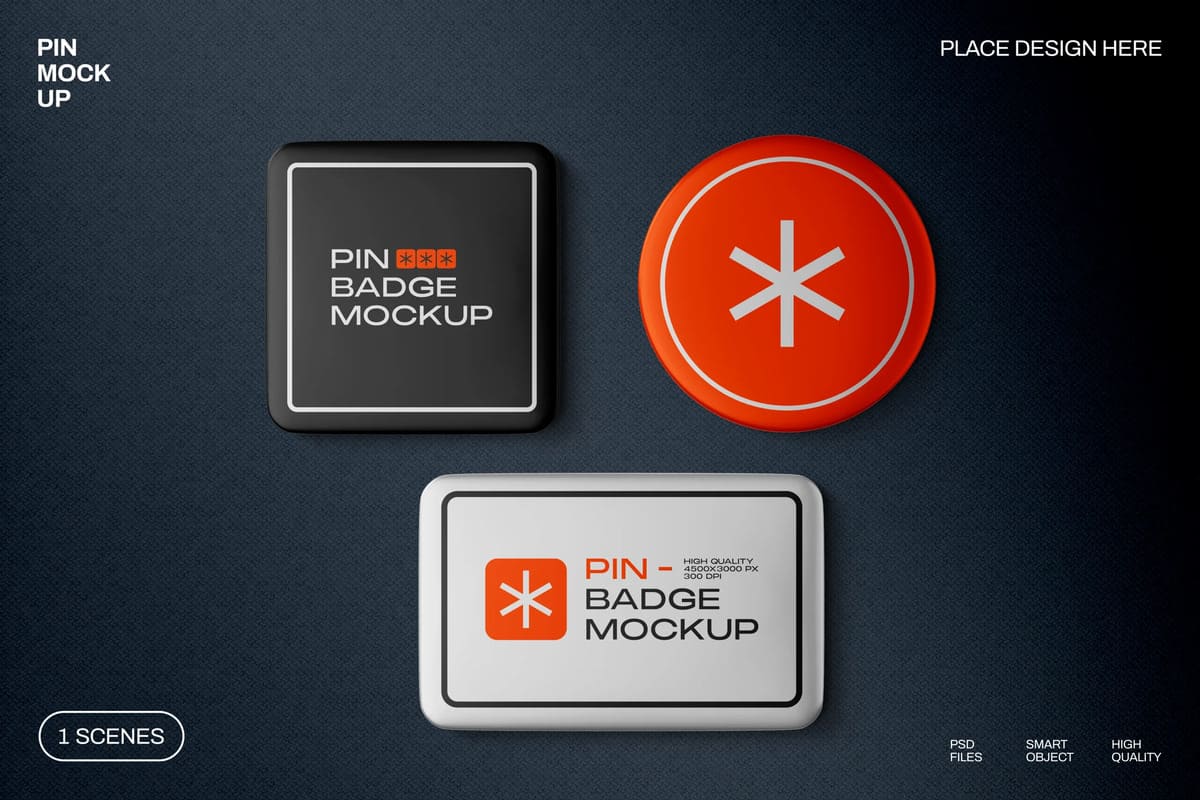
Silver Pin Badge Mockup
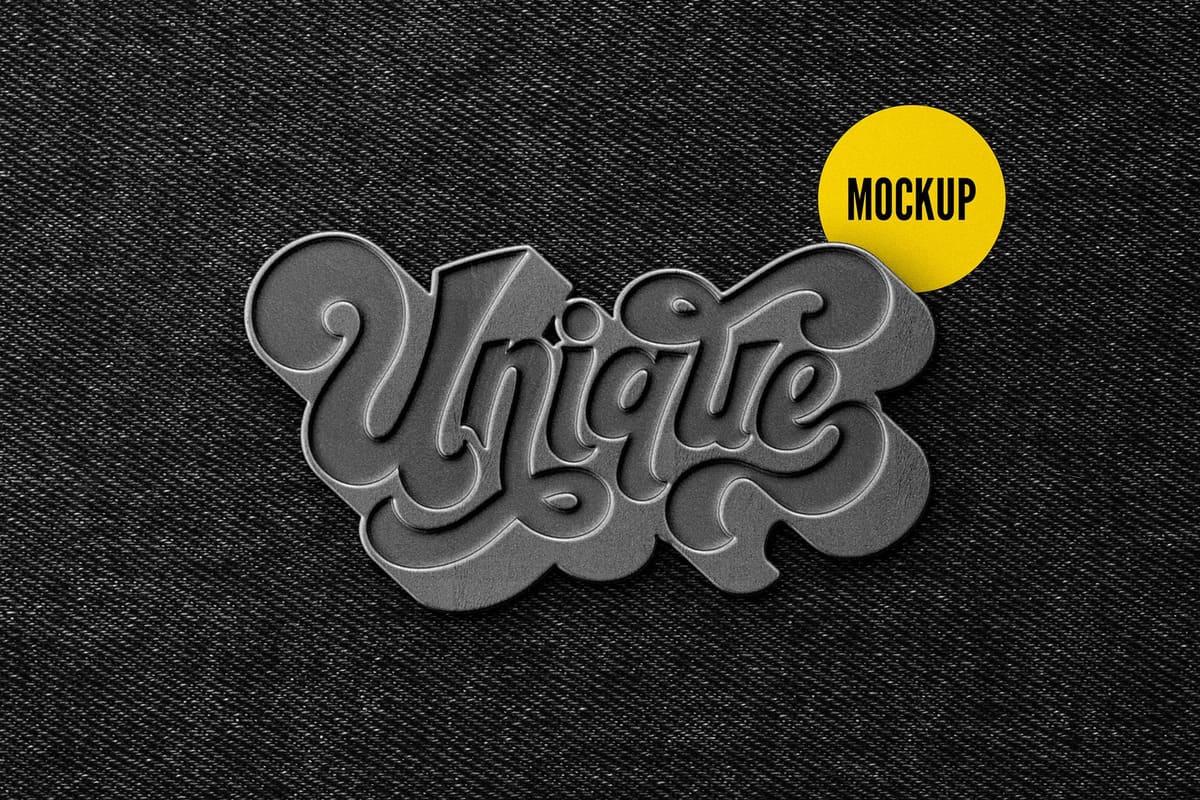
Glossy Pin Badge Branding Mockup Set
Enamel Pin Logo Mockup
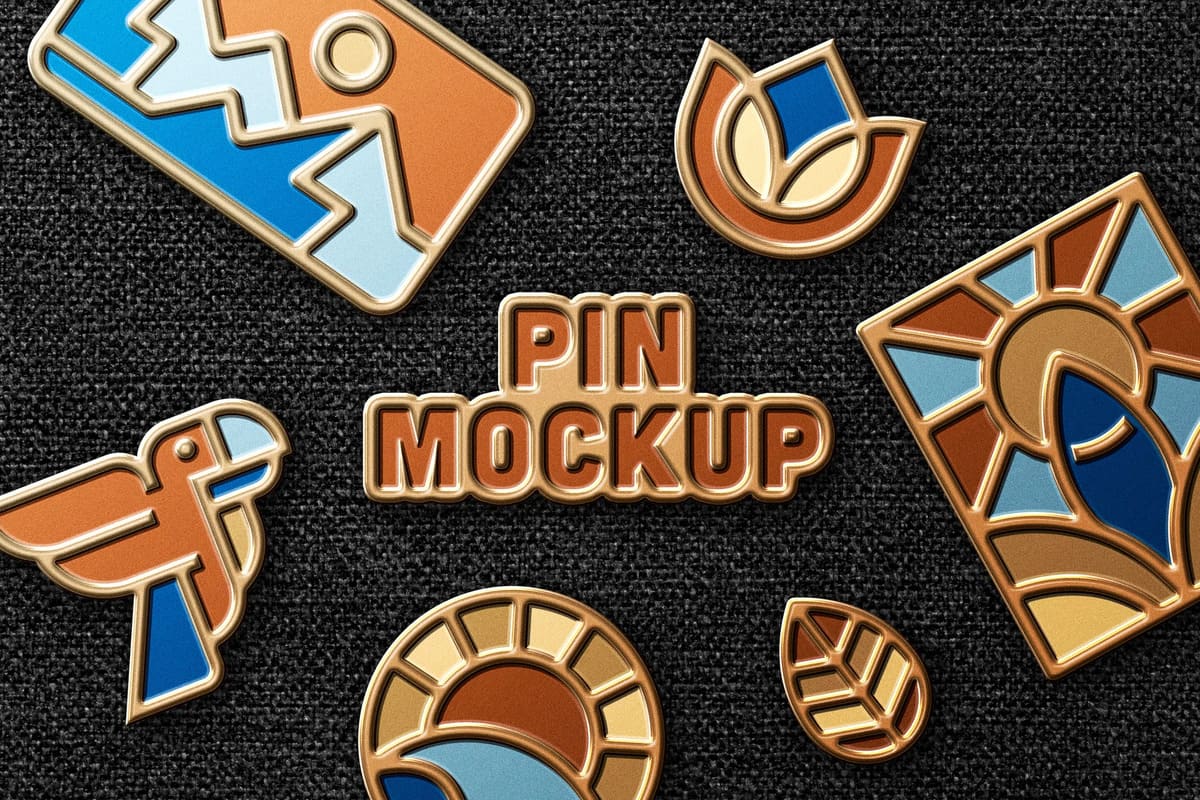
Enamel Pin Mockup
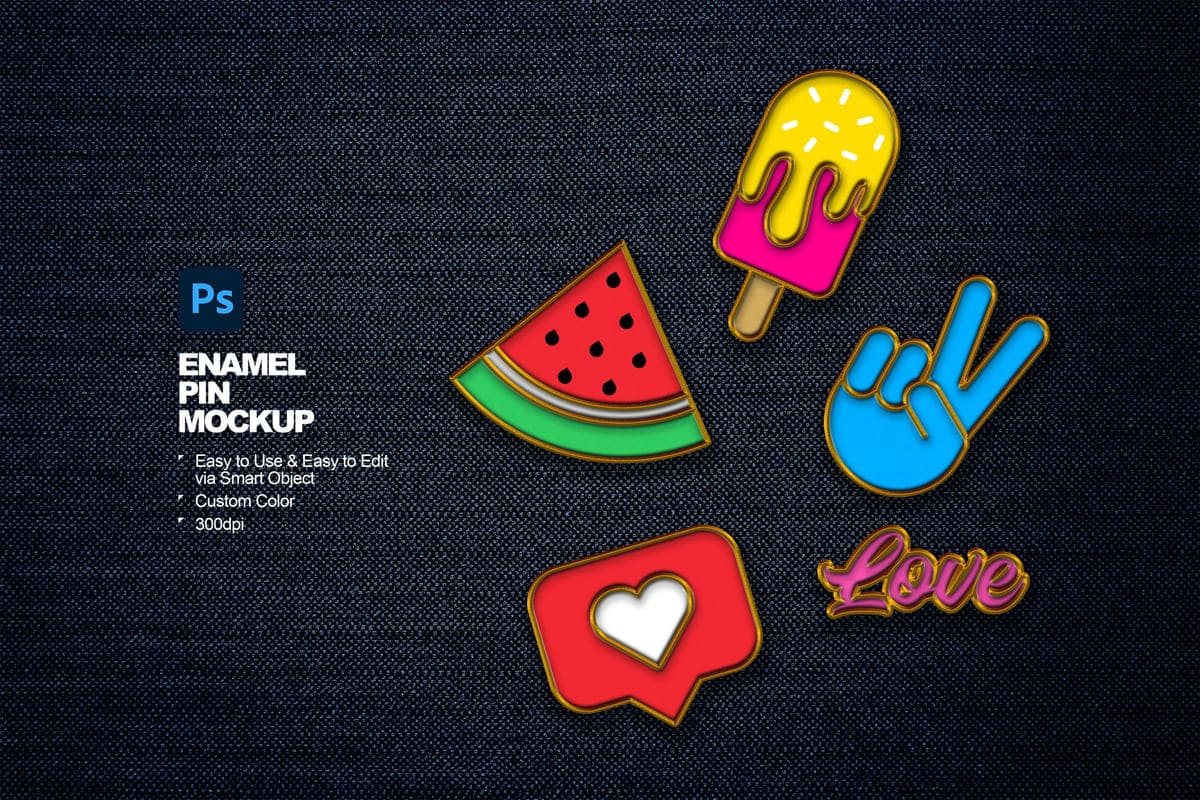
Enamel Pin Mockup Scene
FAQ
What is a pin / badge mockup?
A badge mockup is a digital template (a Photoshop PSD file) that allows designers to realistically preview their artwork, logos, or branding on a physical badge button before creating it, showing how it will look with lighting, textures, and 3D effects. It’s perfect for portfolios, e-commerce, and client presentations. These templates use Smart Objects, so you can simply drag your flat design onto the template and it will automatically adjust to the curved, realistic surface of the badge.
How to use mockup?
- Open PSD File on Adobe Photoshop Application;
- Double click smart layer, then the smart layer tab will open;
- Paste your design on the smart layer;
- Save and close smart layer tab’s;
- Now you get the preview of your design on the mockup.
Can I upload my own designs?
Yes, of course. You can upload your own designs most easily, as the mockup template is finished, so you don’t need to build everything from scratch. You can adjust the design, change colors, and all other aspects to create a custom pin/badge that fits your brand.
Can I use mockups for free?
A huge part of the mockups presented in our list is free to use for personal and commercial needs. Other premium mockup templates you need to buy for a small amount of money. Envato Elements offers millions of designs for a small monthly or annual fee.


