





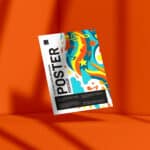

30 Poster mockup templates for presenting your designs
Creative poster mockup templates for your showcases.

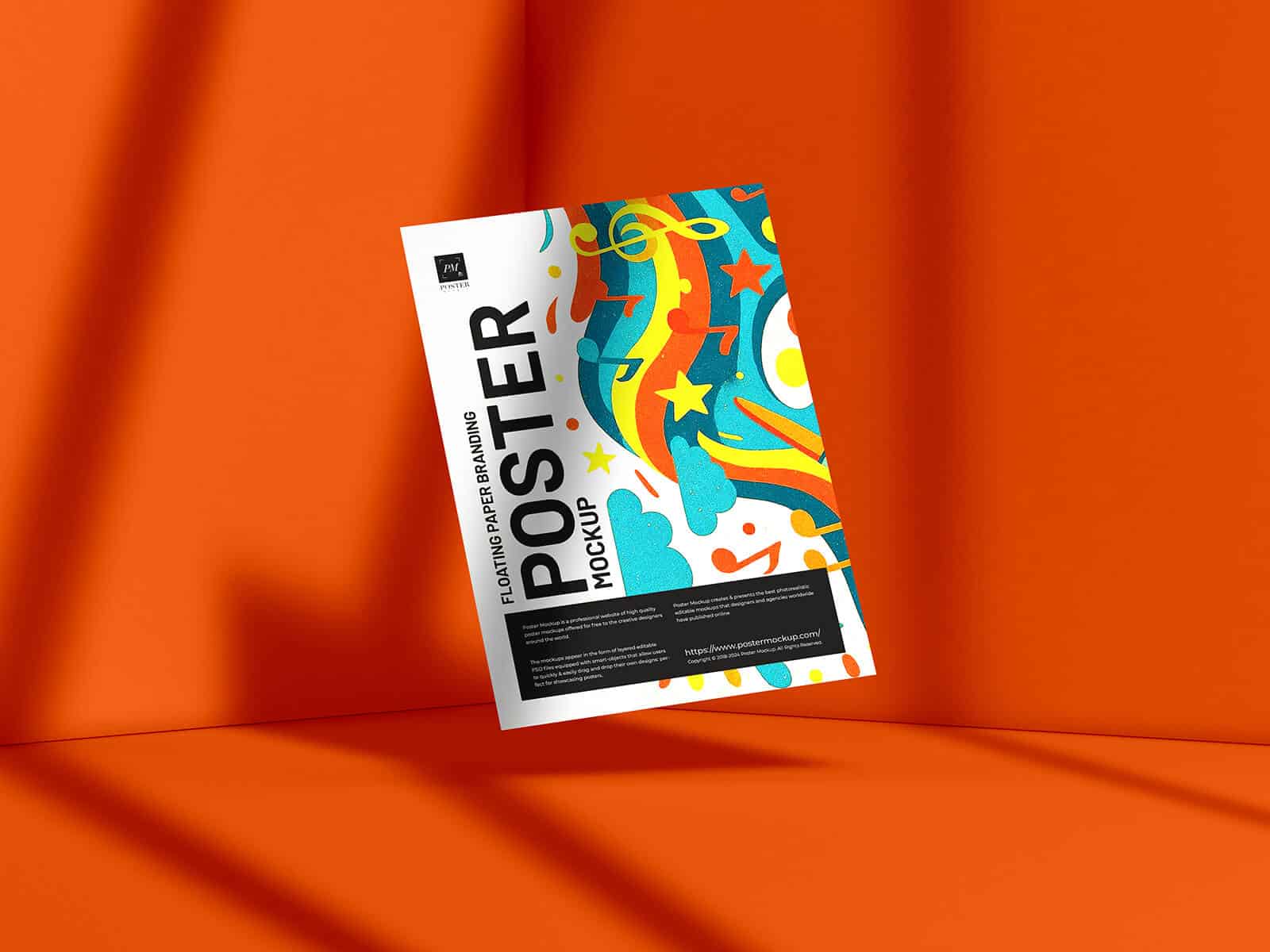
A comprehensive poster mockup templates collection that will help you showcase your design work in the best possible way. Could you create a neat presentation in seconds? Yes! Open a PSD file and place your design in Smart Object layers. It has never been so easy to showcase your projects.
You may also like:
- 30 Fabulous sticker mockup templates (PSD)
- 35 Best billboard mockup templates (PSD)
- 35 Best signboard mockup templates (PSD)
Simply, take a look at our mockup list below and choose your favorite one to download. All these mockup templates were created by professional designers and are of the highest quality, whether they are free or premium templates. Create amazing presentations or add to your mockup collection. Enjoy now.
Without further ado, just jump to the list of best poster mockup templates:
Poster Mockup
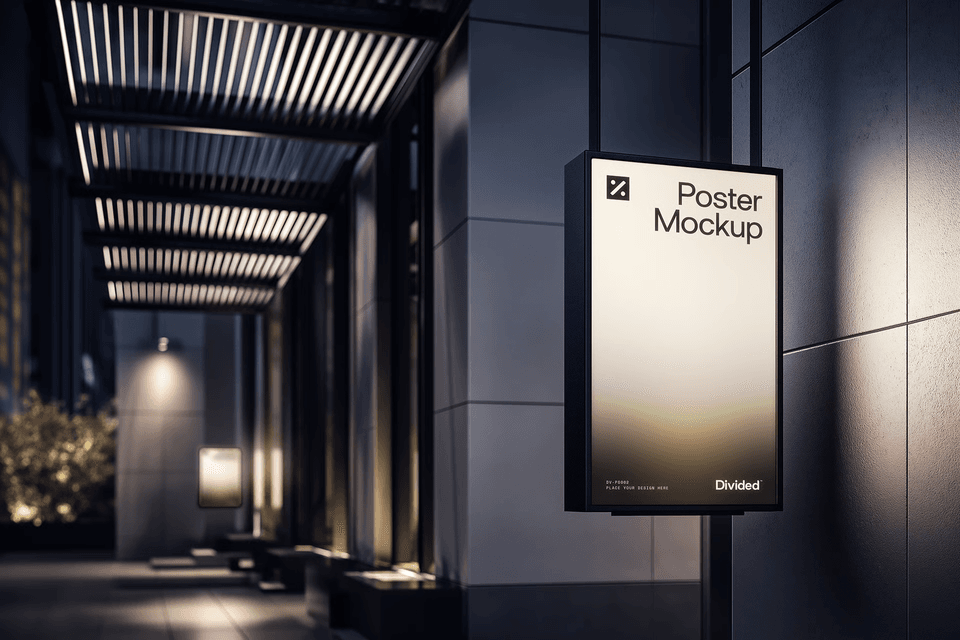
High Quality Wall Poster Mockup
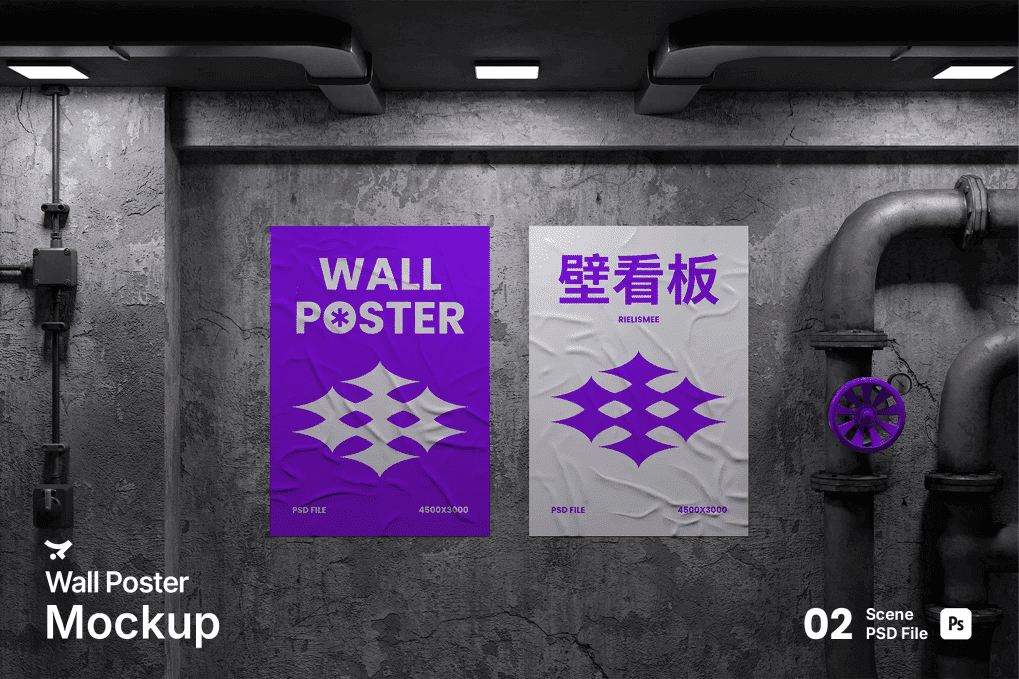
Blue Poster Mockup Set
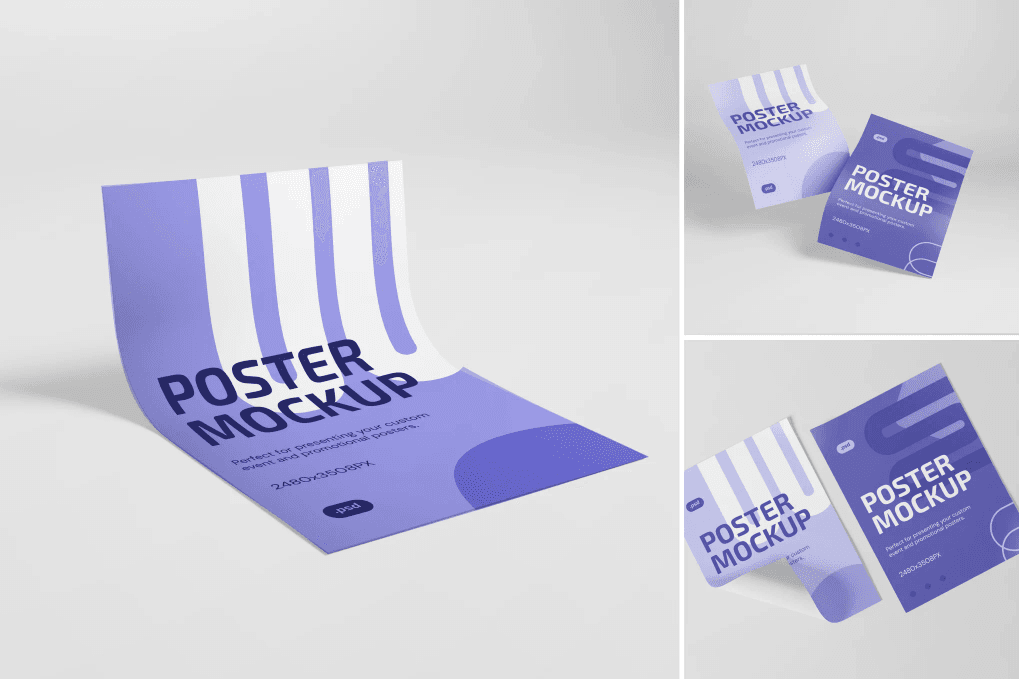
High Quality Dark Poster Mockup
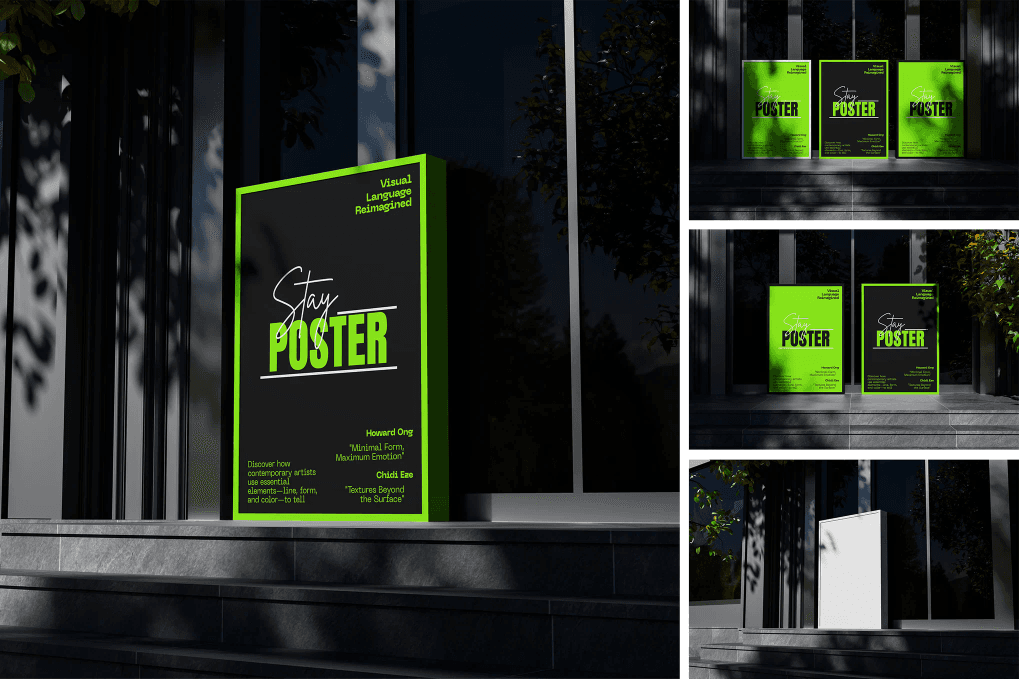
White Poster Mockup
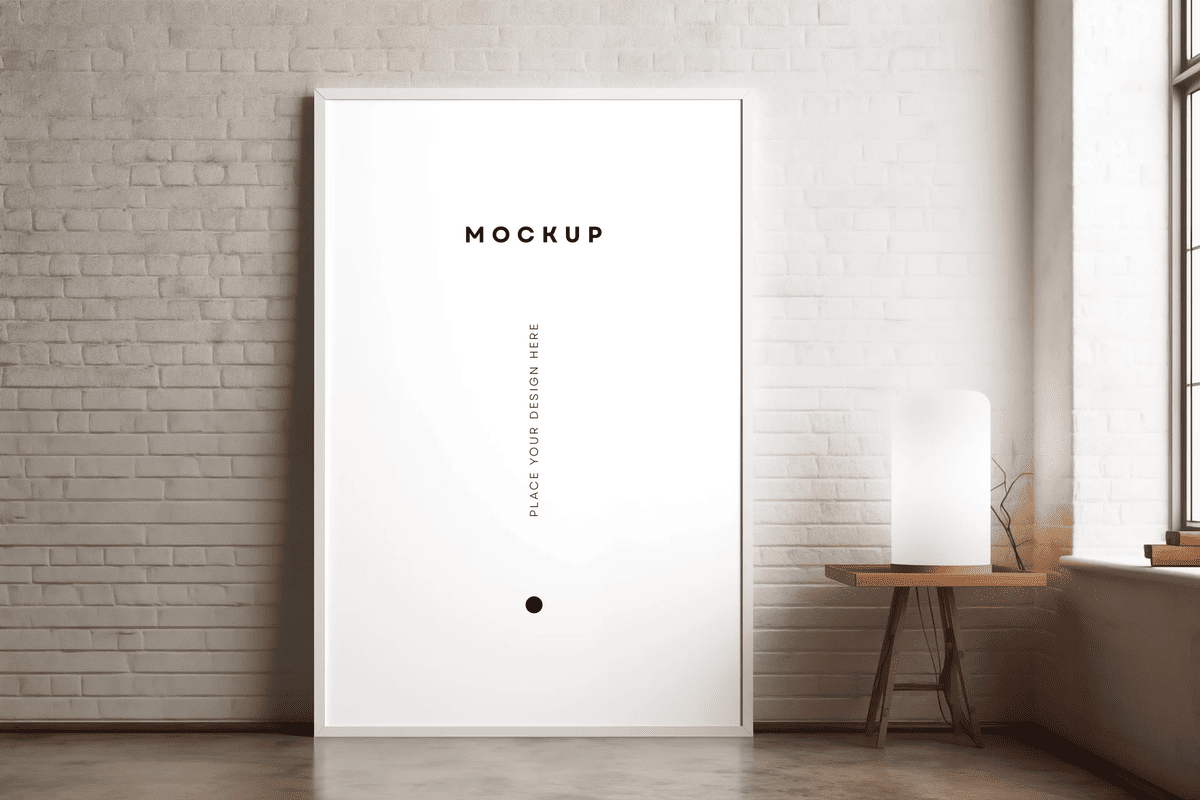
High Quality Poster Mockup Set
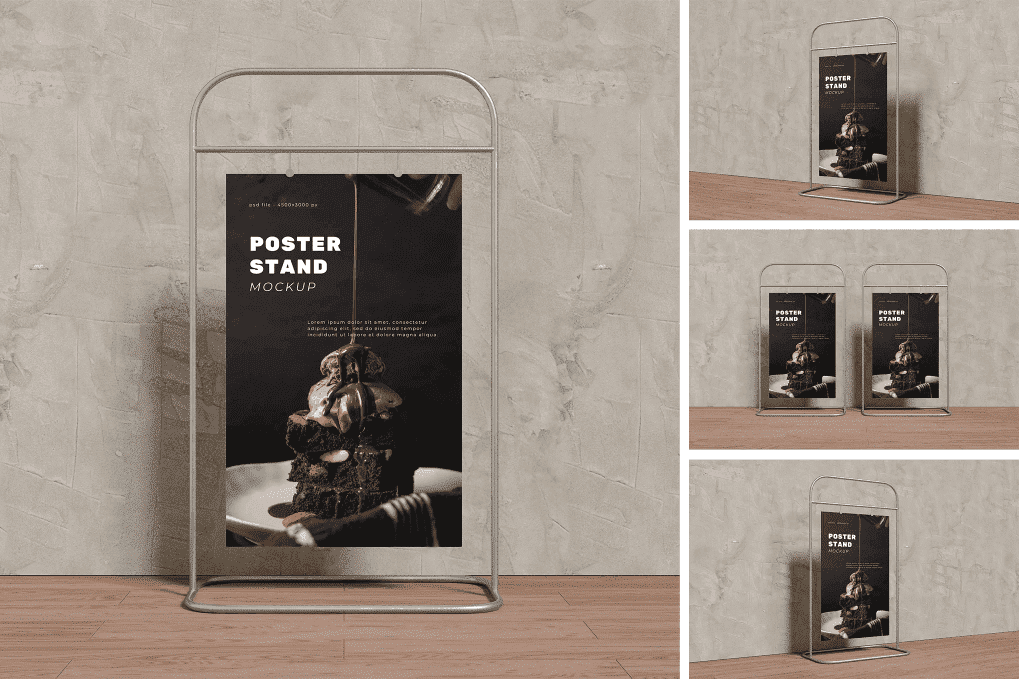
High Quality Wall Poster Mockup Set
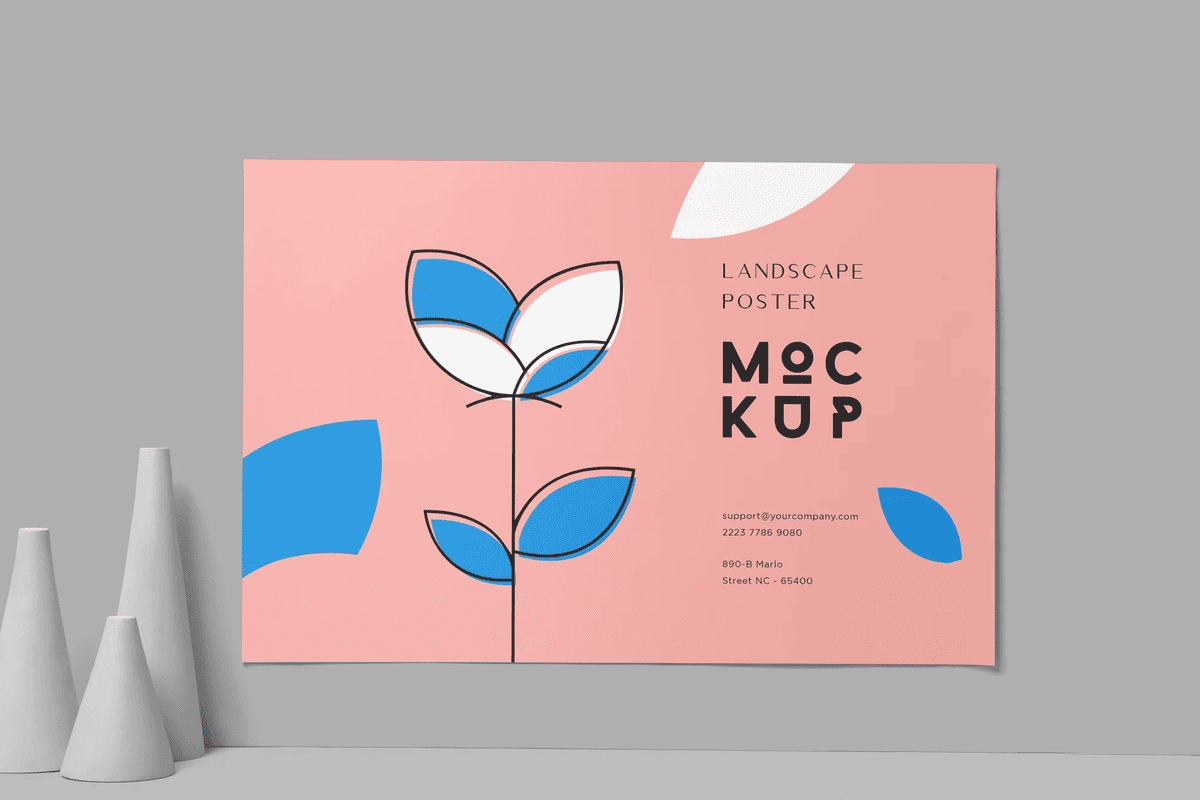
Shadow Poster Mockups
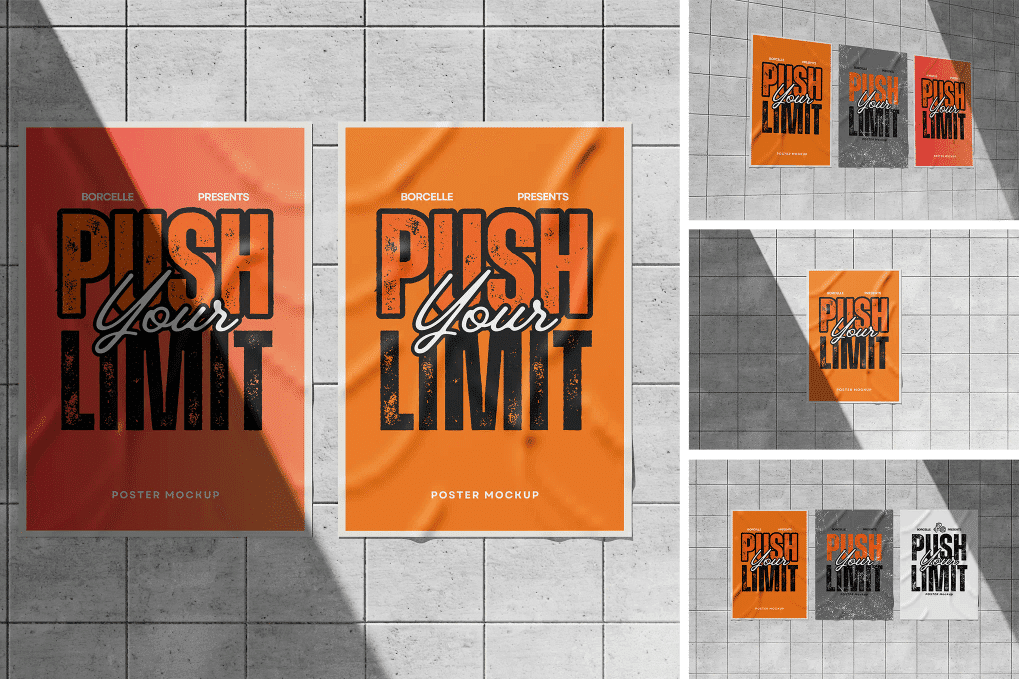
Poster Mockup
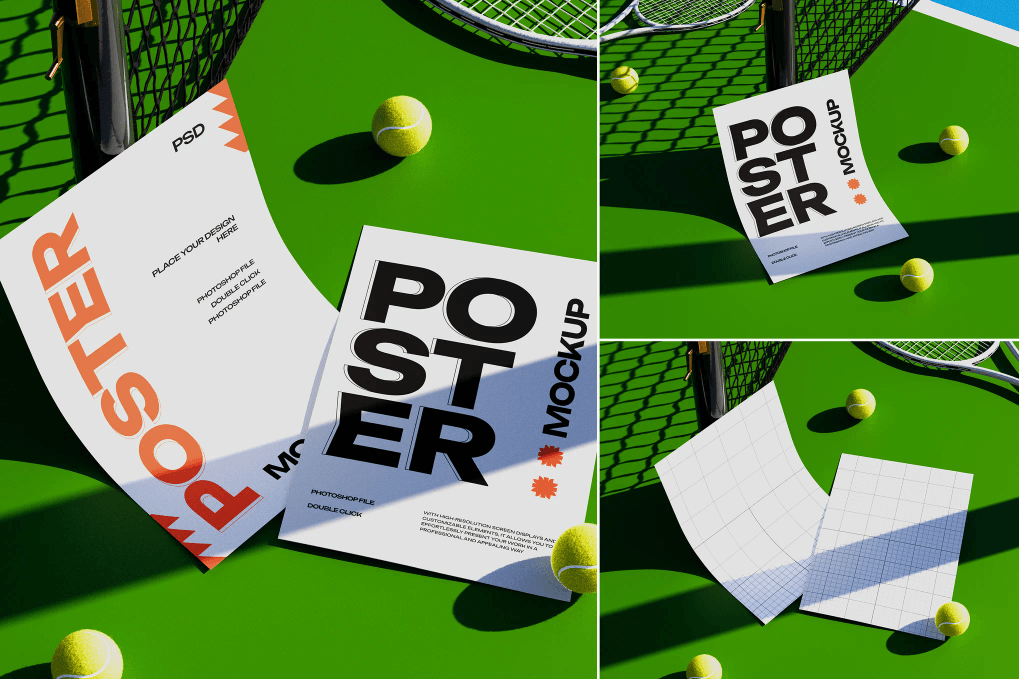
Blue Poster Mockup Set
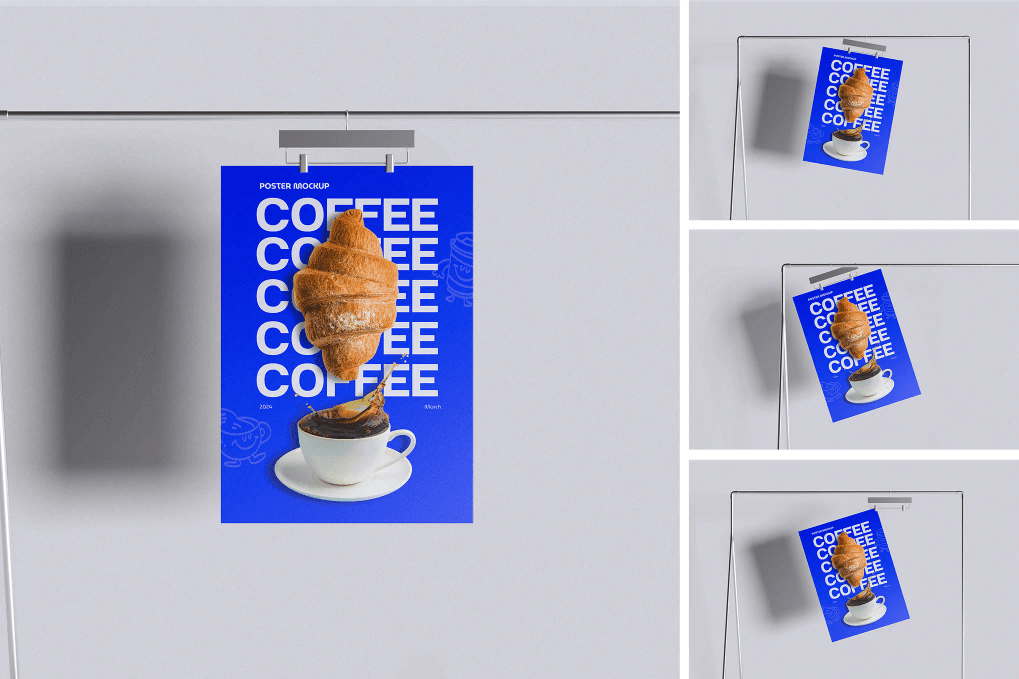
Free Urban Street Poster Mockup
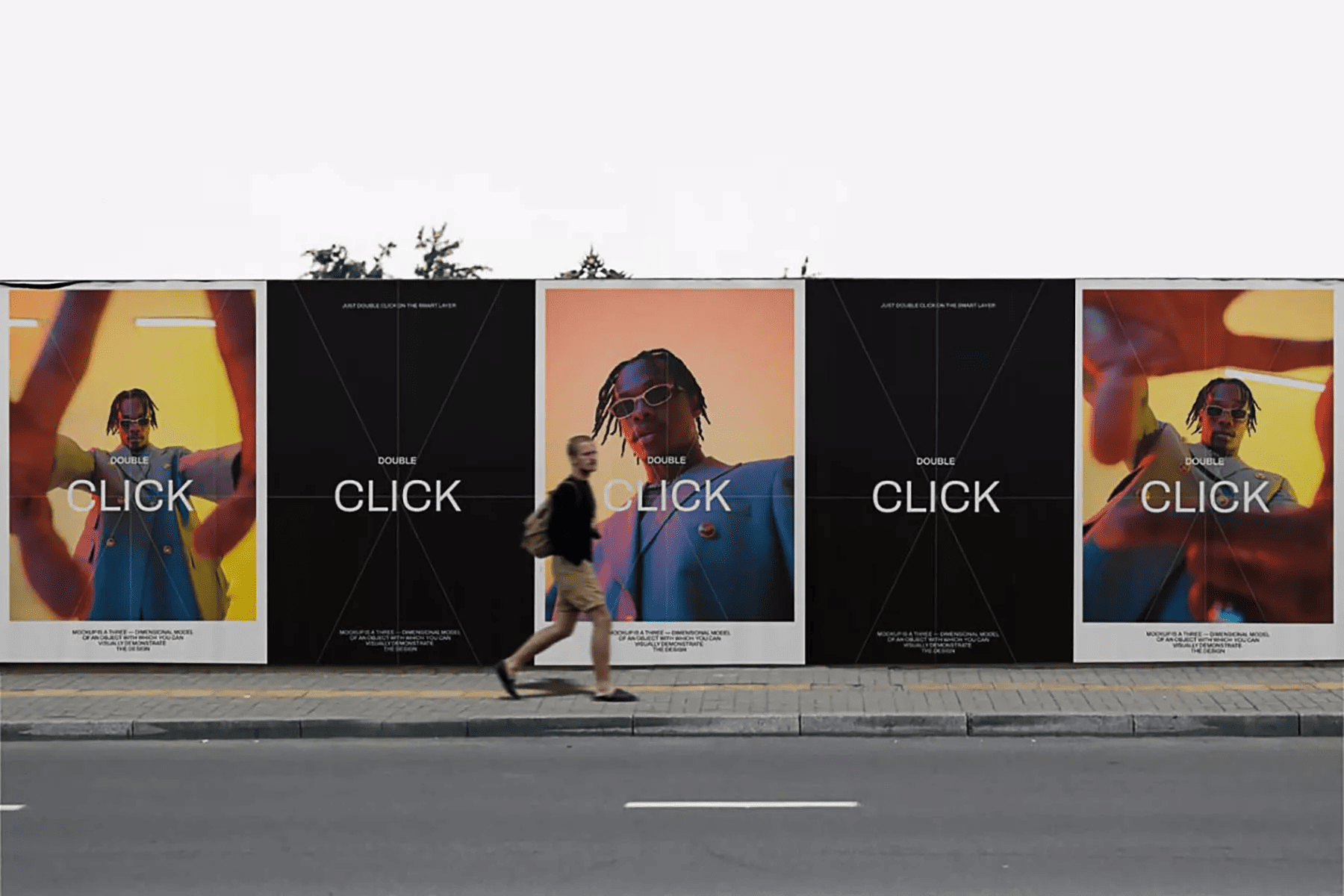
Free Wall Poster Mockup Set
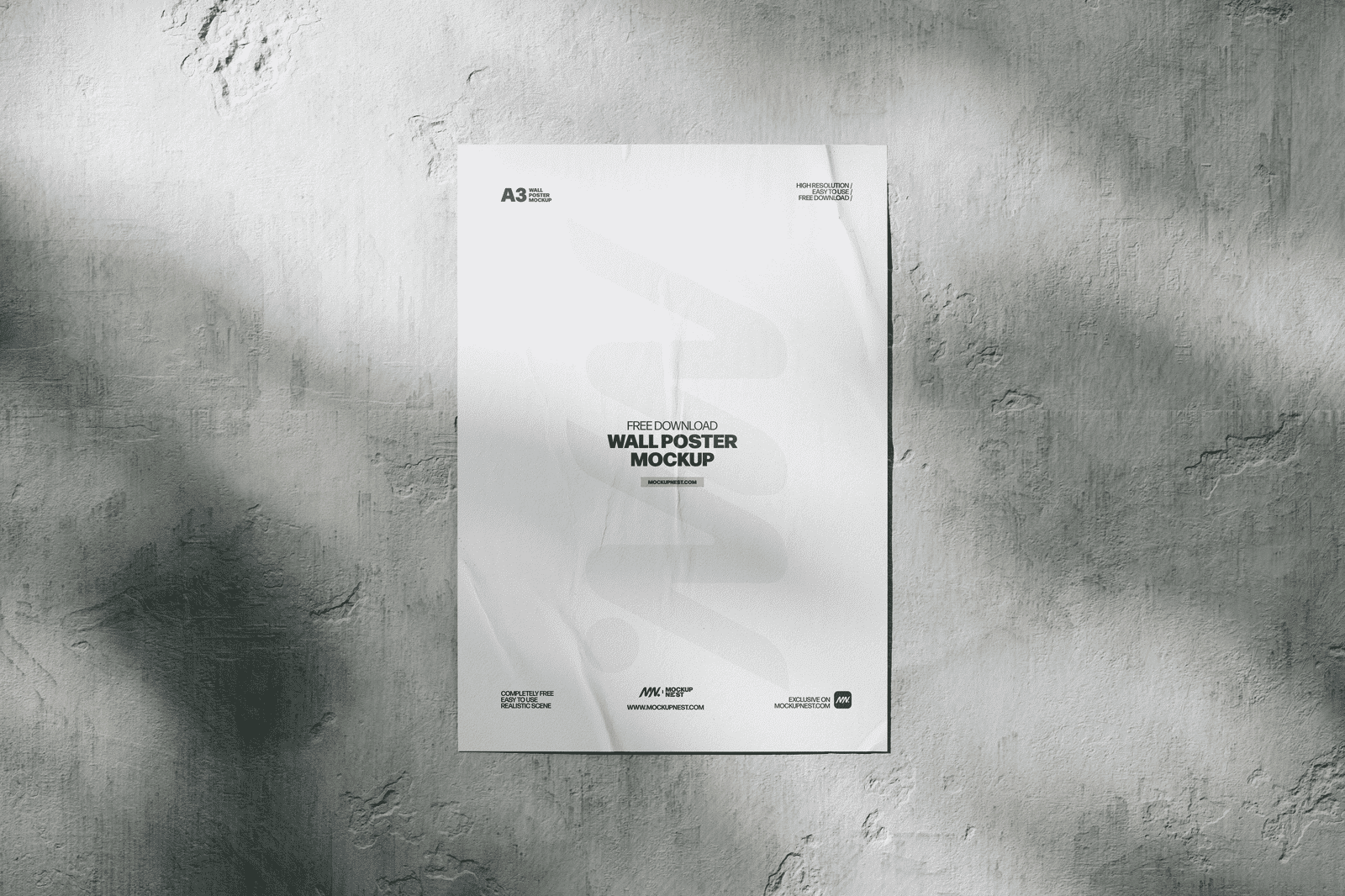
Free Wall Poster Mockup
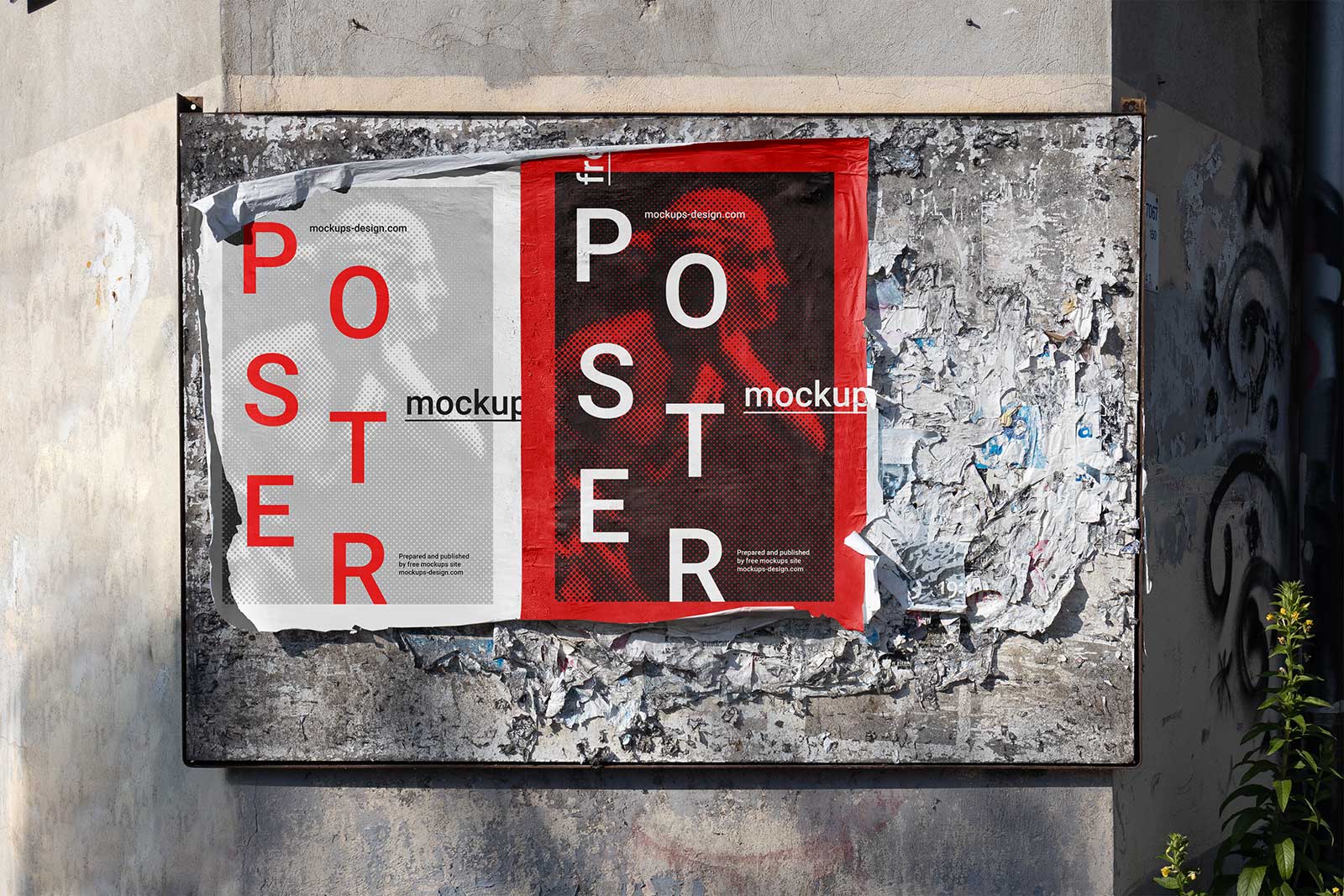
Free Torn Poster Mockup
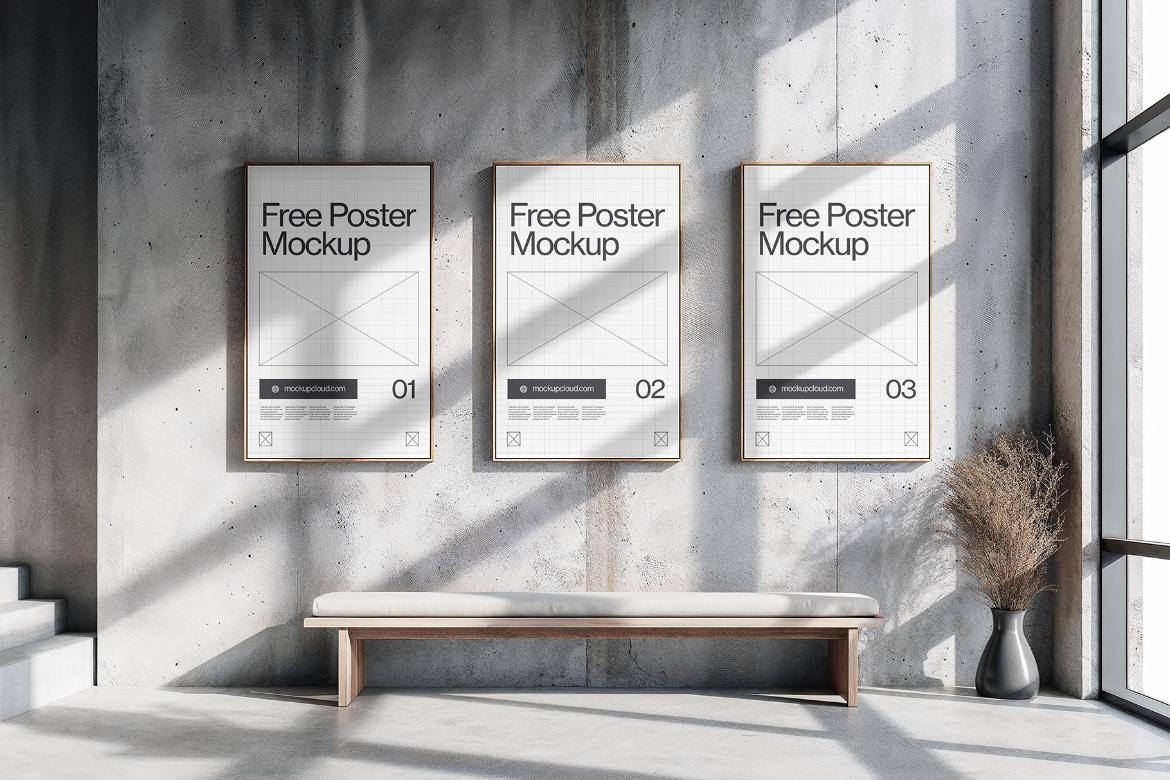
Free Office Wall Poster Mockup
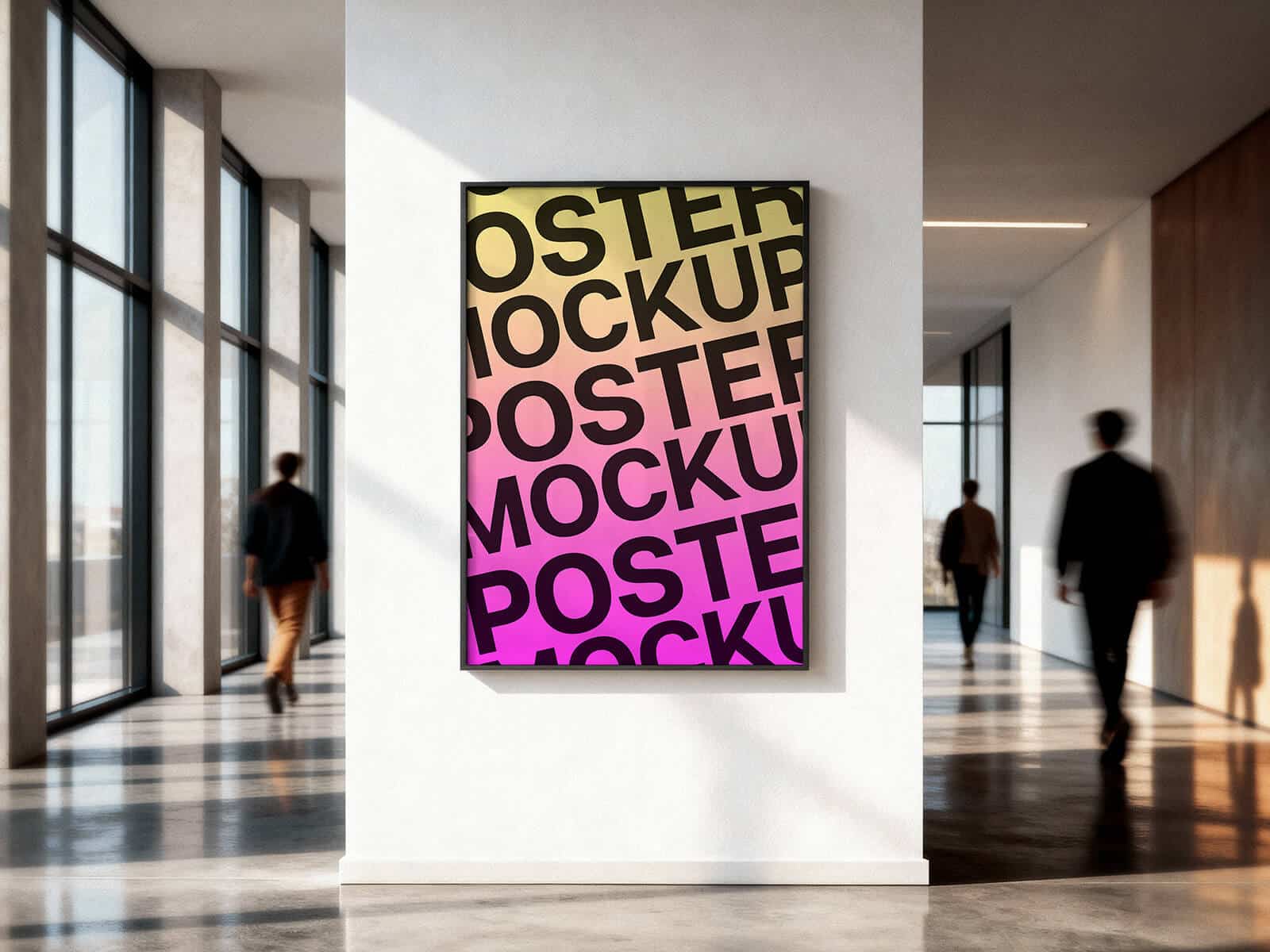
Free Underground Framed poster Mockup
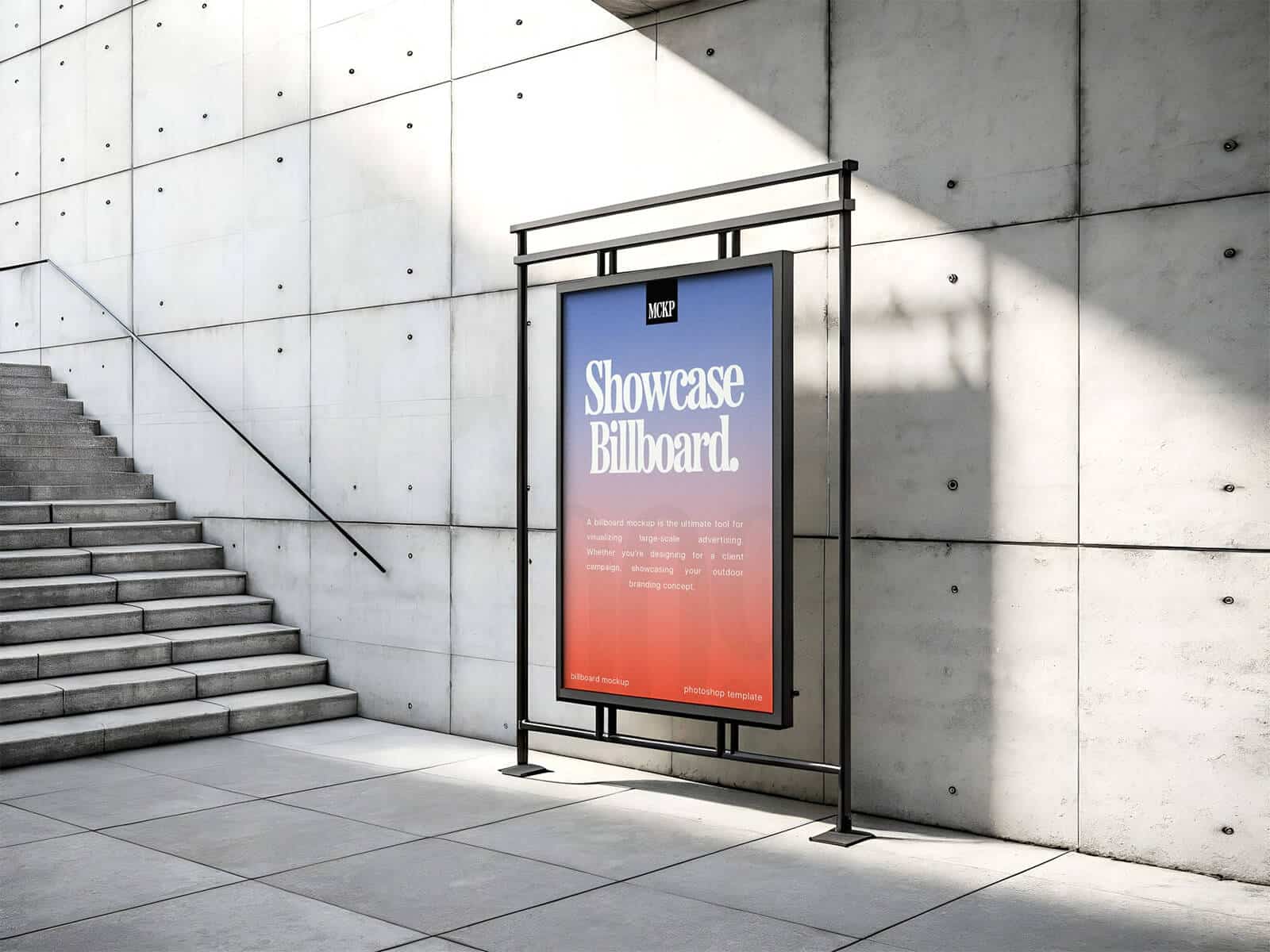
Free Metal Wall Poster Mockup
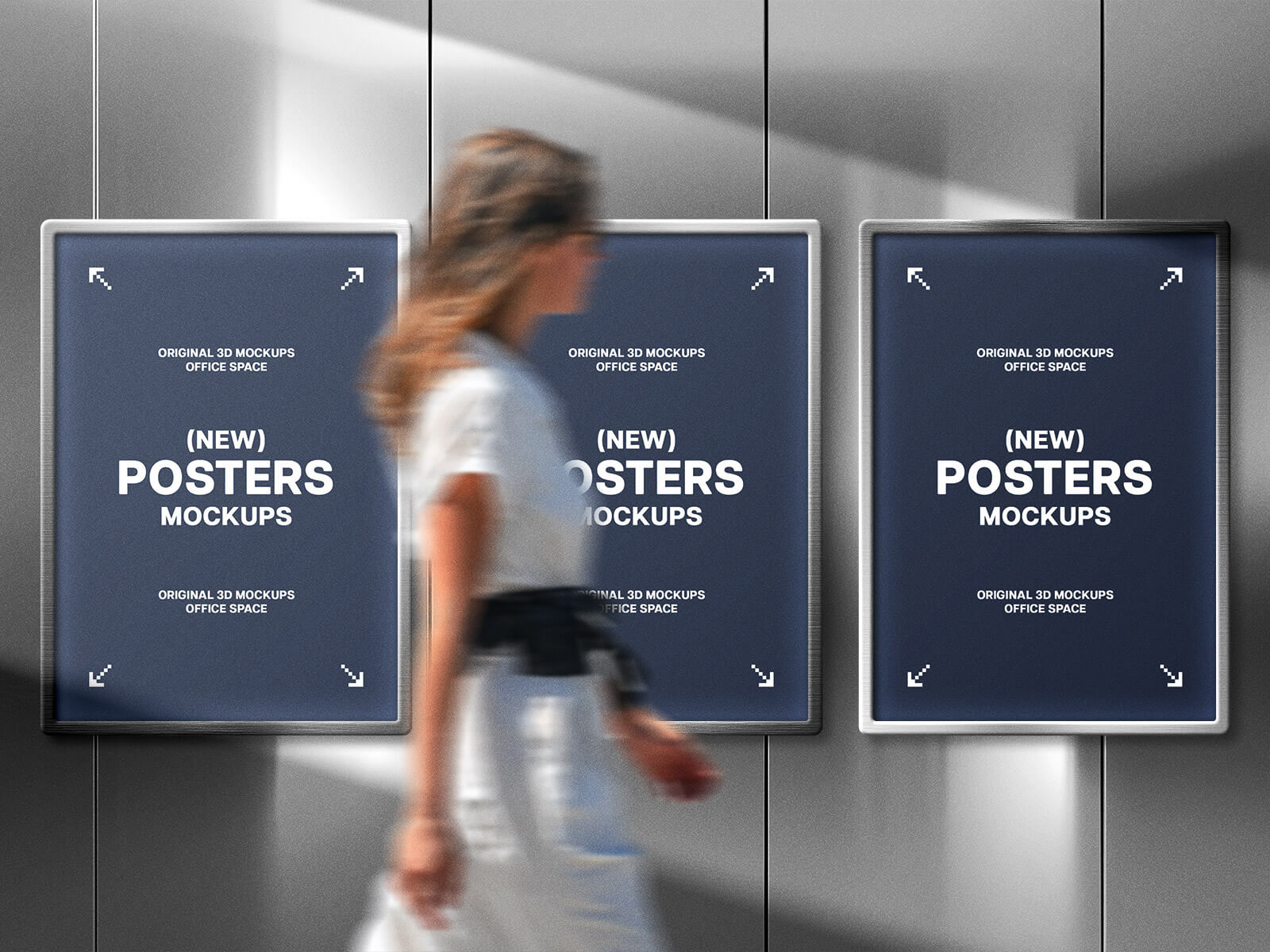
Free Floating Poster Mockup
Free Bus Stop Poster Mockup
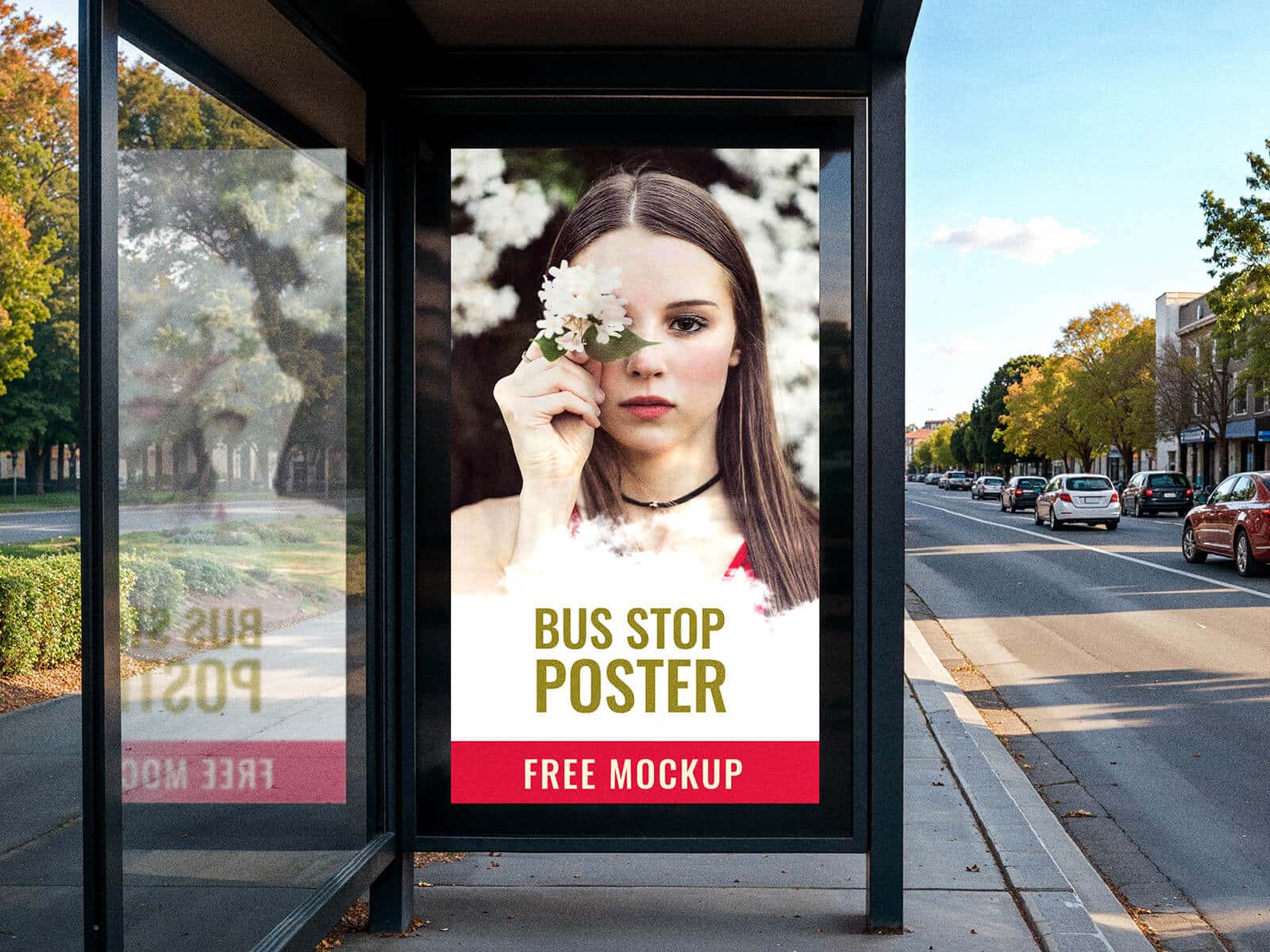
Free Vertical Wall Poster Mockup
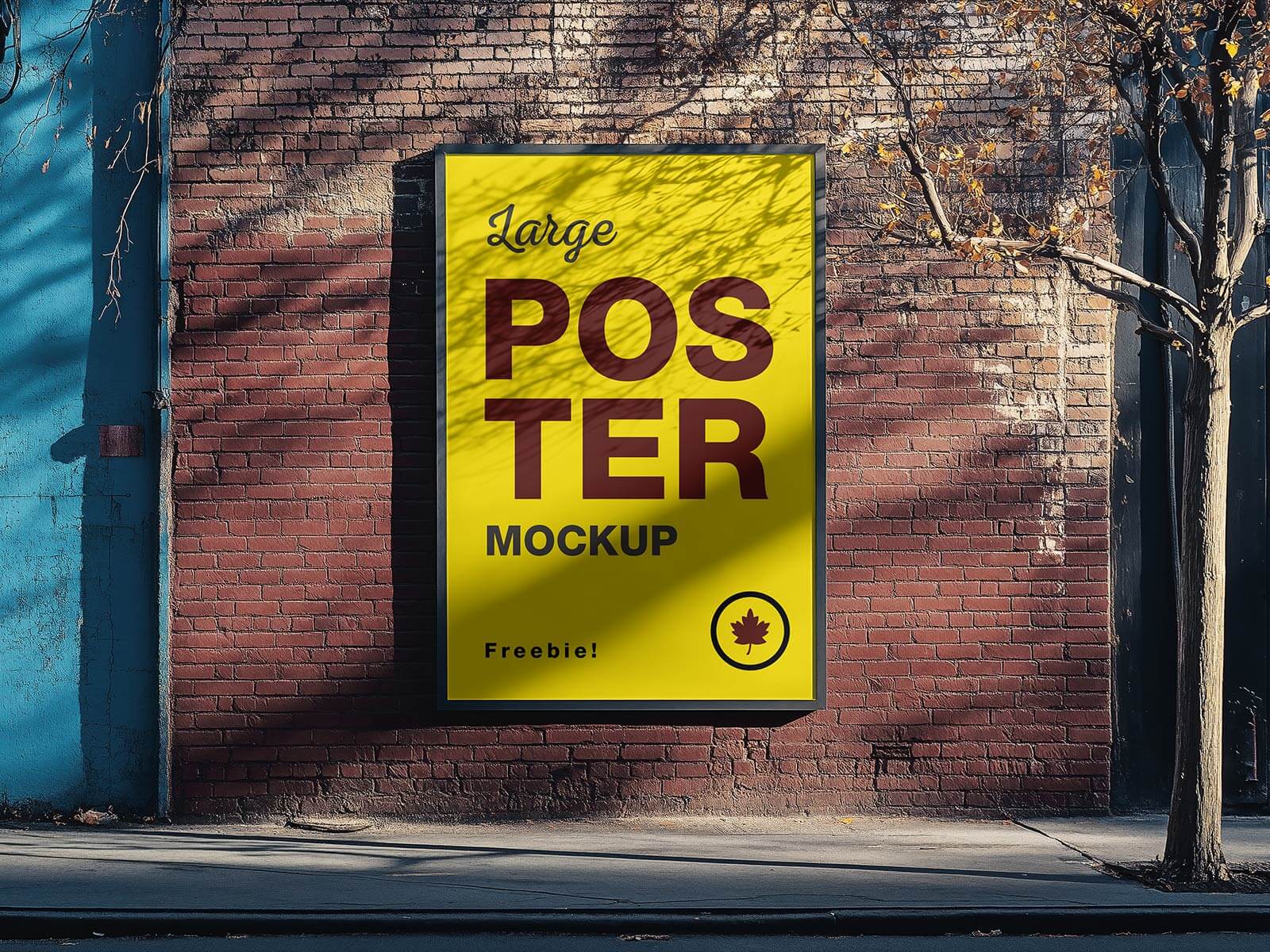
Free Torn Paper Poster Mockups
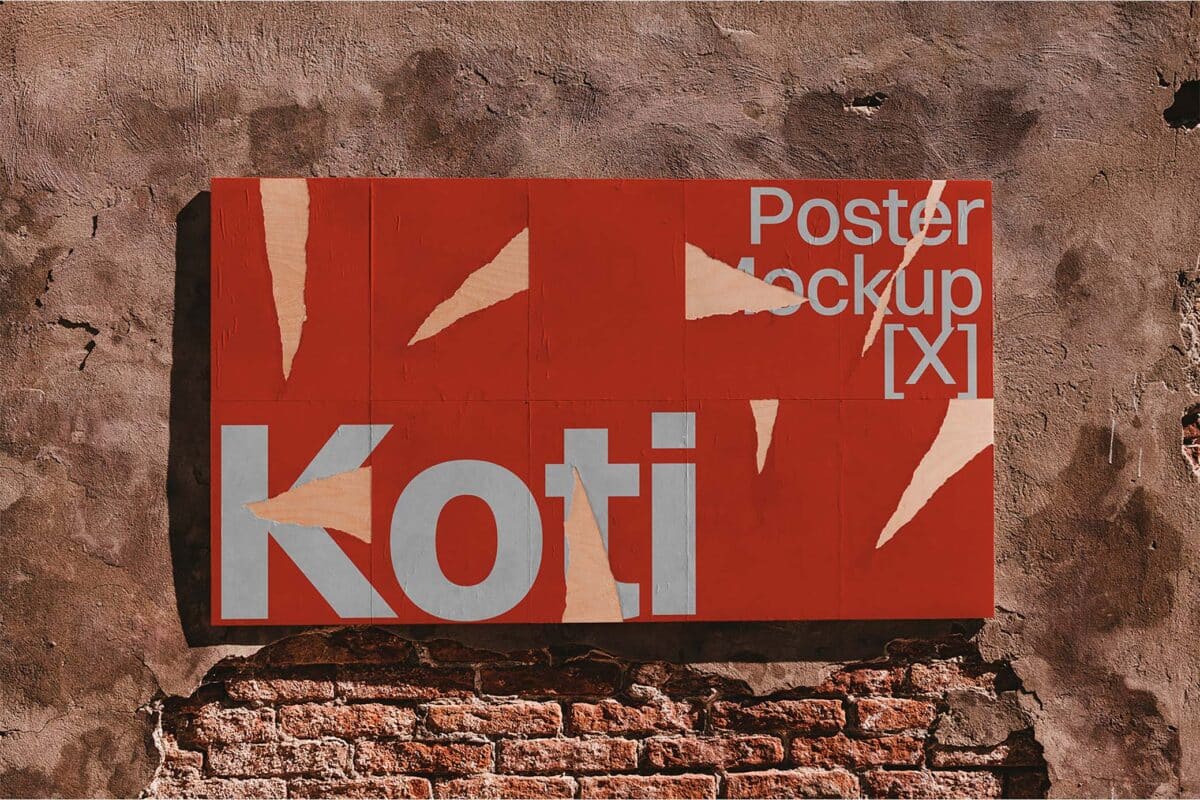
Posters Mockup
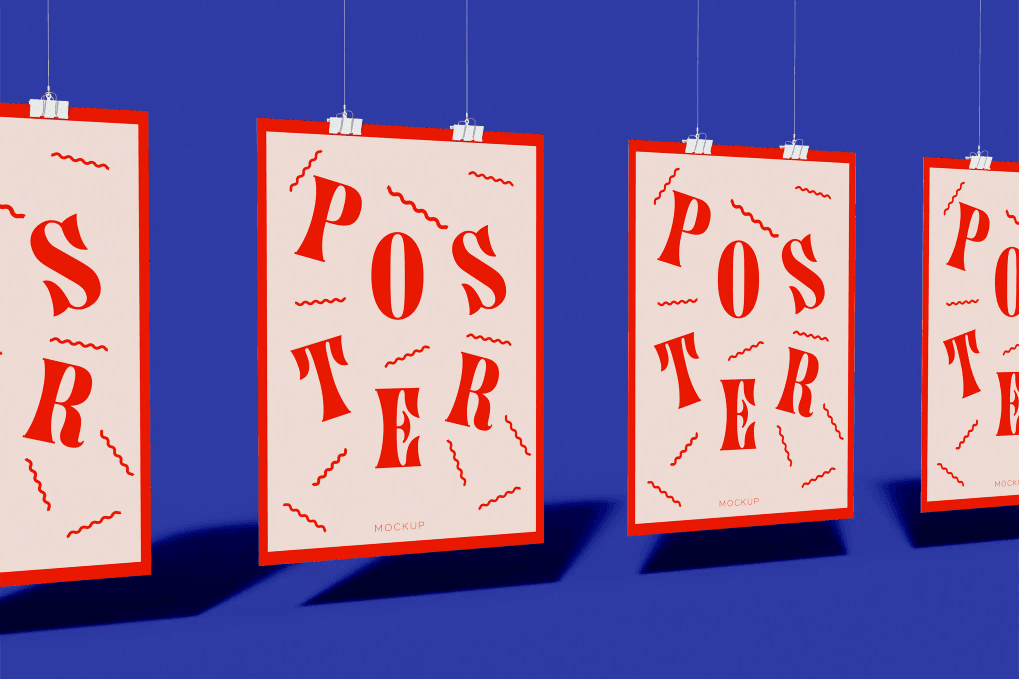
Poster Mockup on the Wall
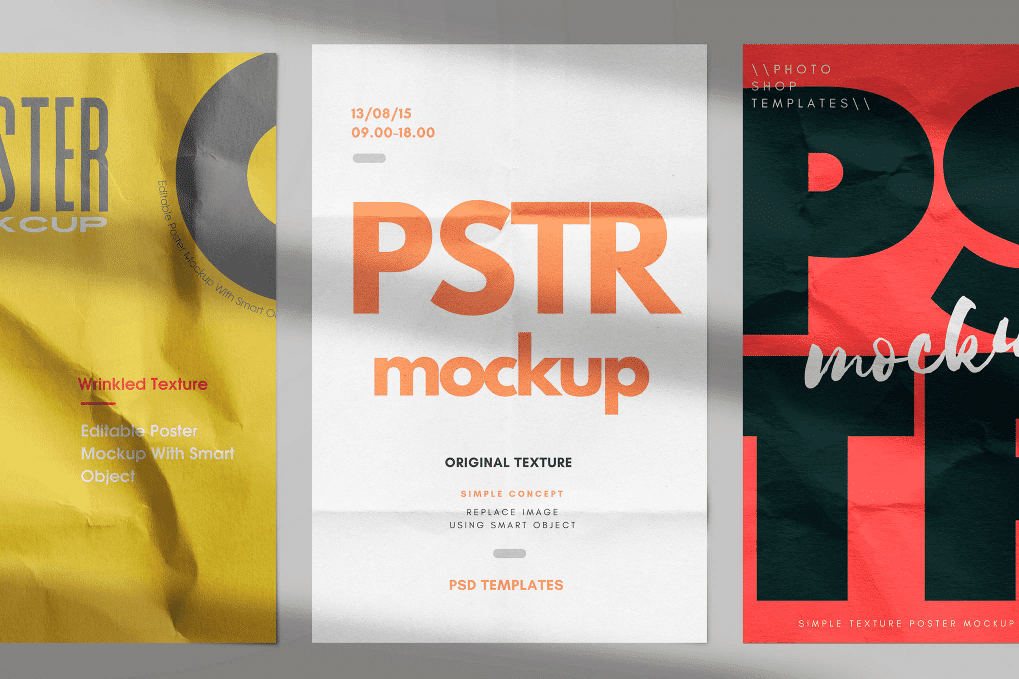
Poster Mockup Set
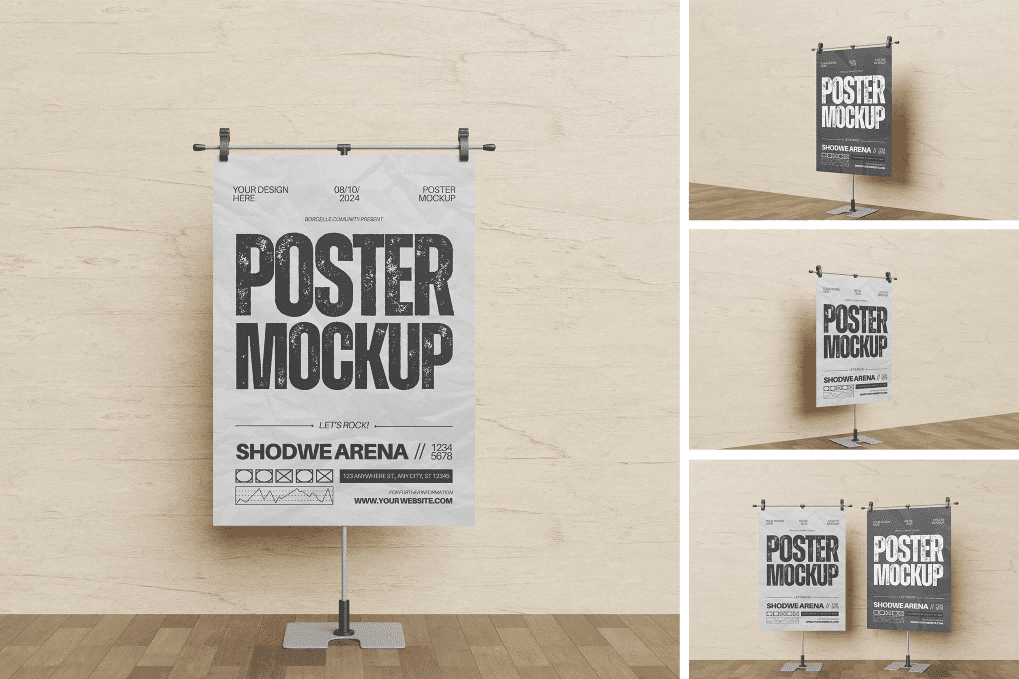
Modern Poster Mockup
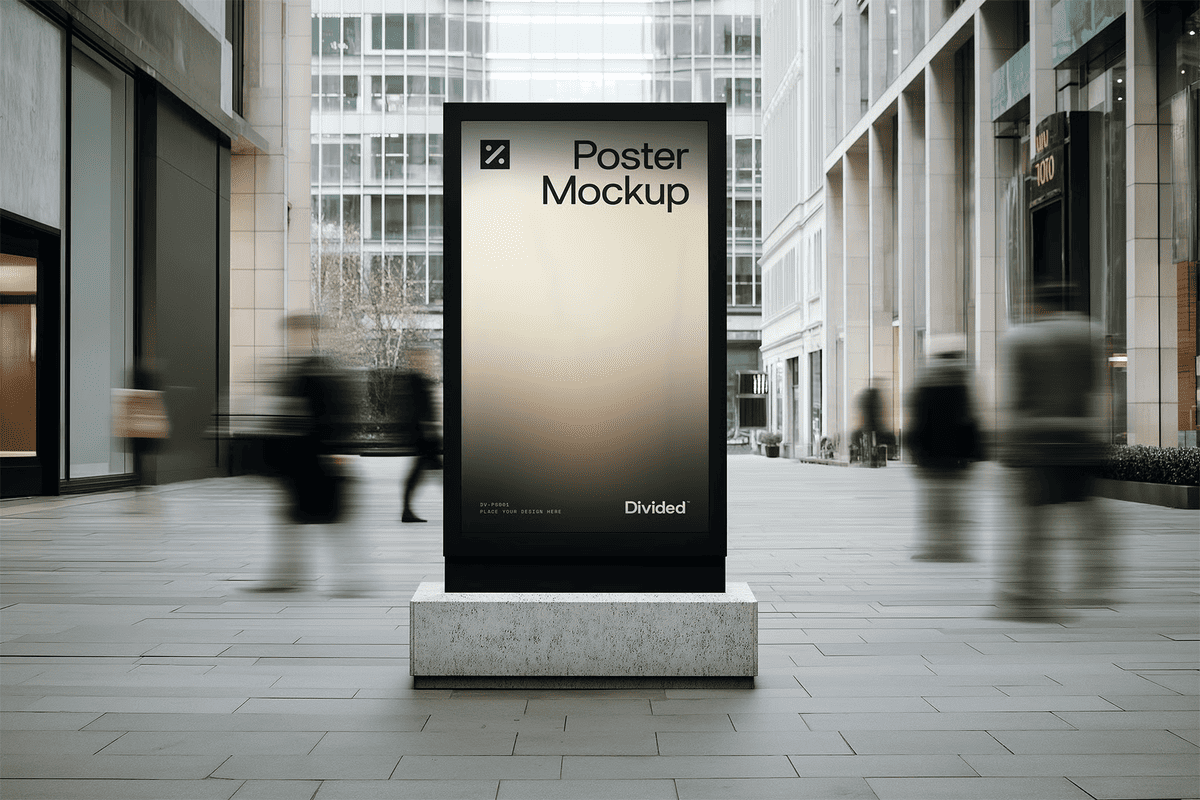
Poster Mockup
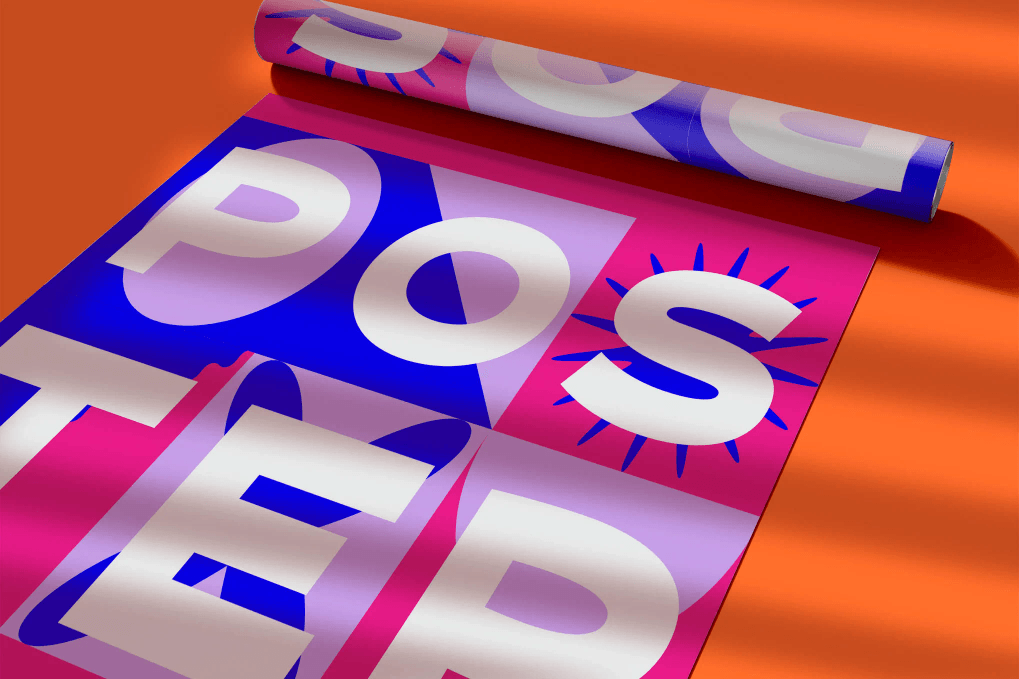
Black and White Poster Mockup
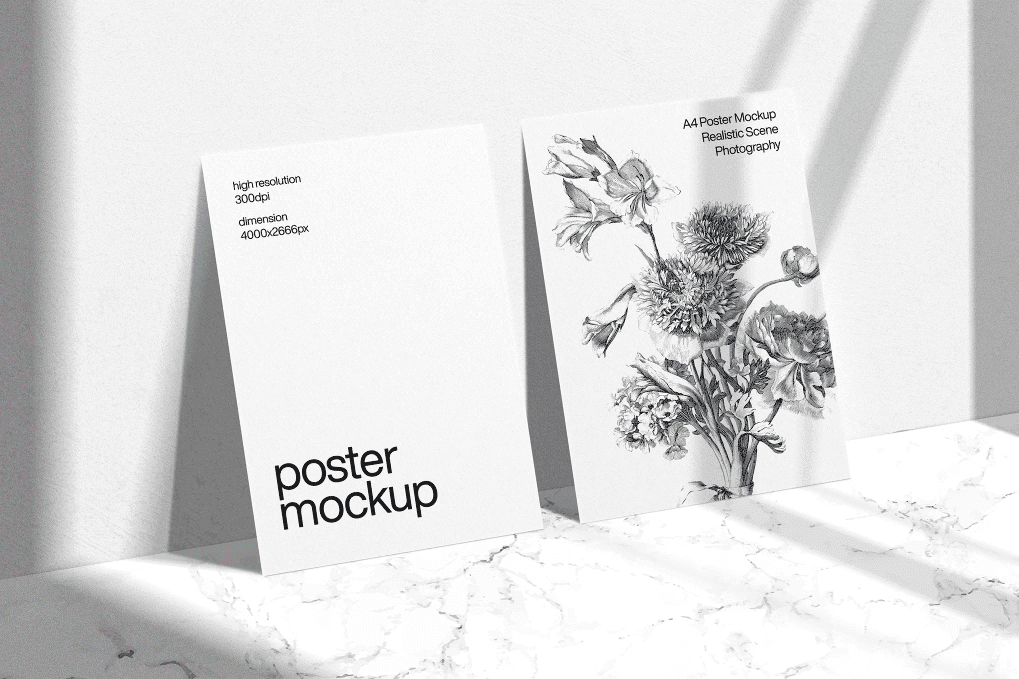
Standing Poster Mockup
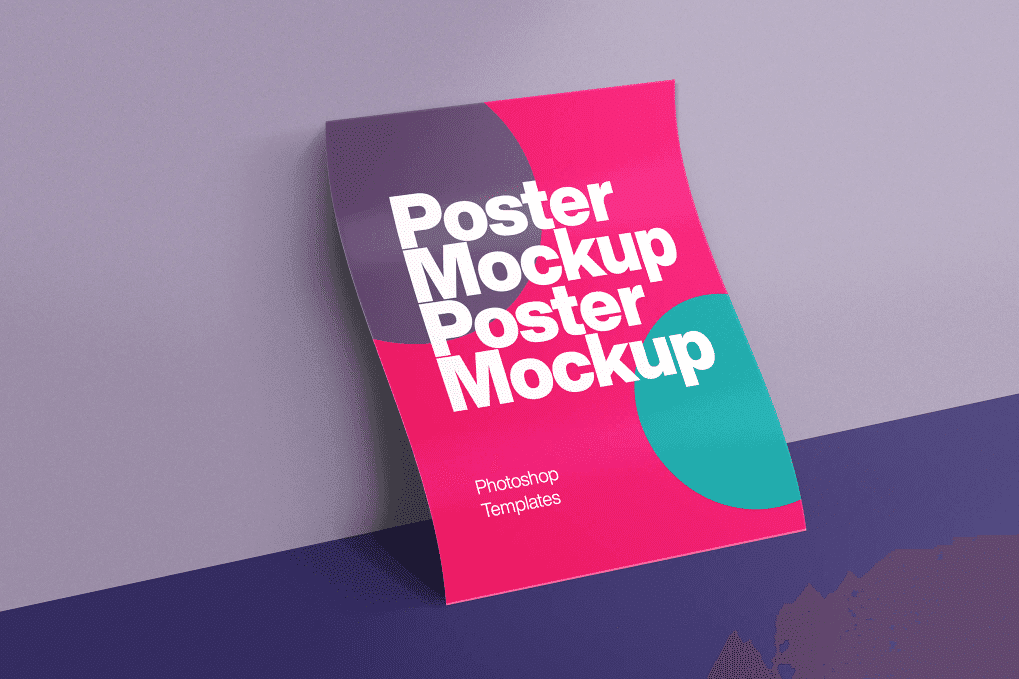
Wall Poster Mockup
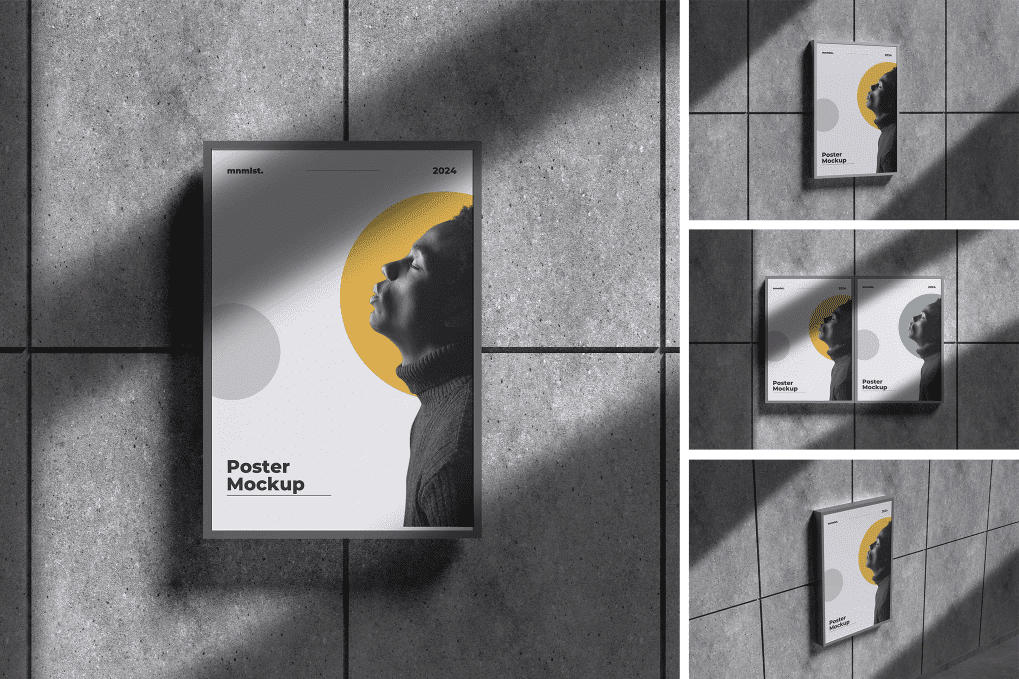
Outdoor Poster Mockup
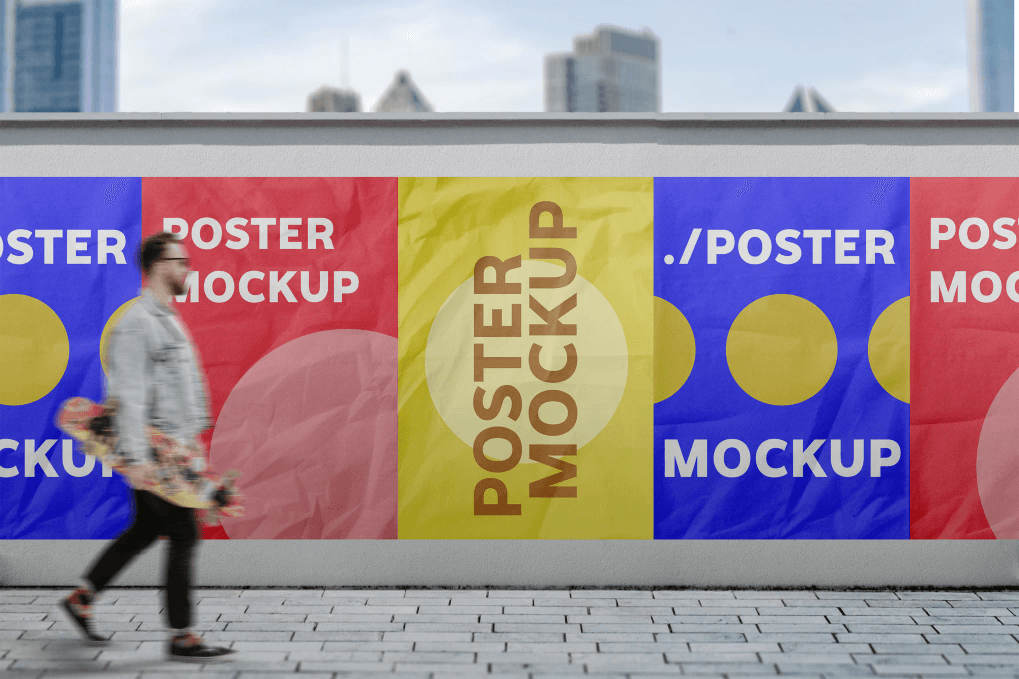
Poster Frame Mockup
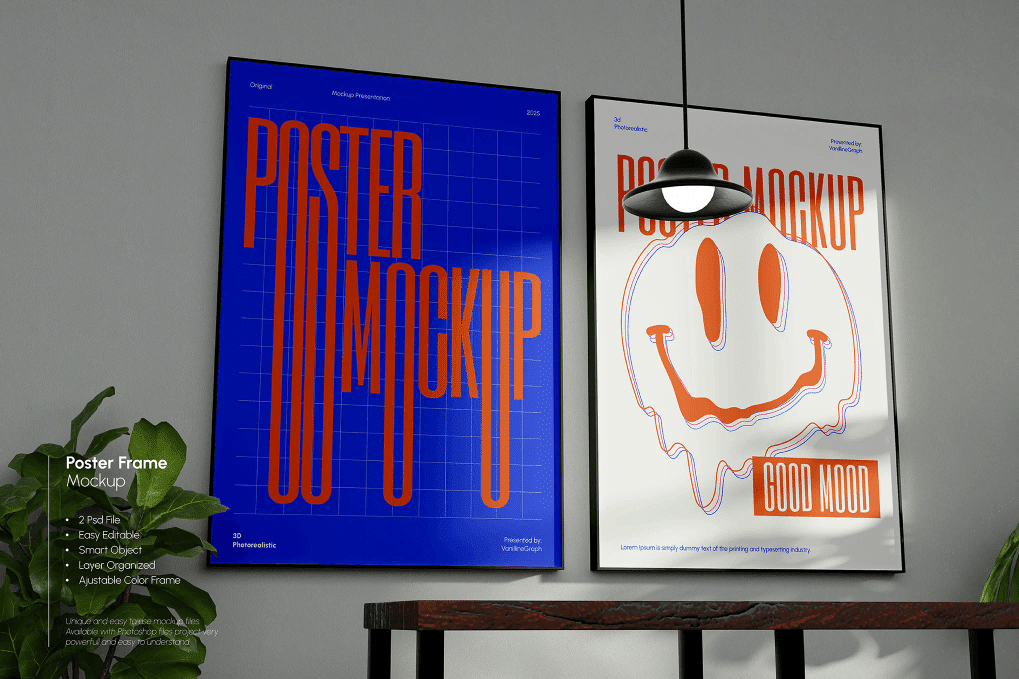
FAQ
What is a poster mockup?
A poster mockup is created after you have organized your content. However, you can use placeholders until everything is ready. It shows how the stories and images will look in the final poster. The mockup provides an overview of the entire script.
How to use mockup?
- Open PSD File on Adobe Photoshop Application;
- Double click smart layer, then the smart layer tab will open;
- Paste your design on the smart layer;
- Save and close smart layer tab’s;
- Now you get the preview of your design on the mockup.
Can I upload my own designs?
Yes, of course. You can upload your own designs most easily, as the mockup template is finished, so you don’t need to build everything from scratch. You can adjust the design, change colors, and all other aspects to create a custom pin/badge that fits your brand.
Can I use mockups for free?
A huge part of the poster mockups presented in our list is free to use for personal and commercial needs. Other premium mockup templates you need to buy for a small amount of money. Envato Elements offers millions of designs for a small monthly or annual fee.


