













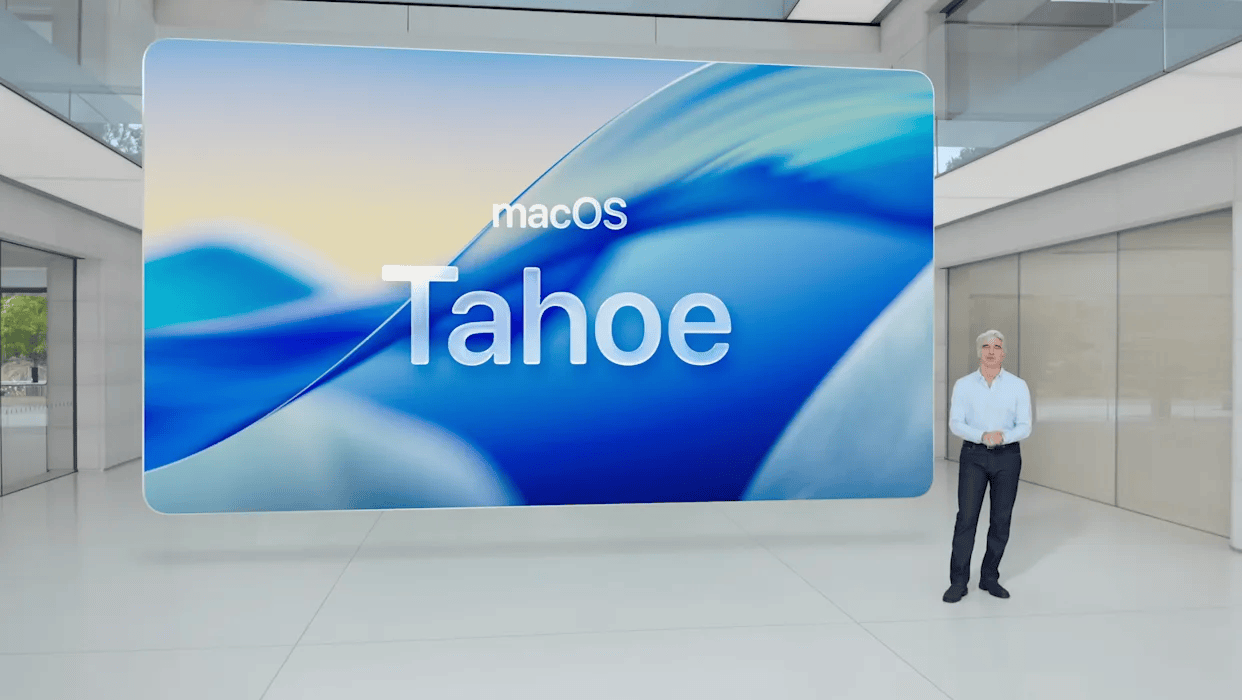
Apple’s full version of macOS Tahoe is now available for download, and after testing beta versions all summer, I can confidently recommend it as a worthwhile upgrade for your Mac.
A big feature of macOS 26 is Apple’s new Liquid Glass design language, which it has applied across the operating system to give it a new look, a couple of new Continuity features, an update to Spotlight search and the new Games app. Here’s what you need to know.

Liquid Glass Design
The Dock, sidebars, toolbars, and other elements on your Mac will look glassy and more reflective with Tahoe, but the biggest change to the desktop’s appearance is the disappearance of the menu bar. It’s still there, just harder to see. Like the clear water of its namesake, the menu bar is completely transparent with macOS Tahoe 26.
The macOS Tahoe 26 also offers more ways to customize the look of your Mac, including the ability to choose a color other than light blue for folders. In addition to changing the color of folders, you can also add an icon or emoji to them.

Two new Continuity features
The first brings the phone app from your iPhone to your Mac, so you can make and check recent calls, listen to voicemails, and see all your contacts without picking up your iPhone if you’re sitting in front of your Mac. The Phone app will sync between your iPhone and Mac, and it will include new call screening and call hold assistance features.
The second Continuity feature coming to Mac is Live Activity. Whether you’re tracking a flight, an Uber order, or a baseball game score, you can view “Live Activity” in the menu bar using macOS Tahoe. You can also take actions on a Live Activity notification on your Mac using iPhone mirroring.
Supercharged Spotlight
Spotlight is getting an update with a dose of AI to help rank search results and get you what you’re looking for faster. I’m a little confused by the fact that it will list all the results together and use AI to put what it thinks is the most relevant files at the top, but there are filtering tools to help narrow down the results, so maybe they’ll be useful.
The bigger news with Spotlight is its ability to run Shortcuts and understand quick keys to start an action. You can, for example, enter “sm” to send message or “ar” to add reminder in Spotlight without needing to open the Messages or Reminder app.
Live Translation and Games app
The new Apple Intelligence feature will provide live translations for text, phone, or FaceTime conversations. The feature joins Apple’s partnership with “Microsoft’s Copilot Plus” computers, which have offered live translations for over a year.
The macOS Tahoe will also feature a new Apple Games app, which is essentially a gaming App Store with a library view where you can see all of your purchased or downloaded mobile games. There’s also a section dedicated to cooperative play, and the Games app will also feature a game overlay where you can adjust settings and interact while playing.
The Requirements
The final version of macOS Tahoe 26 is already being released as a free update this fall. With a few exceptions, you will need a Mac computer with an Apple M-series processor to run Tahoe. Here is a list of supported devices:
- MacBook Air with Apple silicon (2020 and later)
- MacBook Pro with Apple silicon (2020 and later)
- MacBook Pro (16‑inch, 2019)
- MacBook Pro (13‑inch, 2020, Four Thunderbolt 3 ports)
- iMac (2020 and later)
- Mac mini (2020 and later)
- Mac Studio (2022 and later)
- Mac Pro (2019 and later)
Credits:


