









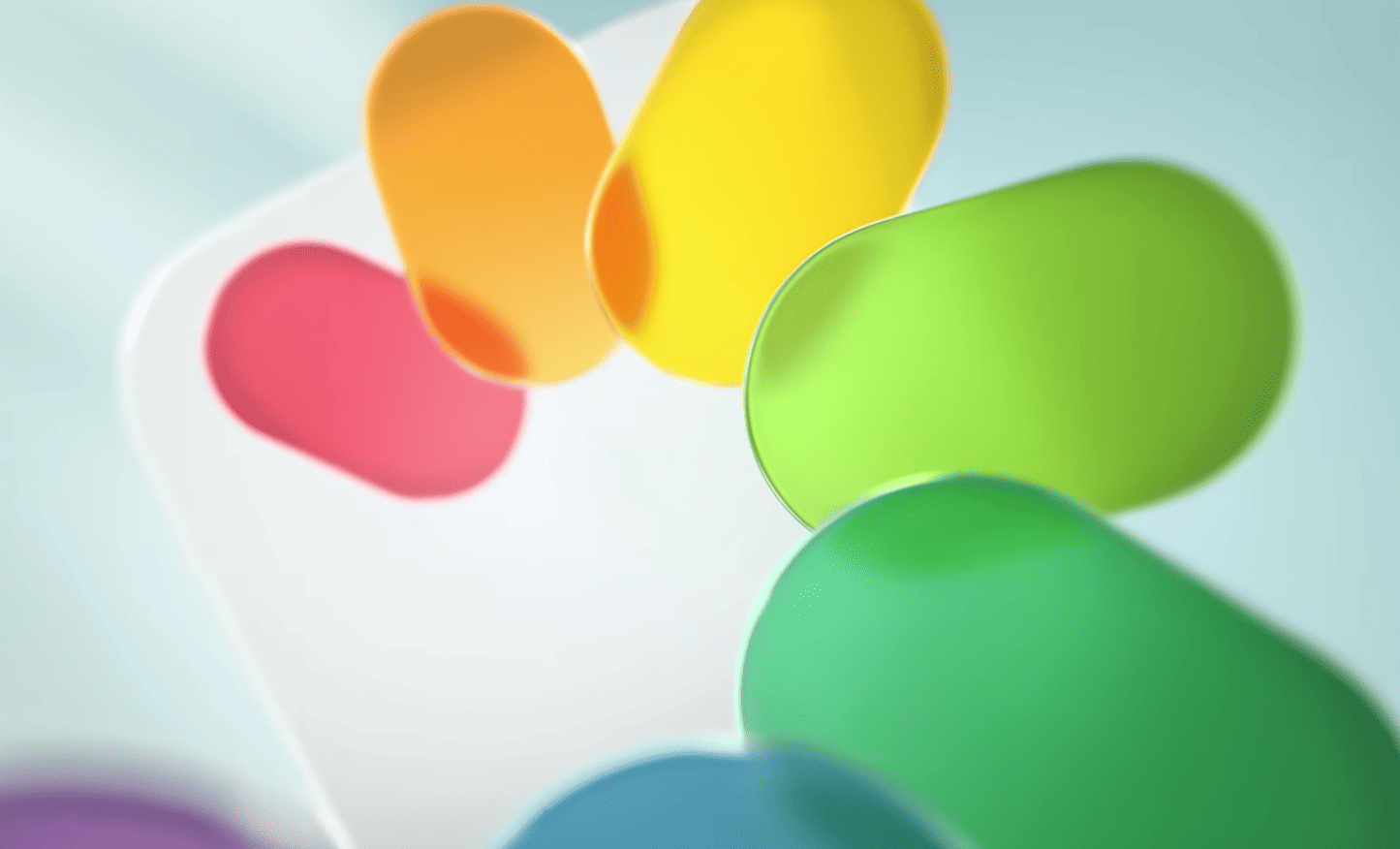
As it usually does, after the release of a new version of iOS, Apple stops certifying older mobile OS. So if you’ve upgraded to iOS 26, you’d better settle for Liquid Glass.
If you have yet to upgrade your iPhone to iOS 26, make sure you really want it. Apple has stopped signing iOS 18.6.2, which means it’s currently impossible to downgrade from iOS 26.
As 9to5Mac reports, “signing” here refers to Apple validating the software at its end. Without this check, you can’t install a software update on your iPhone. Since Apple has stopped signing iOS 18.6.2, it just means you can’t go back to iOS 18 once you upgrade to iOS 26.
The move is not surprising. Apple typically blocks updates to an older version one to two weeks after the release of a new version of iOS, and iOS 26 began rolling out on September 15.
If the new design is causing clarity issues for you, you can try a few workarounds to better separate the background from the foreground. Go to Settings > Accessibility > Display & Text and enable Reduce Transparency. If the two layers are still not well separated, enable Increase Contrast from the same menu. This will put borders around app icons, control panel buttons, widgets, and almost every other element of the software, for improved clarity.
If you have a problem with quick battery drain in the new software this is quite normal in the initial stages, Apple says, adding that “your device needs time to complete the setup process in the background, including indexing data and files for search, downloading new assets, and updating apps.”
Credits: