




18 Lightroom presets for fashion photography
When you're a fashion photographer, life is too short to create boring editorials.

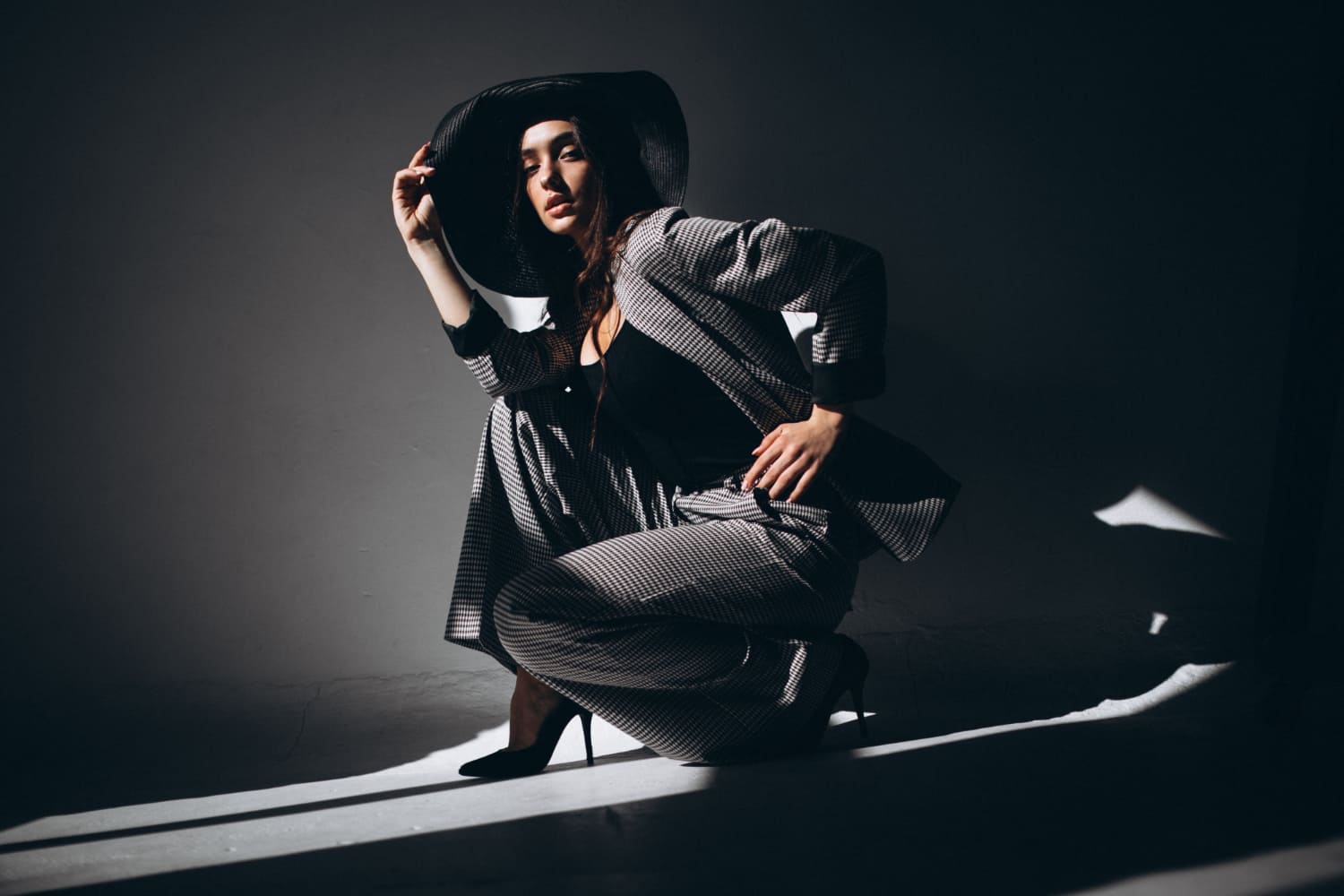
Without waiting for anything, you can take care of some aspects of the photo shoot, posing the models perfectly, choosing the right environment, adjusting the lighting, and giving great directions.
Typically, photographers work hard on editing and spend countless hours in Lightroom. If you use Lightroom presets, you won’t have to worry about figuring out how to do something from scratch. They are perfectly designed tools that will instantly help you take care of your photos in no time.
This time we have prepared a bunch of Lightroom presets for you to create amazing effects for your photo shoots, especially in Fashion photography.
They will give you fantastic filters and effects for your fashion photos. From unique and creative editorial photos to elegant fashion shoots for sophisticated brands, you will find the perfect Lightroom presets in this collection.
Without waiting for anything, just jump to our curated list below and choose your favorite one effect to download:
Fashionista Lightroom Presets
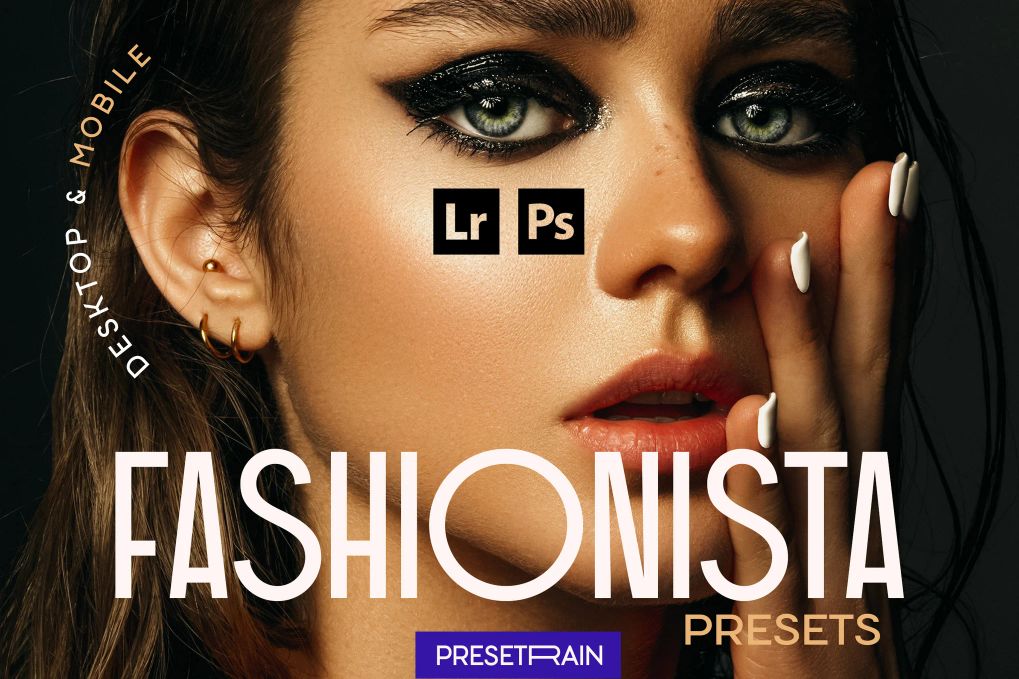
This collection features 10 authentic toning presets for fashion, beauty, portrait and fine-art photography. Easily style your editorial, studio or location shooting and take your post-processing workflow to the next level.
Fashion Lightroom Presets
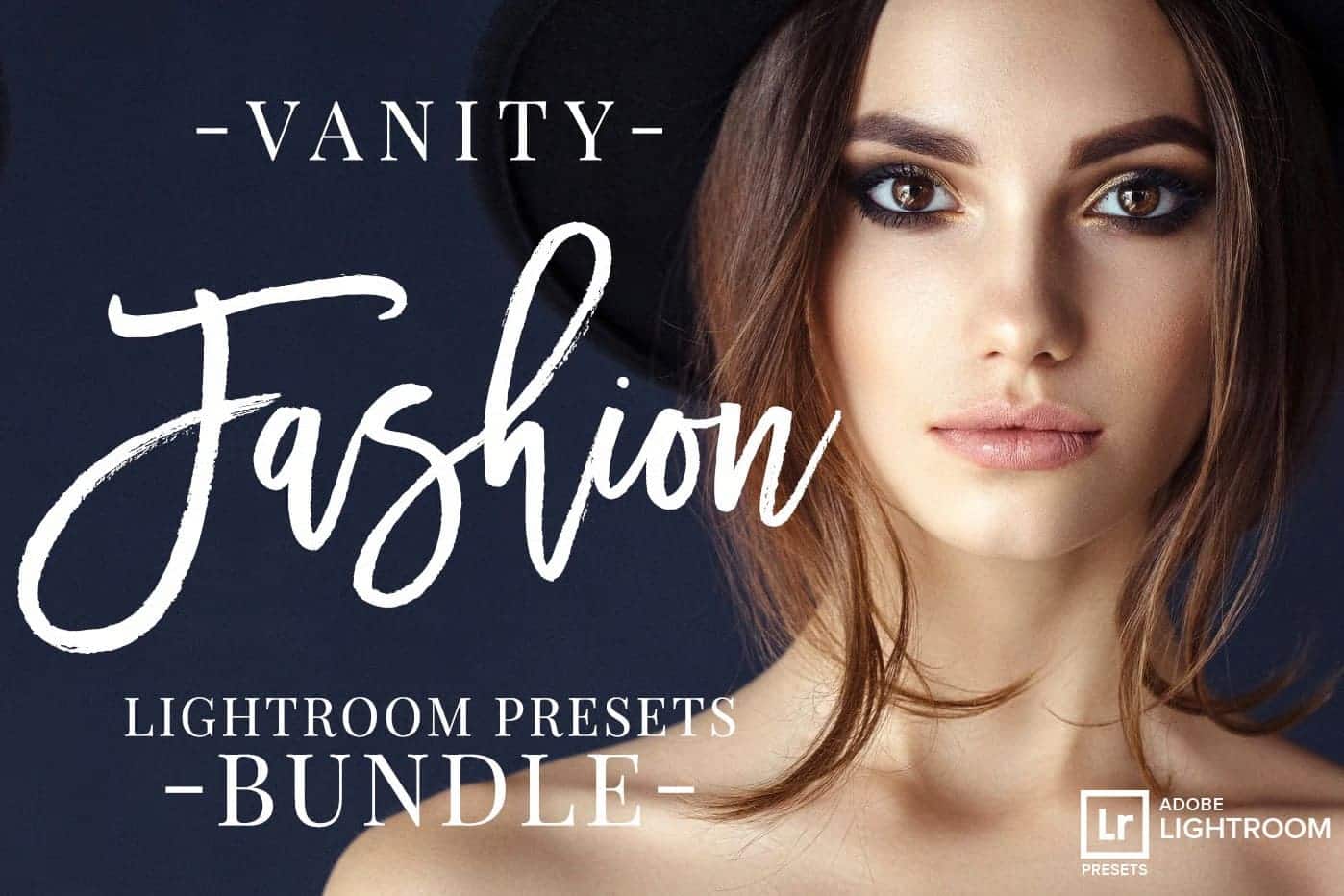
Features 23 professional Lightroom presets for fashion/editorial, beauty and lifestyle photographers. They have been created with precise calibration adjustments and clean arrangement to bring your images to life. Apply them to add a glamorous look to your images.
Fashion Editorial Lightroom Presets
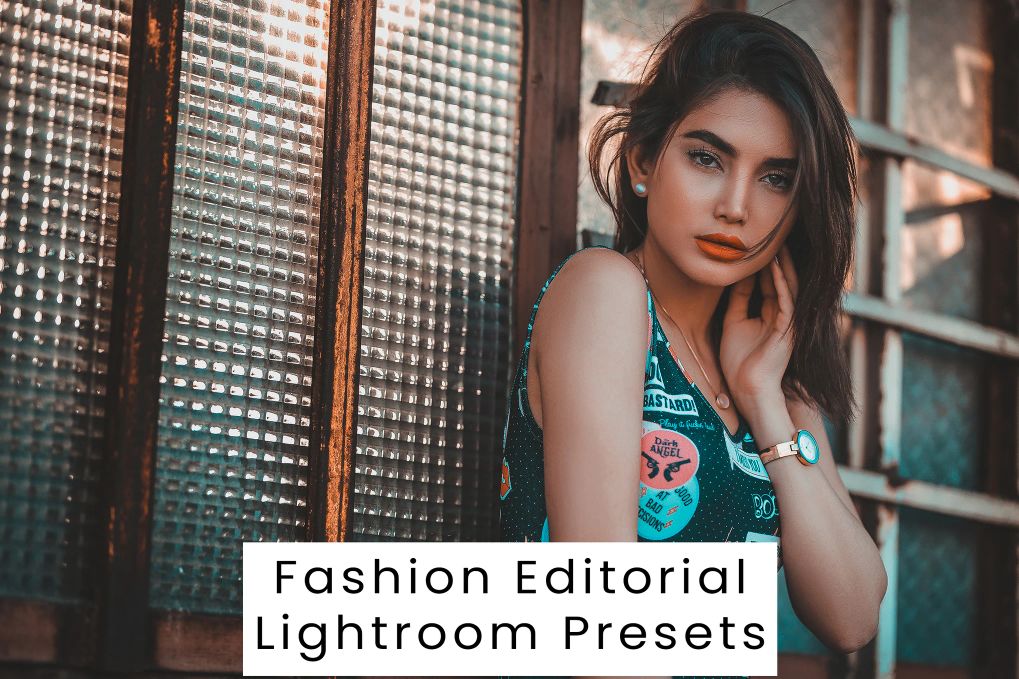
Each of these 10 Lightroom preset has been crafted to look great with a wide variety of images. In many instances, you will be able to get great results with a single click.
Indoor Fashion Lightroom Presets
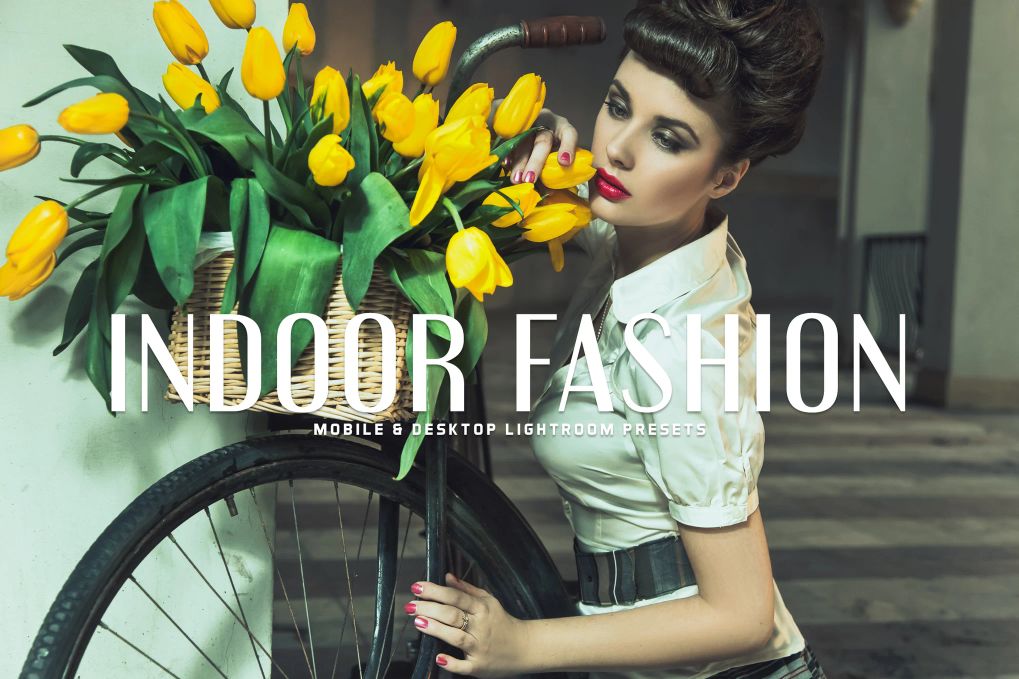
The collection contains 11 professional unique customizable presets that will transform your photos to a pro shots in a few clicks. 11 effects to get a high-quality results.
Fashion Lightroom Presets Vol.1
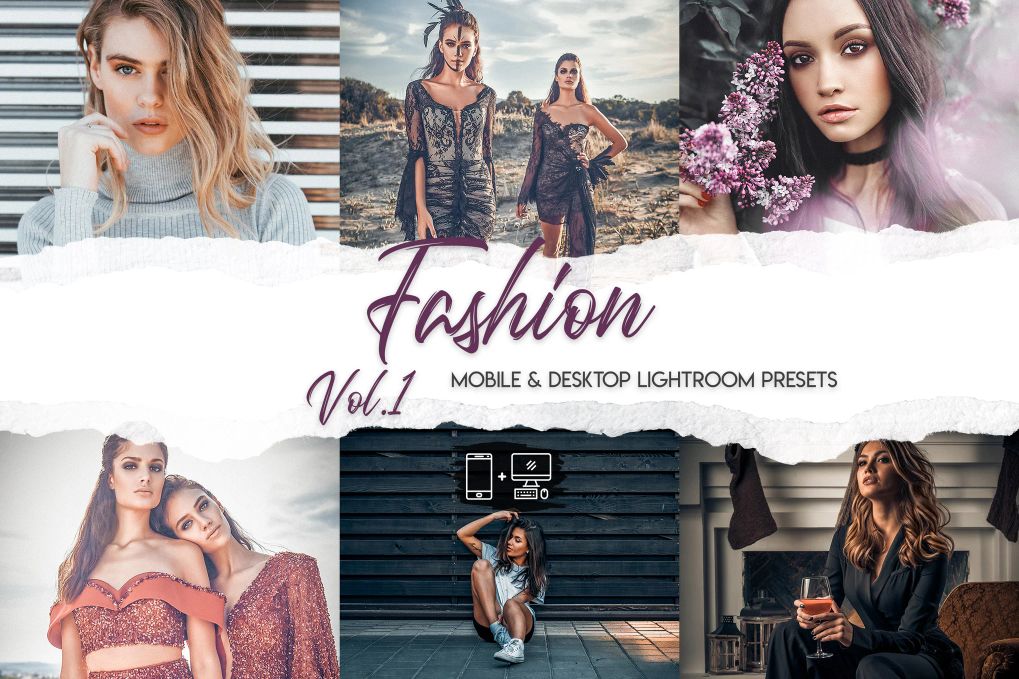
15 Professional Lightroom presets for all your fashion photography styling needs. Amazing effects and high-quality appearance.
Free Vivid Fashion Lightroom Presets
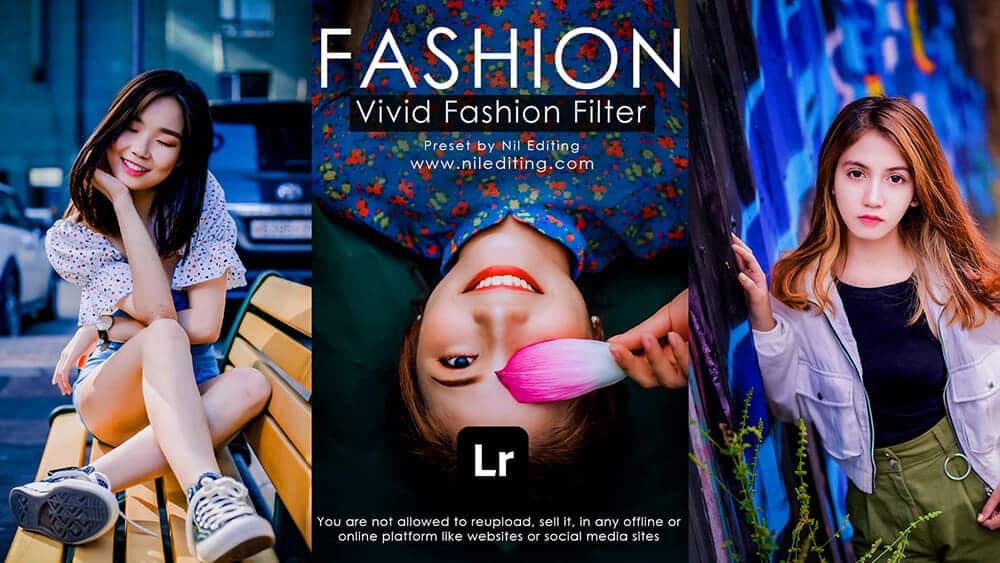
This free Lightroom preset pack is must-have effects for your personal and professional fashion photography. Easy to use and apply in one click.
5 Free Boho-Style Lightroom Presets
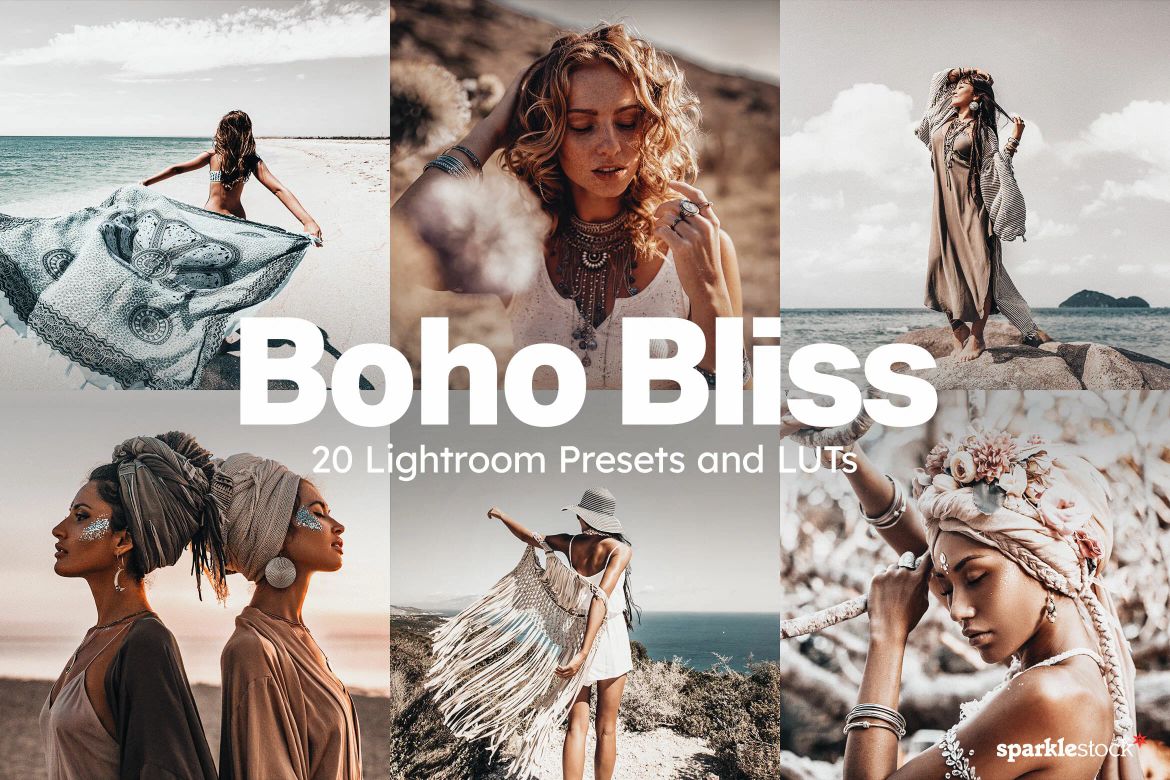
These Lightroom presets give your photos a muted color palette of sienna browns and sapphire blues, and work great with outdoor fashion photos, lifestyle and portrait photography.
20 Fashion Lightroom Presets
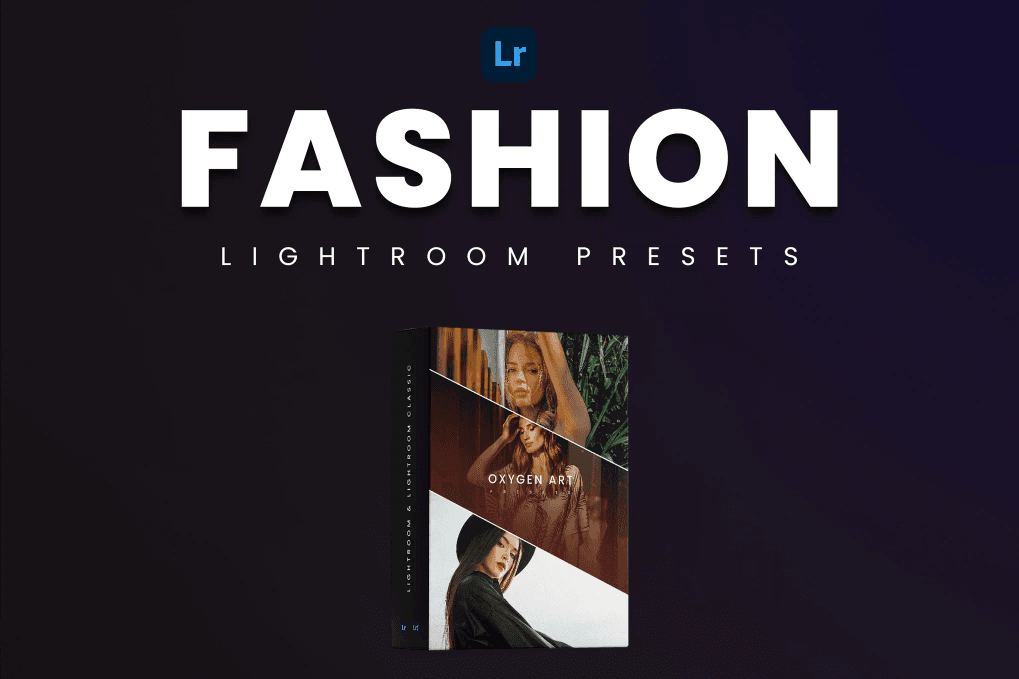
These 20 different Lightroom presets have been expertly crafted to bring out the best in your fashion photographs, giving them a sophisticated and alluring aesthetic that is sure to turn heads.
Lightroom Presets – Fall Fashion
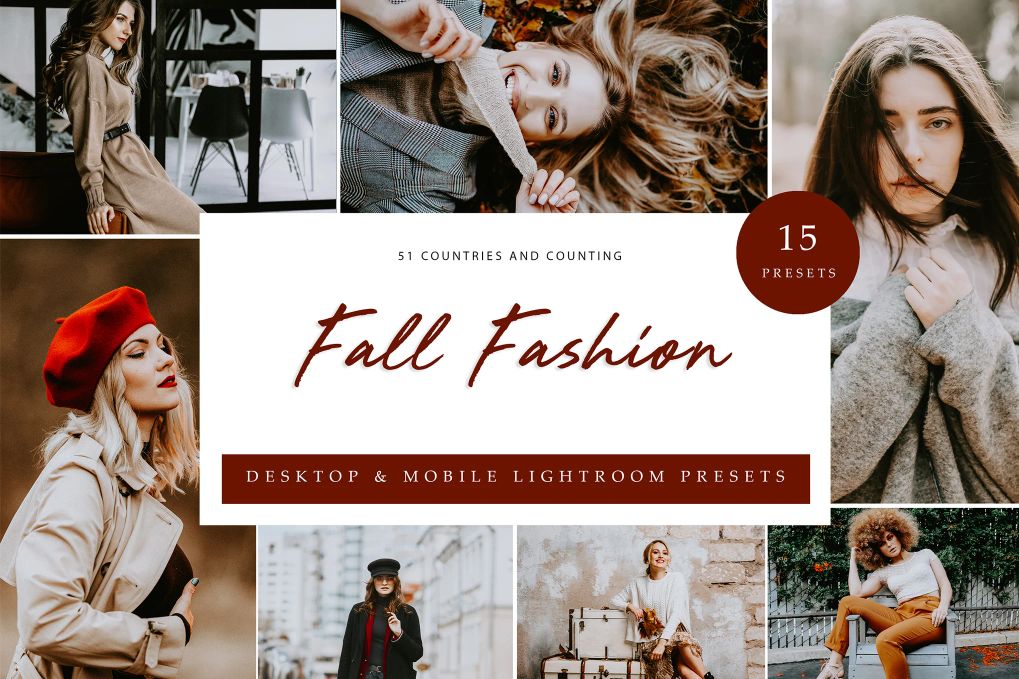
This pack contains of 15 Lightroom presets that will take your images to the next level. Go from amateur to pro at a click of a button.
12 Pro Fashion Lightroom Presets
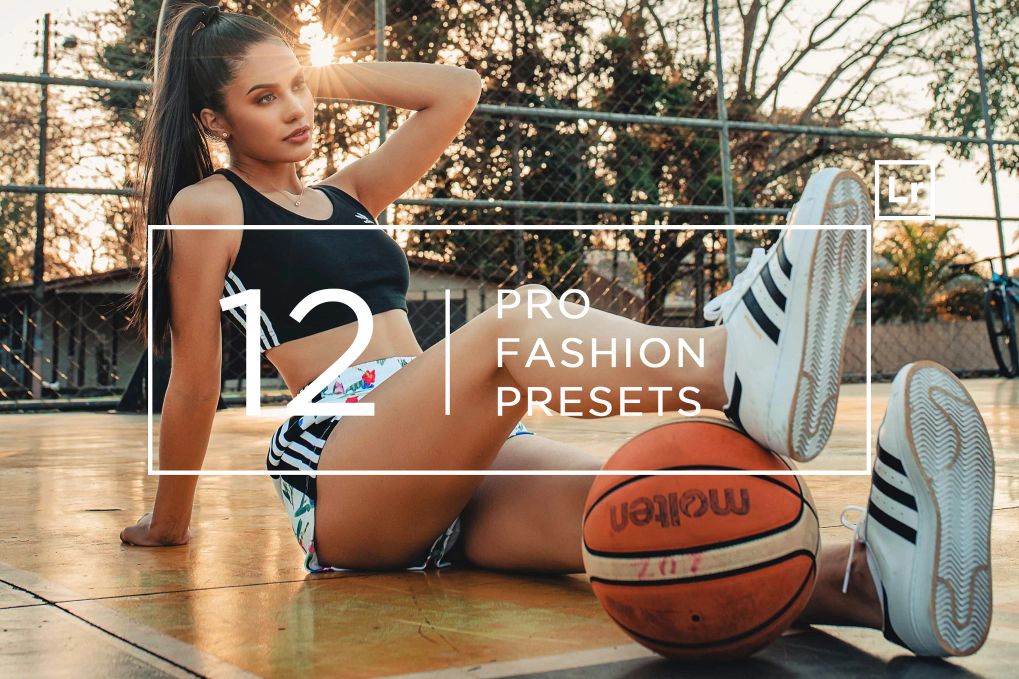
This pack of fashion Lightroom presets is perfect for bloggers, instagram, facebook and lifestyle photography. Comes 1žin 12 effects total.
Bright & Cream Lightroom Presets
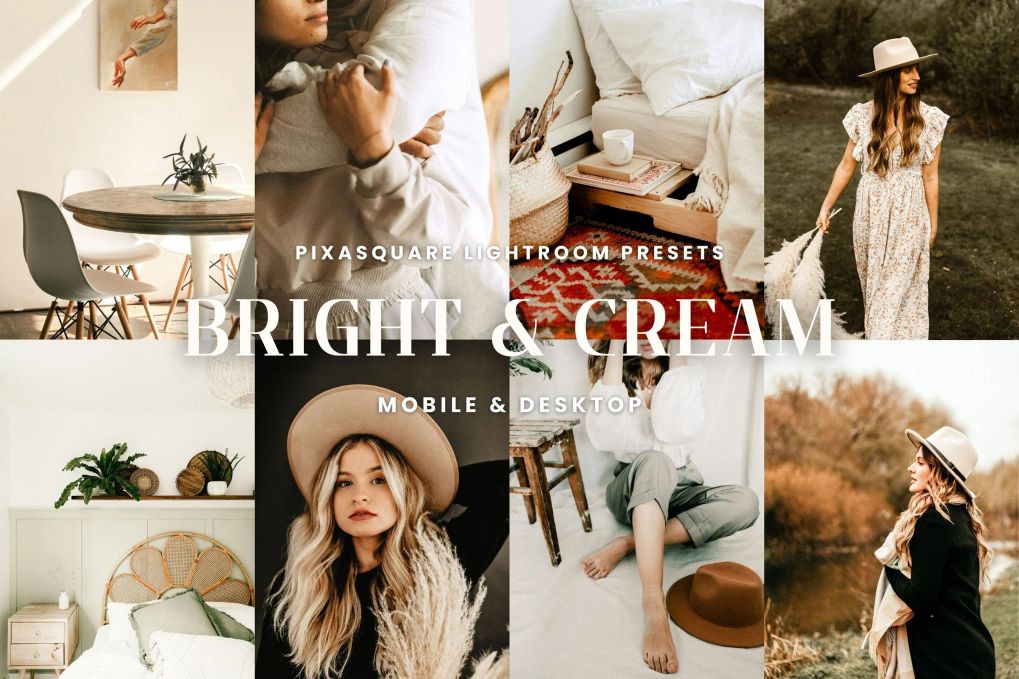
A total of 10 Lightroom presets for mobile and desktop. You’ll get amazing effects which you can create just with one click.
Bright and White Lightroom Presets
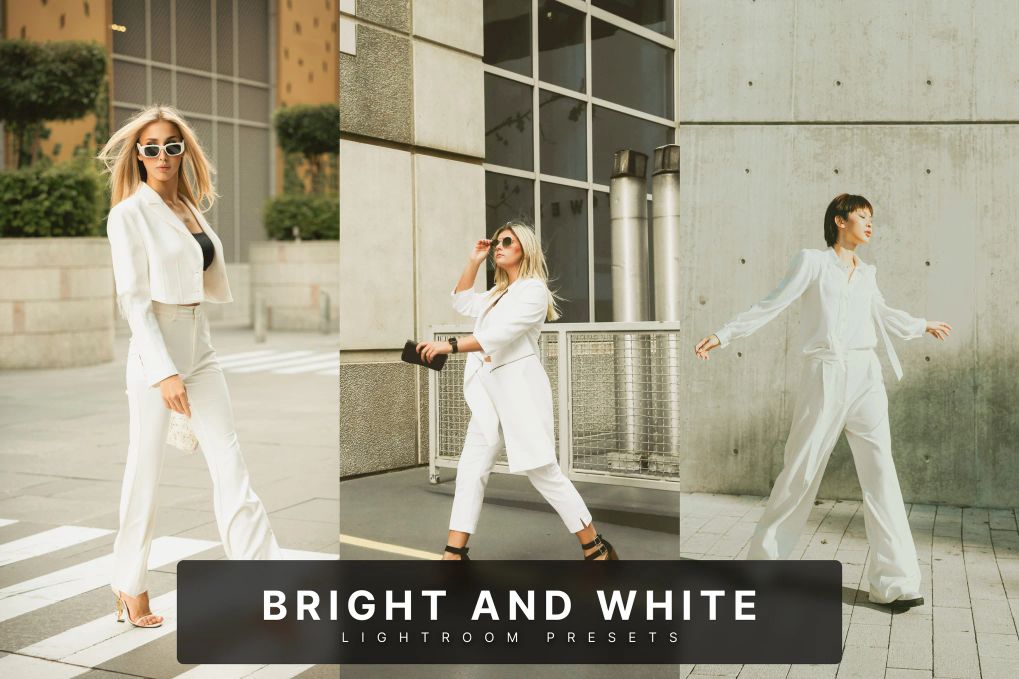
This Lightroom presets collection is tailored for fashion-forward creators, enhancing images with clean whites, soft daylight, and crisp modern tones. Comes 5 effects in total.
Fashion Lightroom Presets
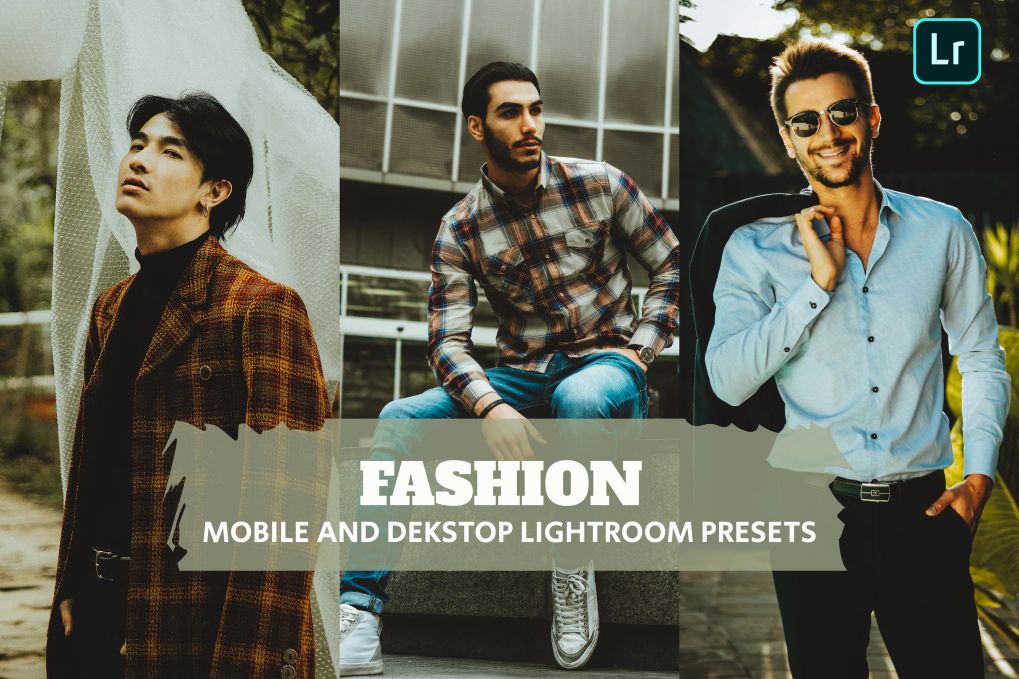
7 Professional high quality fashion Lightroom presets perfect for bloggers, travel, lifestyle and portrait photography.
20 Streetwear Lightroom Presets
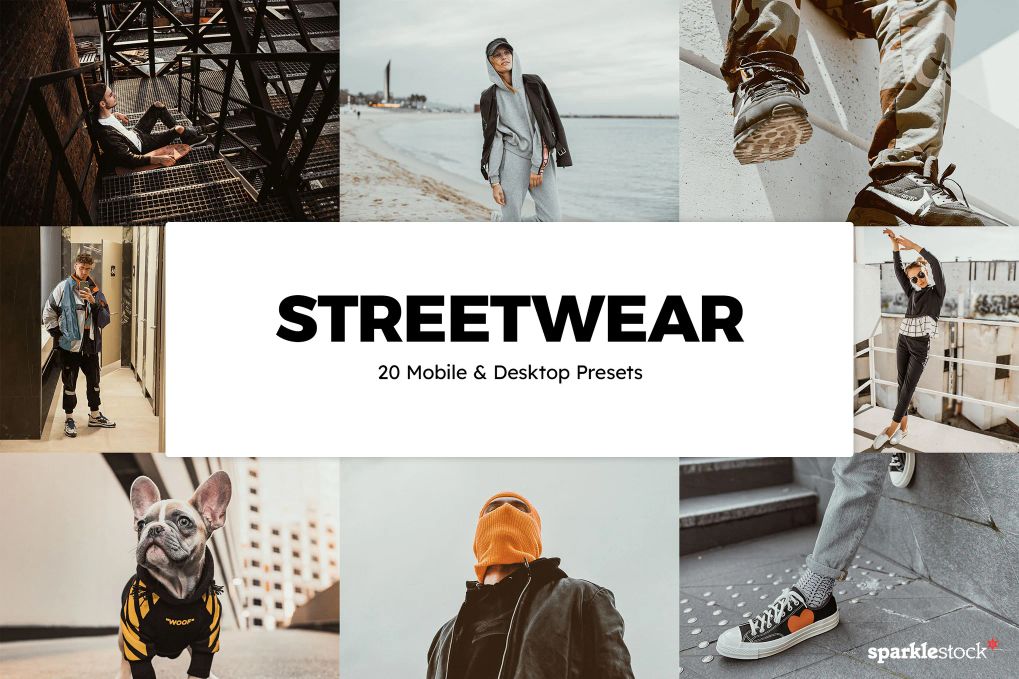
Color-calibrated to various streetwear brands and colorways, these Lightroom presets will give your photos a look that stands out. In this bundle, you’ll receive 20 different effects in total.
Fashion Lightroom Presets Vol.2
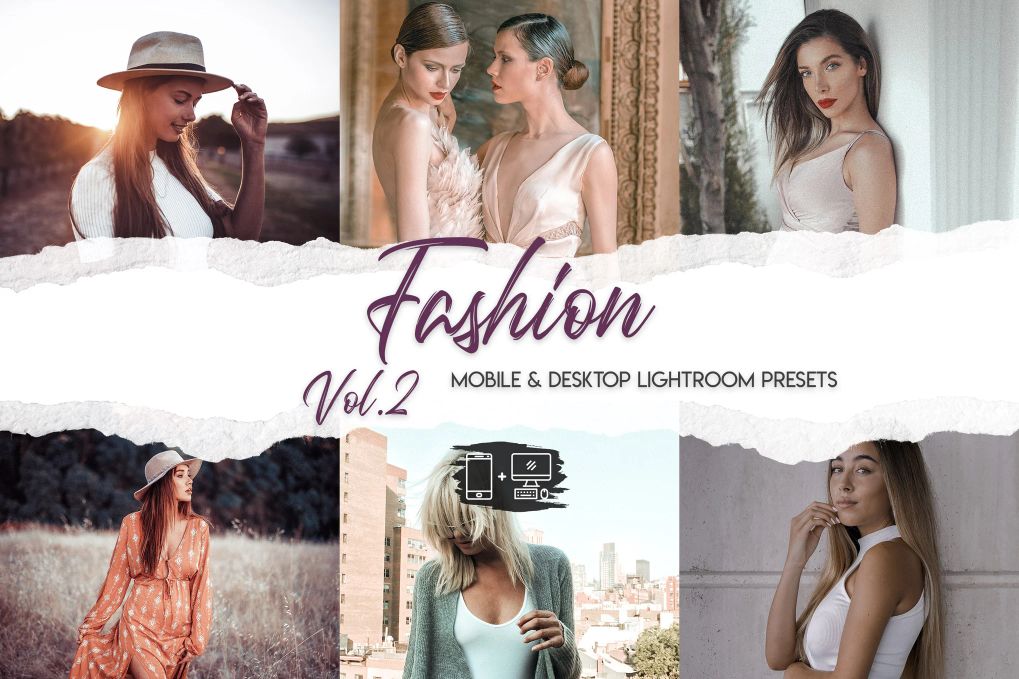
15 professional Lightroom presets to create an outstanding effects to your fashion photos in a single click.
Fashion Girls Lightroom Presets
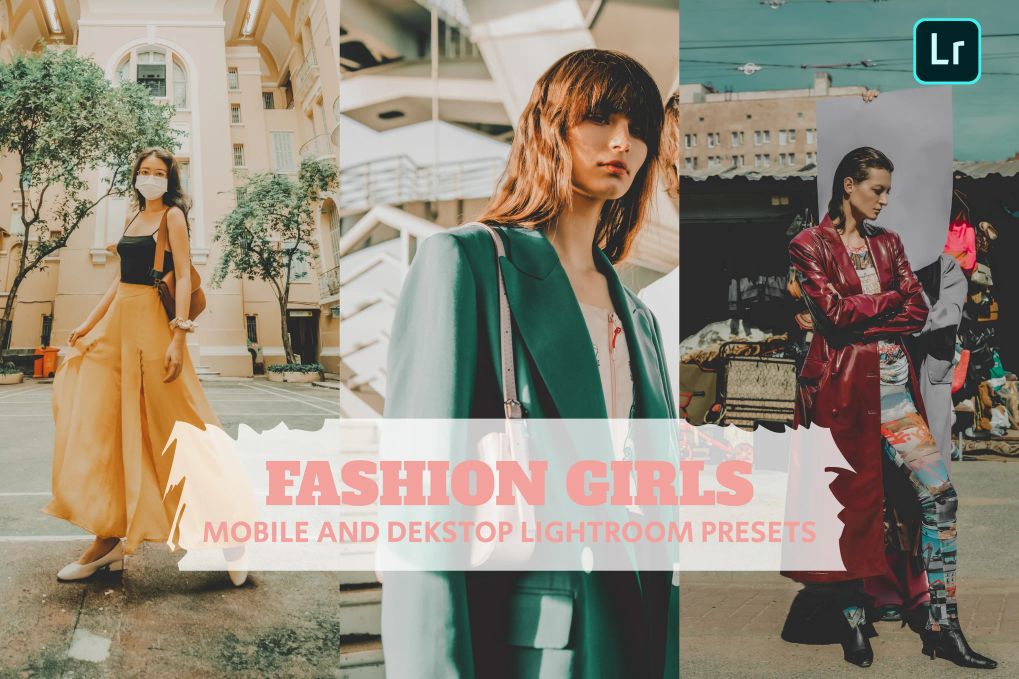
7 Professional high quality fashion girls Lightroom presets perfect for bloggers, travel, lifestyle and portrait photography.
50 Fashion Lightroom Presets
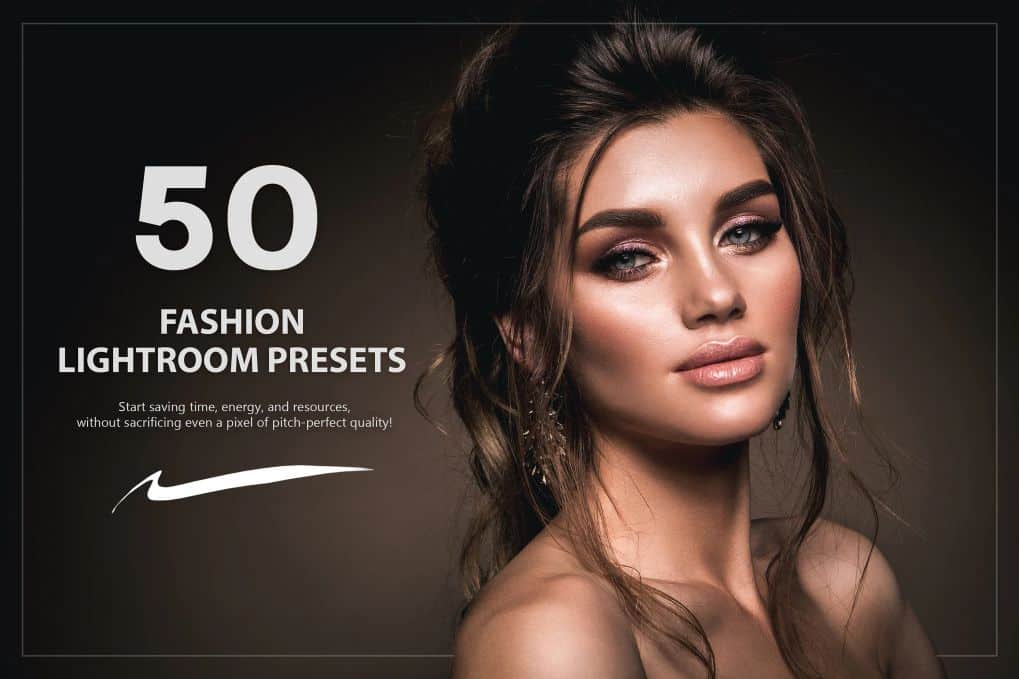
All In one retouch Lightroom presets bundle allows you to create clean and professional edits in a single click.
20 Khaki Lightroom Presets
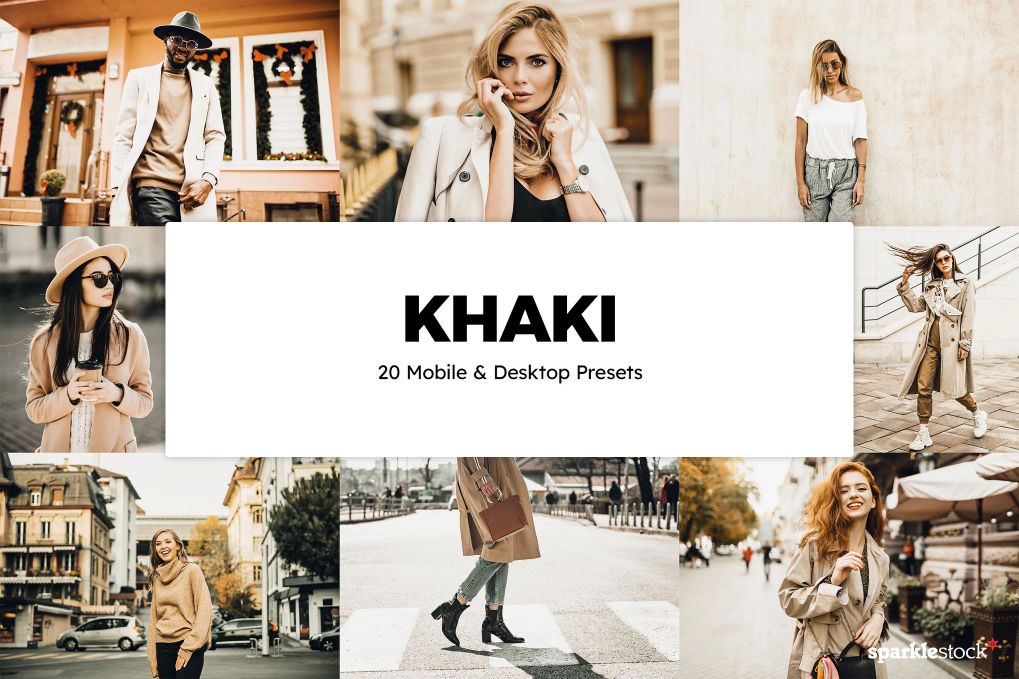
The khaki Lightroom presets are perfect for fashion photography, giving your photos a polished and comfortable look with khaki brown tones. In this bundle, you’ll receive 20 different effects.
FAQ’s:
What are Lightroom presets?
Adobe Lightroom Presets are templates that can be applied to any of your photos to improve their style, lighting, blur, and many other factors based on their settings.
These small changes can have a big impact on your photos. Using presets allows you to edit your photos consistently due to their simplicity. This saves you valuable time that you can spend on other activities, such as taking more photos.
What are the benefits of Lightroom presets?
Professionals often use them as a base for editing. People in photography really appreciate a fast workflow, and Adobe Lightroom Presets provide that.
For example, if professionals need to make a global adjustment to correct an image factor, they usually choose a preset and then correct individual parts later. While not all professionals work this way, many do.
10 Reasons why you should use Lightroom presets
- Simple to learn;
- Saves time;
- Compare multiple filters;
- Increased consistency;
- Make adjustments and custom presets;
- This becomes the basis for your editing;
- Batch editing;
- Surprisingly affordable;
- Safe from overwriting the original;
- Side by side comparisons.
How to use presets in Lightroom?
Now you might be wondering how to use presets; there are only a few steps to follow, so using them is pretty straightforward.
First, select a photo and click the “edit” icon. Then, click “Presets” in the bottom column of the “edit panels”. Second, select a category in the panel to access its presets. If you find one you like, click to “apply”, and voila! Photo editing presets can also be stacked, which means you can layer one preset on top of another.
To see how a preset would affect your photo, hover your mouse over it. The image will change in the preview (but it still won’t be fully applied). You can delete or remove a preset simply by using the “Undo/Revert to Original” command.


